Category: Code
-
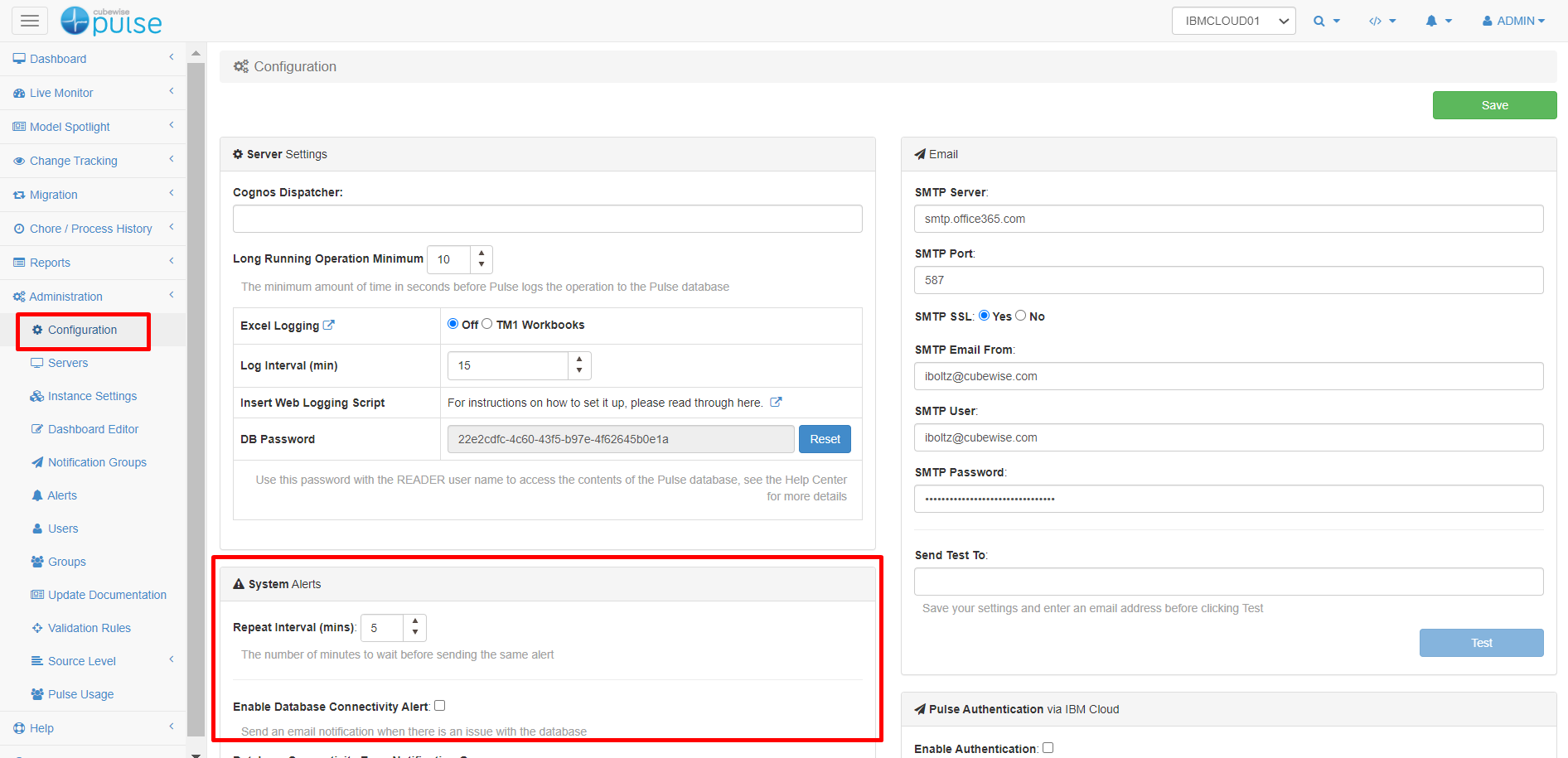
Enabling Pulse system alerts.
Pulse v6 introduced system alerts to get a notification when one component of Pulse is not working.
-
Creating a support ticket
How to create a support ticket
-
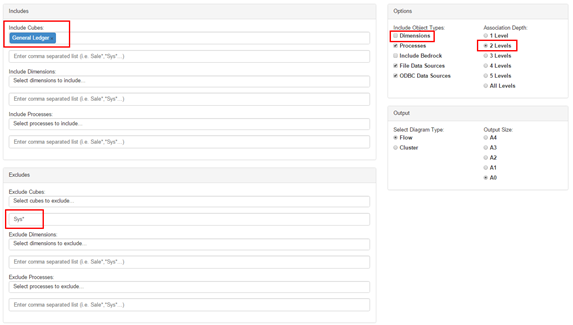
Executing the Pulse Flow Diagram
The flow diagram displays your model in a graphical way helping you to understand how data flows between objects. Pulse is able to automatically determine relationships in rules, feeders and Turbo Integrator processes. The flow diagrams from your models will help you to understand how the objects interact.
-
TM1py v1.8 is now available
A new version of TM1py is now available including many new features. Most of these features are coming from the TM1py community. Please join the TM1py community on GitHub to discuss the future of TM1py and to keep up-to-date with the latest developments.
-
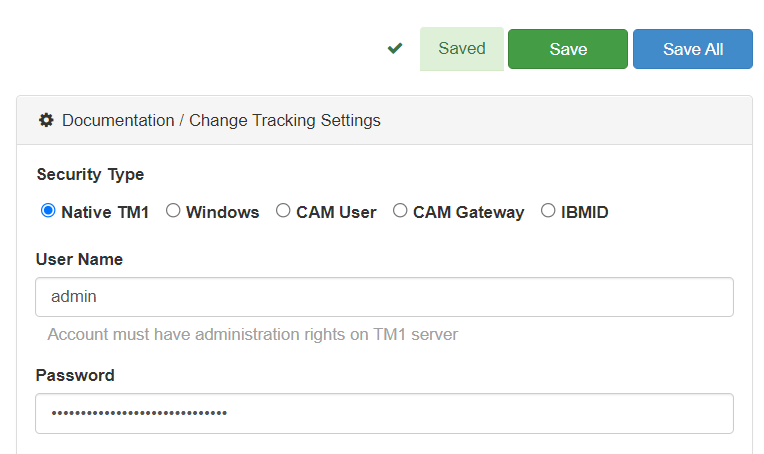
Connecting Pulse to a TM1 instance with native TM1 security (mode 1)
This article explains how to connect Pulse to an IBM Planning Analytics (TM1) instance using security mode 1 (Native TM1 security).
-
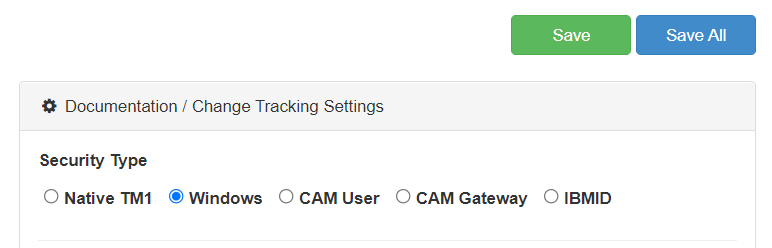
Connecting Pulse to a TM1 instance with Windows security (mode 2 and 3)
This article explains how to connect Pulse to an IBM Planning Analytics (TM1) instance using security mode 2 and 3 (Windows Authentication).
-
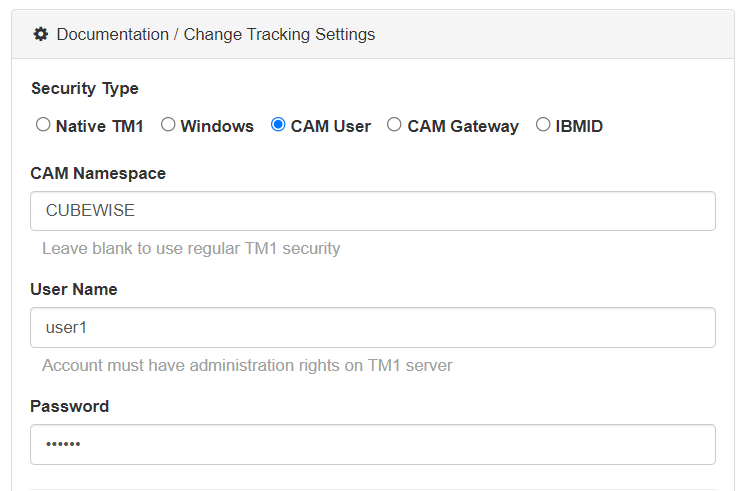
Connecting Pulse to a TM1 instance with CAM security (mode 4 and 5)
This article explains how to connect Pulse to an IBM Planning Analytics (TM1) instance using security mode 4 and 5 (CAM security).
-

Arc v2.4 is now available
Arc v2.4 introduces a new exciting feature targeted at environments that have many admin hosts and connections, it is called server groups. It is now possible to group multiple IBM Planning Analytics (TM1) admin hosts and connections together and toggle between the groups:
-
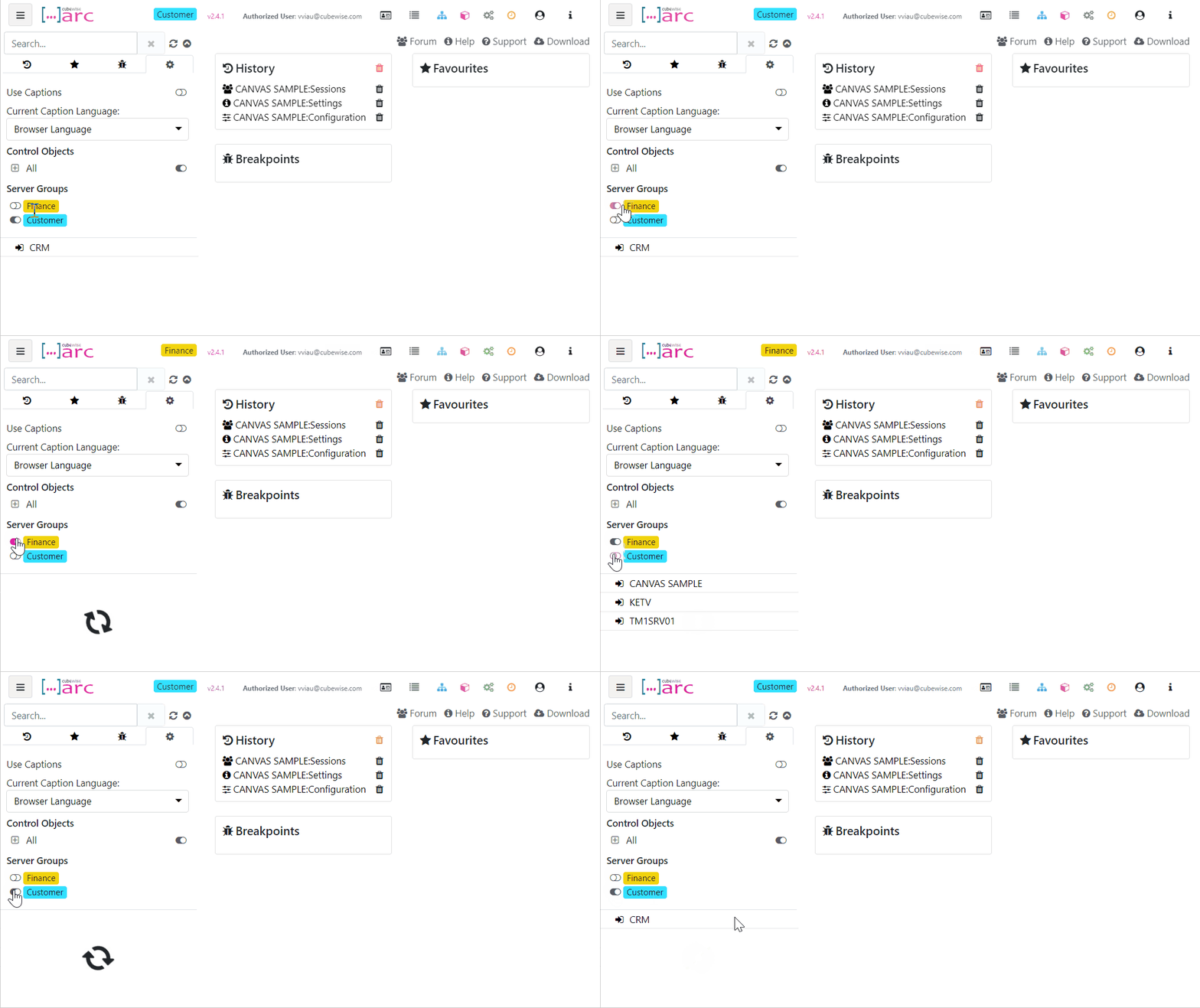
Grouping TM1 servers and instances in Arc
Starting with Arc v2.4, we have added additional support for multiple admin hosts and connections so you can group them together and toggle between the groups, we have called them Server Groups. This is targeted at environments that have many admin hosts and connections:
-
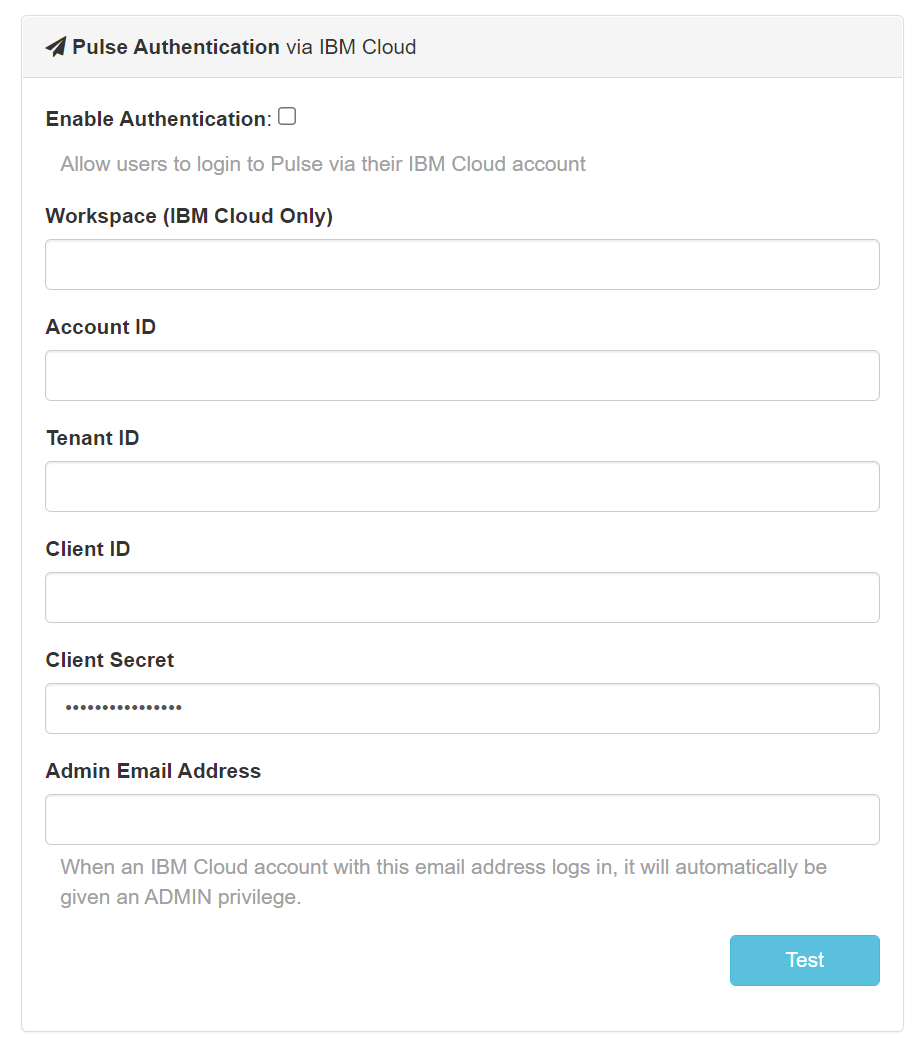
Using IBM ID to login to Pulse
When Pulse is monitoring IBM Planning Analytics (TM1) hosted on the IBM Cloud, starting with Pulse v6.0.3, you can now use your IBM ID to login to Pulse.