Category: Code
-

The TM1 REST API Collection for Postman
The TM1 REST API is a way of accessing data and almost everything else in TM1. With the TM1 REST API you do things that normal TM1 clients cannot do such as:
-

Mastering the TM1 REST API with Postman
Do you want to do more with TM1? Since TM1 10.2, IBM introduced the TM1 REST API which enables you now to do pretty much anything you want with your IBM TM1/Planning Analytics application.
-
How Cubewise Code will shape the future of IBM TM1/Planning Analytics in 2018
A lot happened in the TM1/Planning Analytics world in 2017. Canvas has been endorsed by many customers as their new way to build modern web planning and reporting applications. TM1py brought together for the first time, the TM1 and Python communities in order to find new ways to integrate external systems with your TM1 application.
-
How Cubewise CODE has revolutionized TM1 Planning Analytics in 2017
A lot happened in 2017 in the IBM Planning Analytics (TM1) world. Here is a quick recap from Cubewise CODE.
-

FAQ TM1py
+ What is TM1py ? TM1py is a Python package that wraps the TM1 REST API in a simple to use library. That makes it easy to build stuff with TM1 and python. + What is Python ? Python is a widely-used general-purpose programming language that lets you work quickly and integrate systems more effectively.…
-
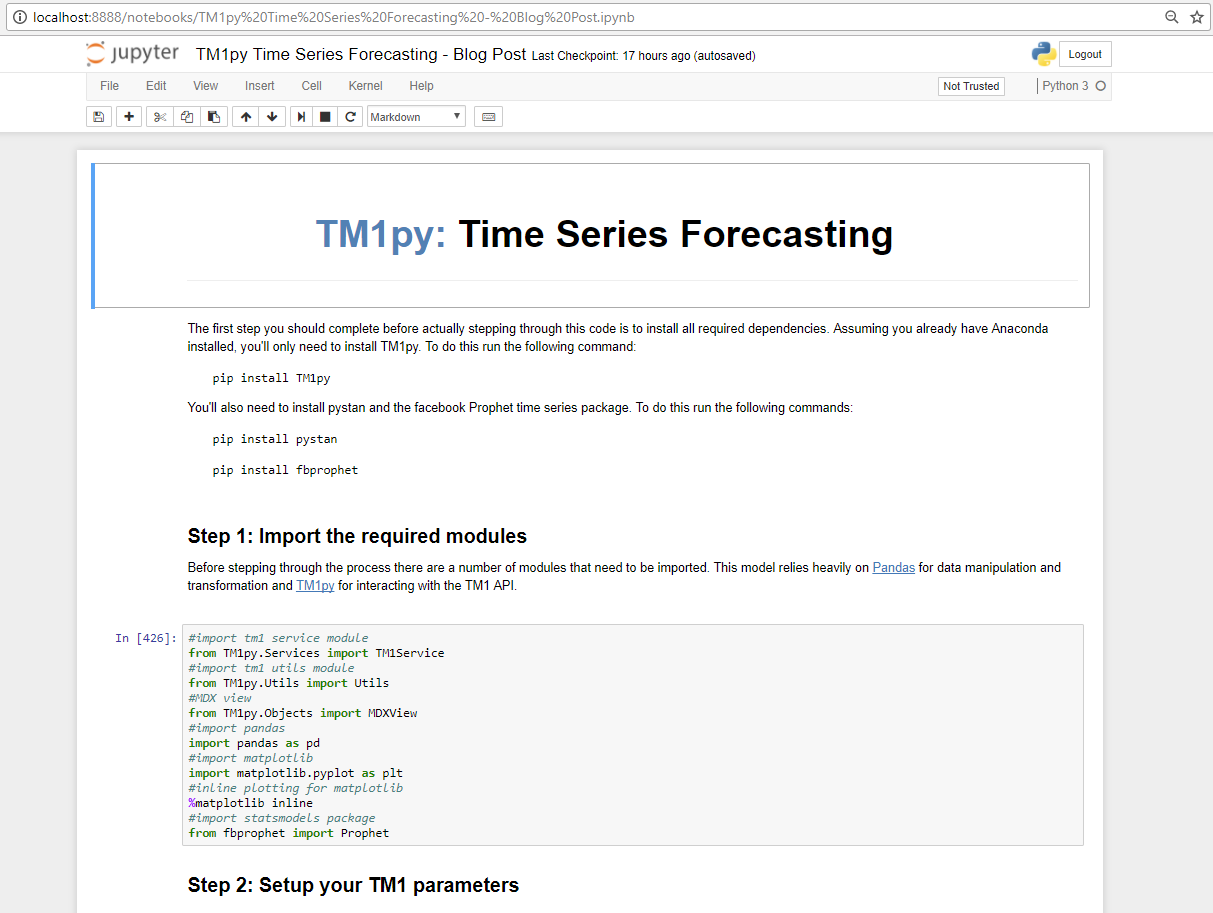
Set up jupyter notebook
Jupyter is an open-source web application that enables you to mix code-execution and comments. It is great to tell a story and run through the code sections by sections.
-
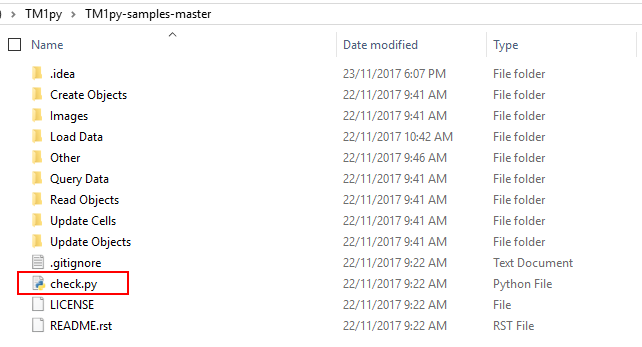
Check Connectivity with TM1
In order to check if TM1py can connect to your TM1 instance, you can use the check.py Python script from the samples. First download the samples from Github and then navigate to the TM1py-samples folder that you downloaded from Github, in this example the samples are located in the following folder:
-

Set up your development environment
To use TM1py samples, you do not have to have a development environment, you can just edit the script in a text editor or in jupyter and then run the script. But if you want to dig deeper into the Python language, having a development environment will make your life easier.
-
Run TM1py script from TM1 process
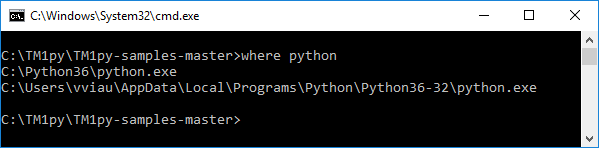
This article explains the steps to run a TM1py script from TM1 process.
-
Create TM1 objects for TM1py samples
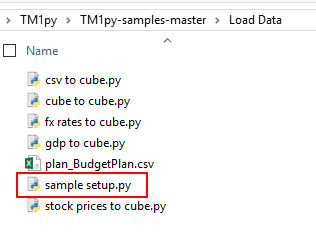
All the TM1py scripts in the Load Data folder requires some TM1 objects. These scripts load data from different datasources into TM1 cubes. If you want to test these scripts without changing the target cubes, you will need to create these TM1 objects.To create these objects, you can run the script sample setup.py which is in…