Category: Code
-

Do more with TM1 with Python
TM1py (pronounced “TM1-pie”) is a Python package that wraps the TM1 REST API in a simple to use library. That makes it easy to build stuff with TM1 and Python.
-
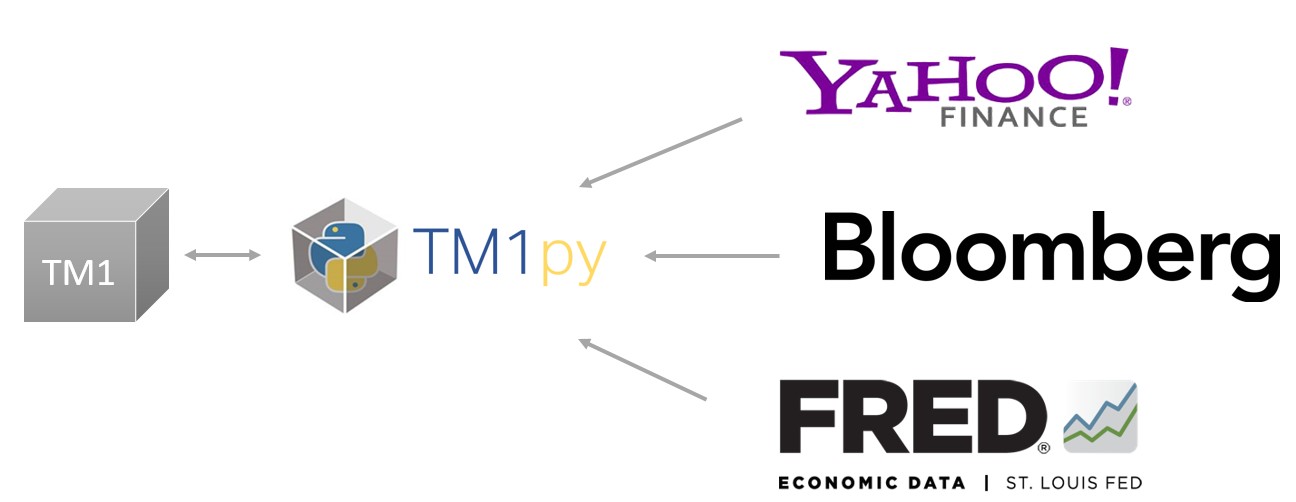
Load daily exchange rates from a web-service
Loading data from web services such as exchanges rates are a common requirements in the TM1. A easy way to do it, is to use TM1py. TM1py helps you to link your TM1 application from different web-services like Yahoo Finance, Bloomberg or Quandl.
-
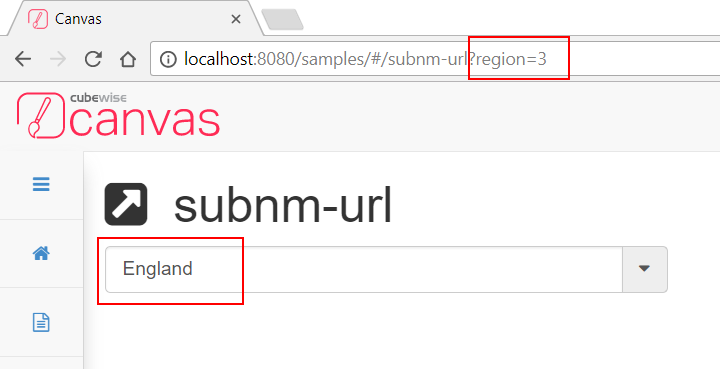
Synchronizing SUBNM and URL
This article describes how to make the SUBNM component to sync with the URL whenever it changes. This will also describe how the SUBNM’s initialization works.
-
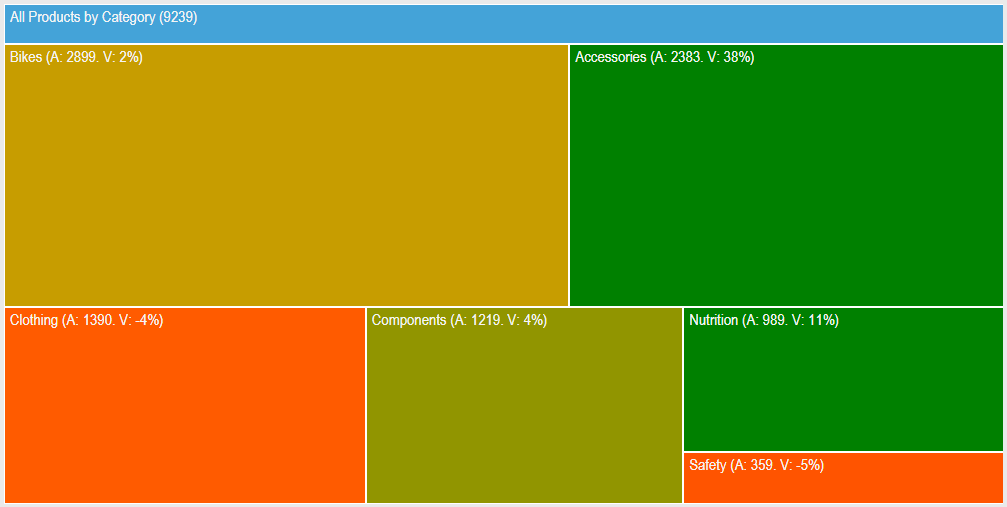
Find the biggest impact on your budget in an instant
Finding which cost center, product or project has the biggest impact on your budget can be time consuming if you have to drill down to the lowest level of a large dimension.
-
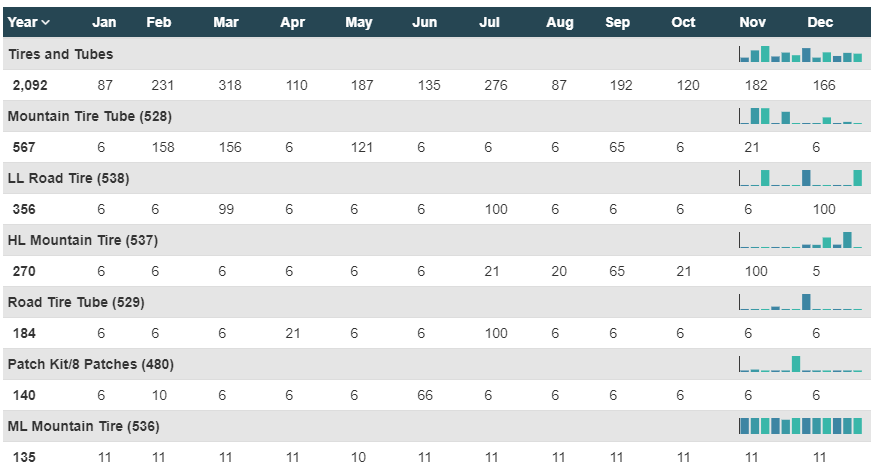
Repeat more than one row in your table
This article describes how to repeat two rows for one item using the angular directive, ng-repeat-start:
-
TM1 Champion
in charge of quality and consistency
-
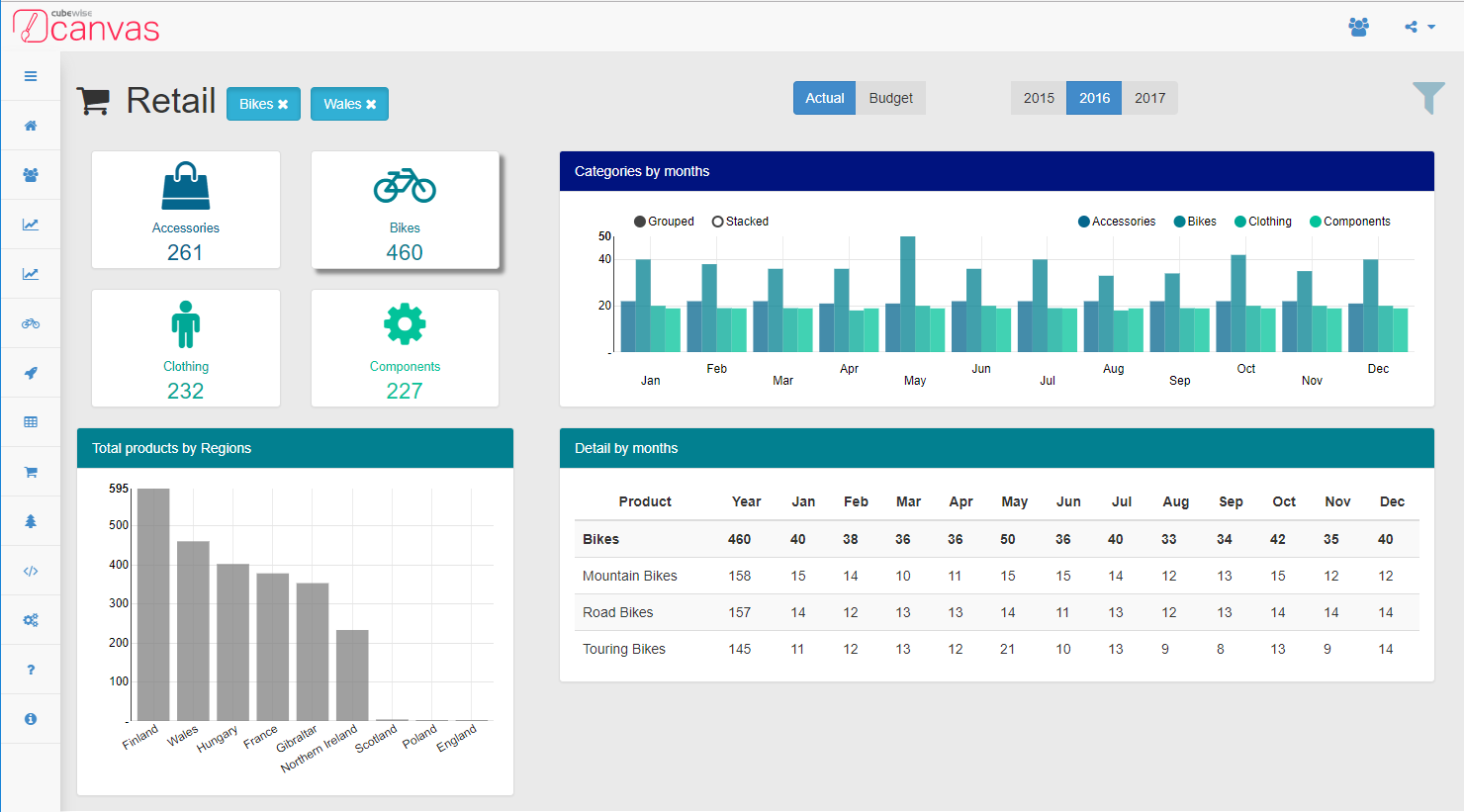
Customize PDF export layout with CSS and Bootstrap
One of the great feature of Canvas is that the style of your dashboard can be different regardless of viewing it in a web browser or as PDF format.
-

Configuring SheetJS (Optional Library)
Beginning with Canvas version 1.2.2, optional libraries will be included within assets folder but will need to be enabled before it can be used. This will involve:
-
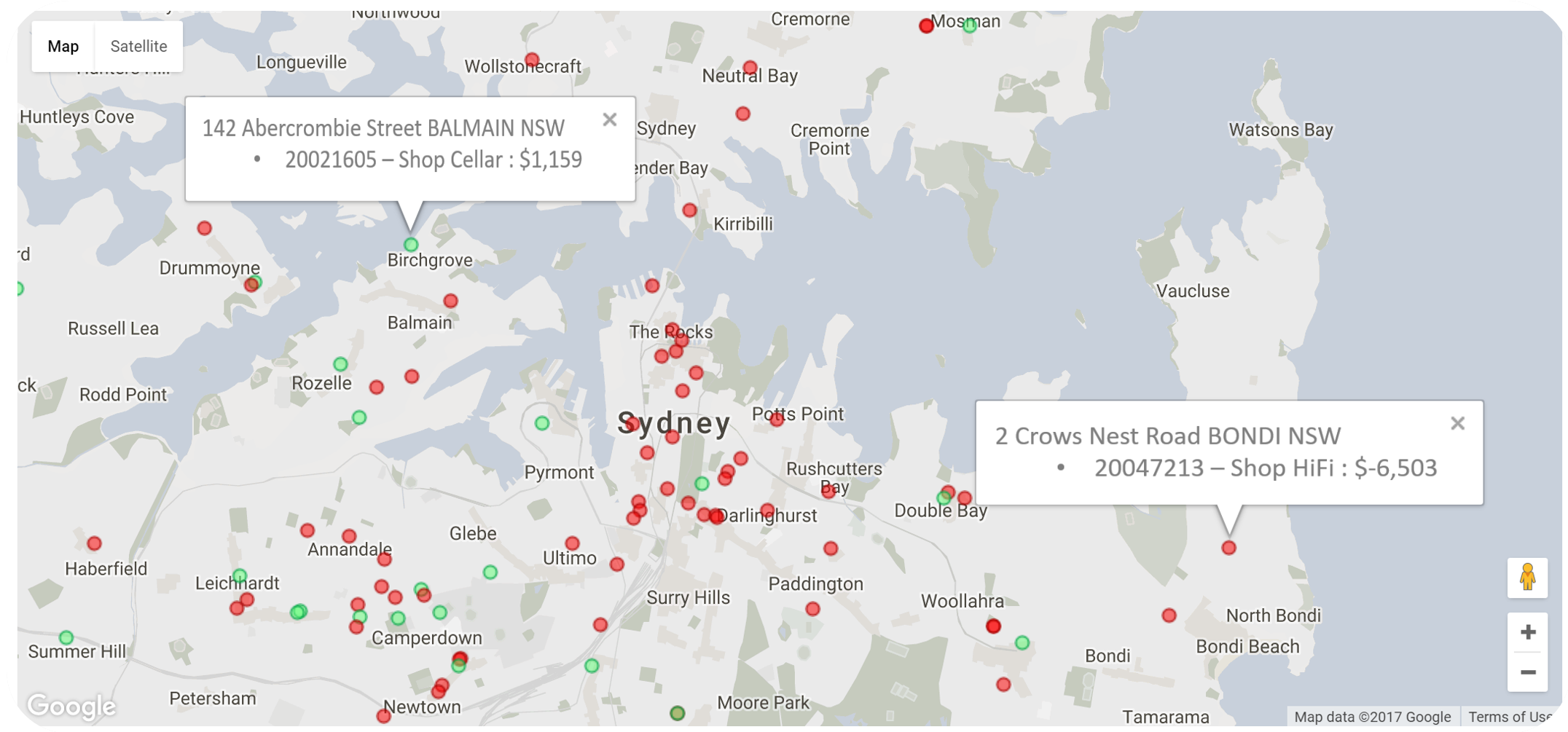
Analyse your data with Google Map and IBM TM1/Planning Analytics
Canvas for TM1 gives your company the freedom to easily create modern, sophisticated IBM TM1/Planning Analytics applications. There is almost no limit with the things you can do now, such as displaying your business data by locations with Google Map. For example we have seen sales field rep benefiting from this new type of visualization:
-
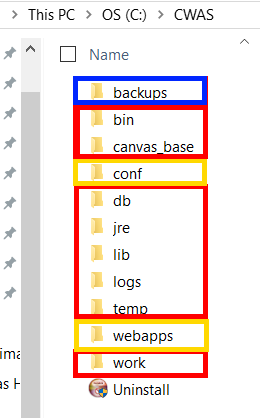
Which files are overwritten during a Canvas upgrade
During a Canvas upgrade, the installer can upgrade either the Cubewise Application Server or the application folders (webapps) or both. That is why you have to be careful about which files you can and can’t be changed to allow upgrades to work smoothly.