Category: Blog
-
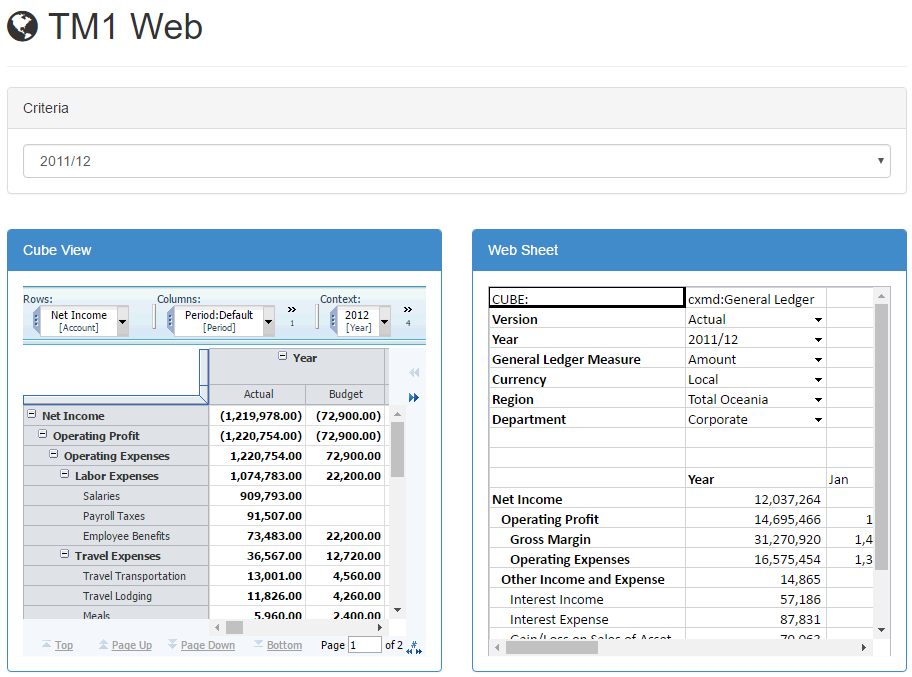
Enabling TM1 Web Integration with Canvas
This article list down the configurations that you need to do first, before you can view your TM1 Web sheets and/or Cube Views within Canvas:
-
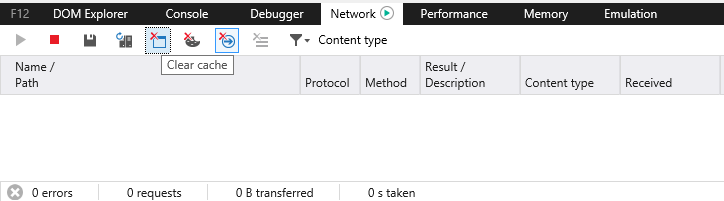
Disable Cache
By default your web browser will keep the cache. If you make a change in your html code, it might not appear in your browser.
-
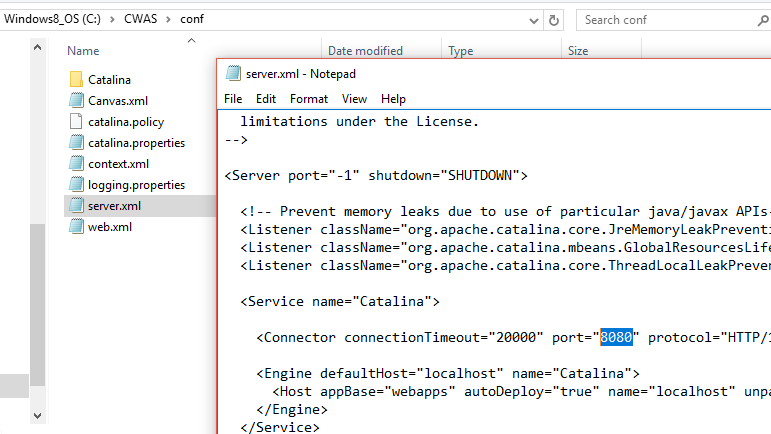
Define Cubewise Application Server port number
Canvas uses a Tomcat server called Cubewise Software Application Server, the port number is defined in the C:CWASconfserver.xml file:
-
How to add Javascript support to your Canvas page
Feeling a little more adventurous? Things can potentially be simpler if handled via Javascript. But how do you add that to your Canvas page? Here is how:
-
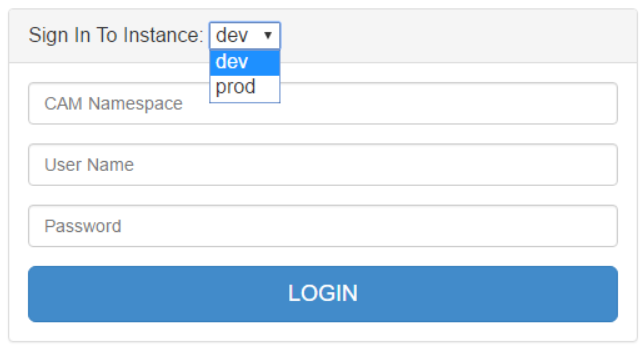
Define multiple TM1 instances
In Canvas, TM1 instance settings are defined in the C:CWASwebapps<application name>WEB-INFinstances.json. You can define as many TM1 instance you want per Canvas application.
-
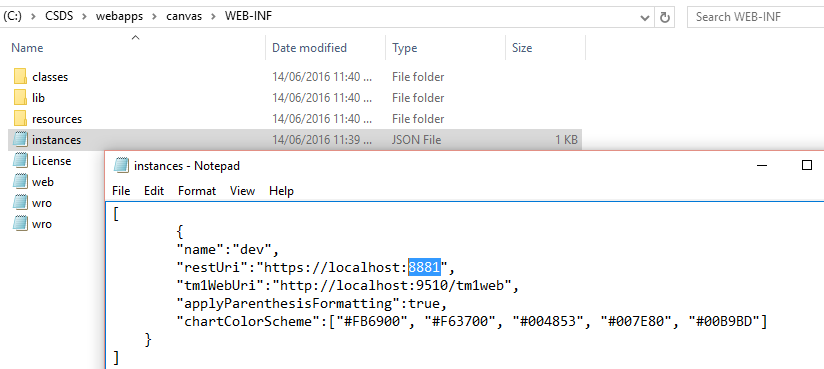
Define a TM1 instance in Canvas
With the REST API, a TM1 instance is not defined by its servername but it is defined by its HTTPPortNumber in tm1s.cfg, you can check the blog on how to enable REST API.
-
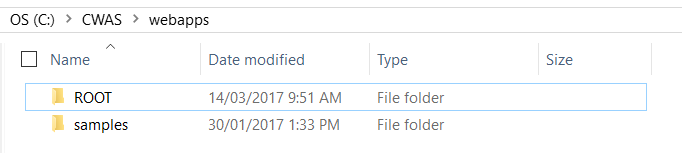
Create a new Canvas application
A Canvas application is defined in the C:CWASwebapps folder. By default there are two applications called ROOT and samples:
-
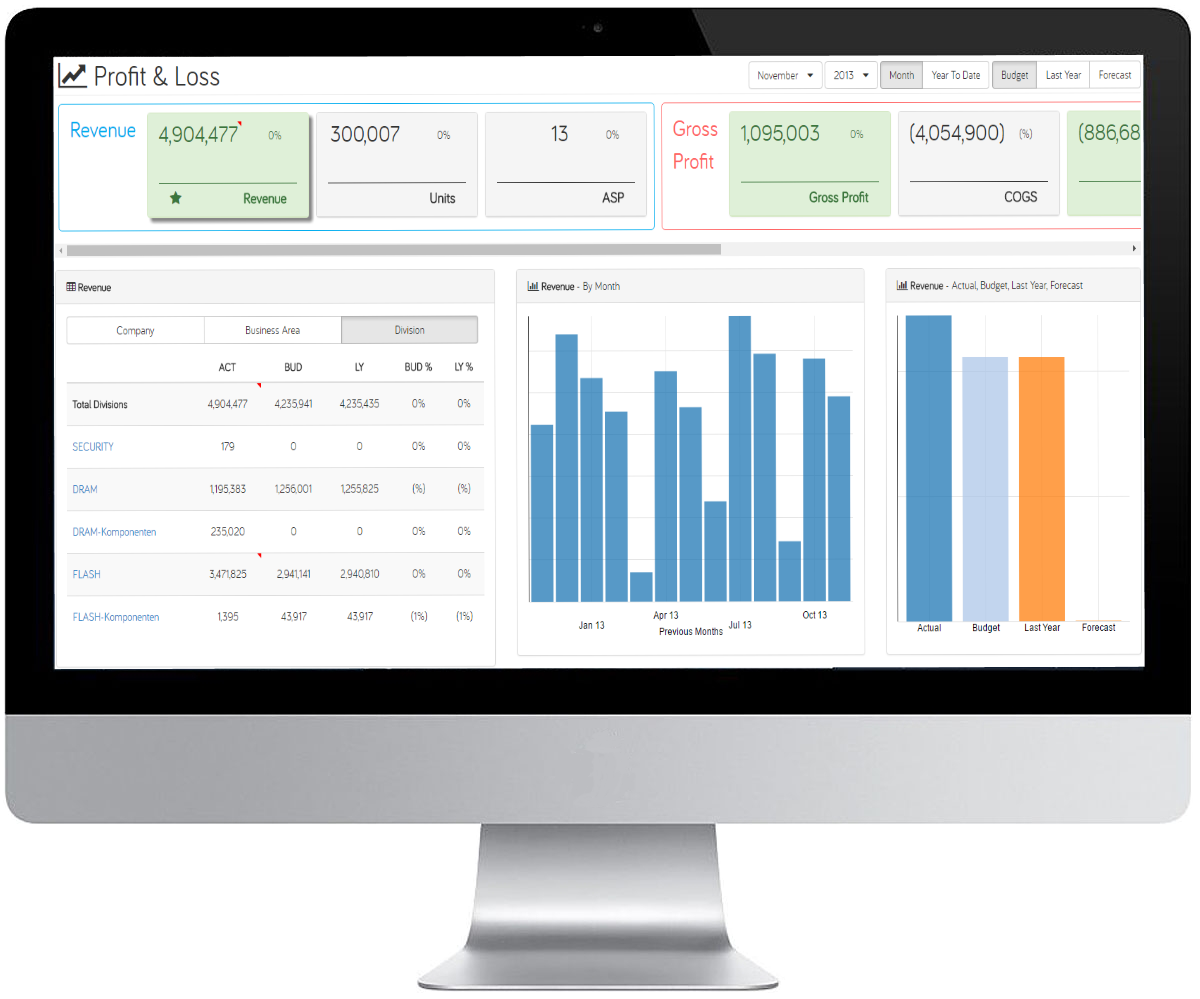
Responsive design with Canvas and Bootstrap
The first thing you notice when you start building a web page is that the layout is not defined. You literally start from a blank page. First you have to create the containers before adding some contents.
-

10 Tips to improve your TM1 application
Over the years your TM1 application will grow, you might create new cubes, create/update rules or TM1 processes, create new elements…. All these changes will have an impact on your application performance.
-

Drive a rowset with a dynamic MDX statement
The introduction of Active Forms with TM1 v9.5 was a big step forward in the TM1 world. It allowed for the first time TM1 users to build reports with dynamic rows without having to write a single lines of VBA.