Category: Pulse
-
Pulse User Security
This article details the configuration of user credentials and security permissions, the reader of this article should have read the Pulse Security and Pulse Group Security articles.
-

Pulse Group Security
This article details the Group security, the reader of this article should have read the Pulse Security article.
-
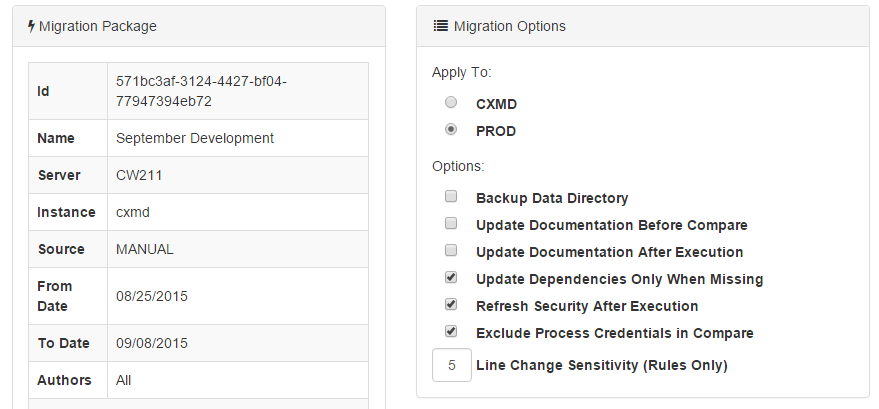
Executing a Migration Package
One of the major benefits of the Pulse migration feature is that you can apply changes to your TM1 instance while it is running. This is especially important if your TM1 instance takes a long time to restart. It also checks for what changes need to be applied and only applies the incremental changes. This…
-
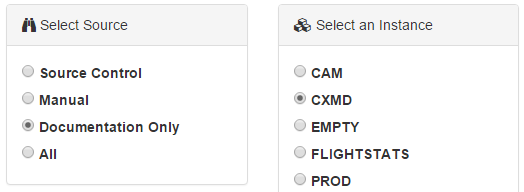
Migrating Documentation Between TM1 Instances
Pulse enables you to not only migrate TM1 objects but also the documentation you have entered into Pulse to describe these objects. This allows you to document your system in one place, i.e. development, and then as you add these objects to your test and production environments the documentation is also updated.
-
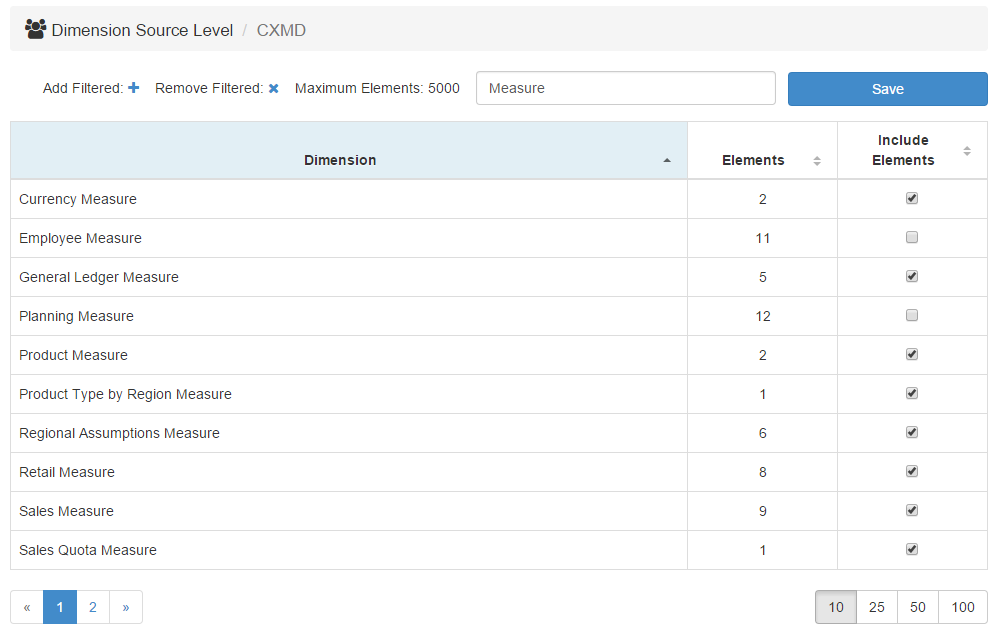
Include Elements & Attributes in Dimension Source Control
By default Pulse only stores the name of a dimension and the types of attributes in source control. This default setting is great for dimensions that are updated from external systems but for dimensions that are manually maintained through TM1 or xdi sheets it is recommended that you include the whole dimension in the Pulse…
-
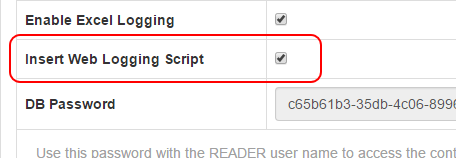
Enable TM1 Web Logging to Pulse v5.x
Pulse can be integrated with TM1 Web to allow the usage of web sheets and cube views to be logged to TM1. To enable this integration you need to follow the steps below.
-
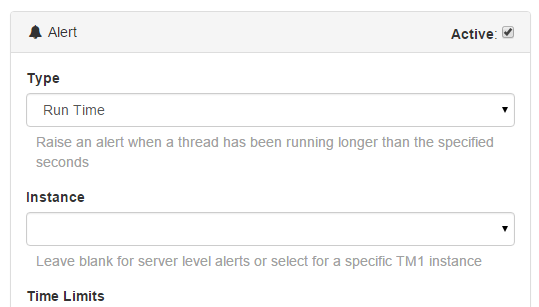
Recommended Pulse Alerts
Pro-active Alerts can be configured in Pulse based on multiple scenarios and triggers. Allowing you to rectify problems BEFORE they become an issue.
-

Setup Wizard – Video
-
Setup Wizard (Pulse v5.x)
If you are installing Pulse v6 or later, you should check the following article:
-
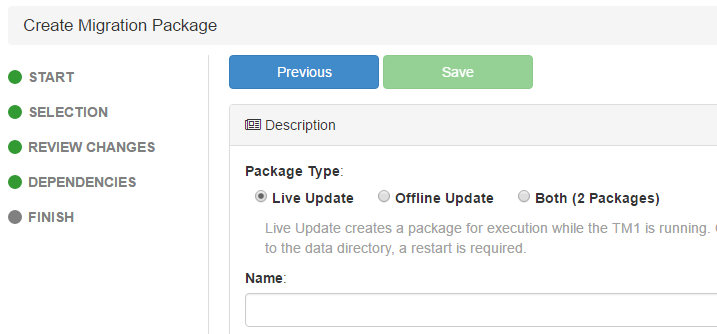
Version 5.2 Released
Enhancements Fixes