Category: Pulse
-
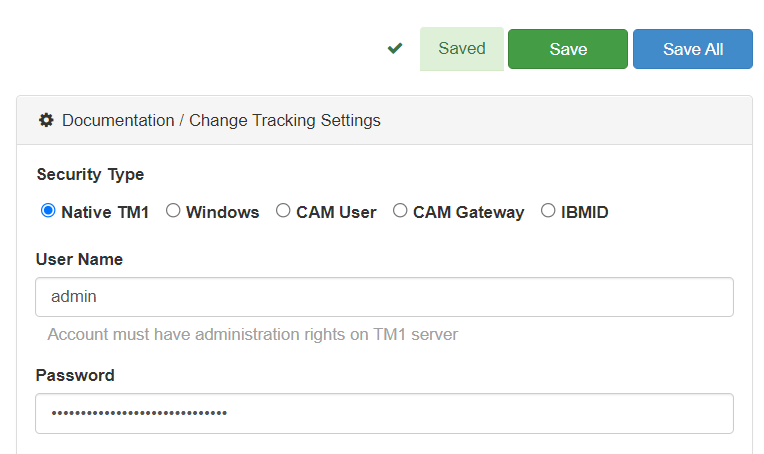
Connecting Pulse to a TM1 instance with native TM1 security (mode 1)
This article explains how to connect Pulse to an IBM Planning Analytics (TM1) instance using security mode 1 (Native TM1 security).
-
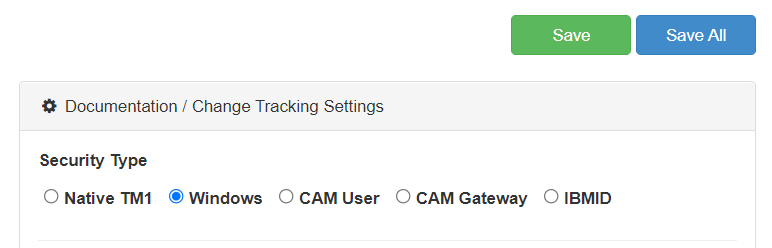
Connecting Pulse to a TM1 instance with Windows security (mode 2 and 3)
This article explains how to connect Pulse to an IBM Planning Analytics (TM1) instance using security mode 2 and 3 (Windows Authentication).
-
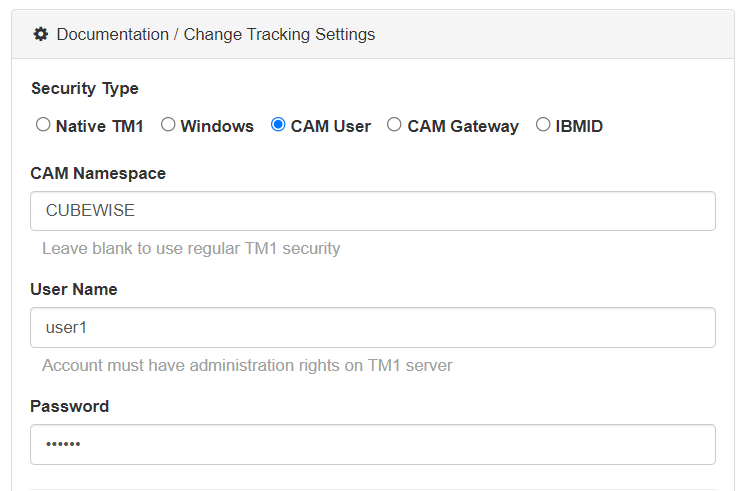
Connecting Pulse to a TM1 instance with CAM security (mode 4 and 5)
This article explains how to connect Pulse to an IBM Planning Analytics (TM1) instance using security mode 4 and 5 (CAM security).
-
Connecting Pulse to TM1 instances hosted on the IBM Cloud SaaS
This article explains how to connect Pulse to IBM Planning Analytics (TM1) instances hosted on the IBM Cloud SaaS.
-
Monitor. Understand. Migrate. TM1.
Do you know what is happening on your IBM Planning Analytics (TM1) applications? Do you understand why it happened? How do you migrate changes to production while reducing server downtime? Pulse can help you with all of this…
-
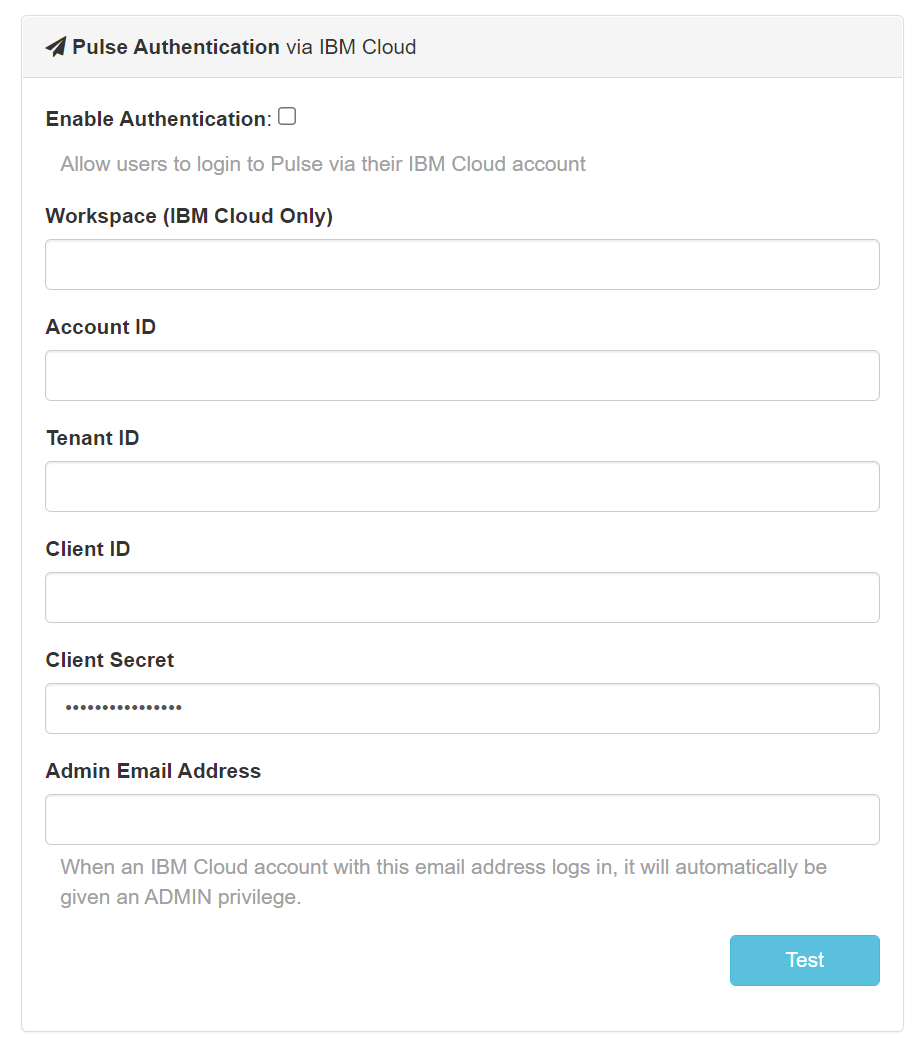
Using IBM ID to login to Pulse
When Pulse is monitoring IBM Planning Analytics (TM1) hosted on the IBM Cloud, starting with Pulse v6.0.3, you can now use your IBM ID to login to Pulse.
-
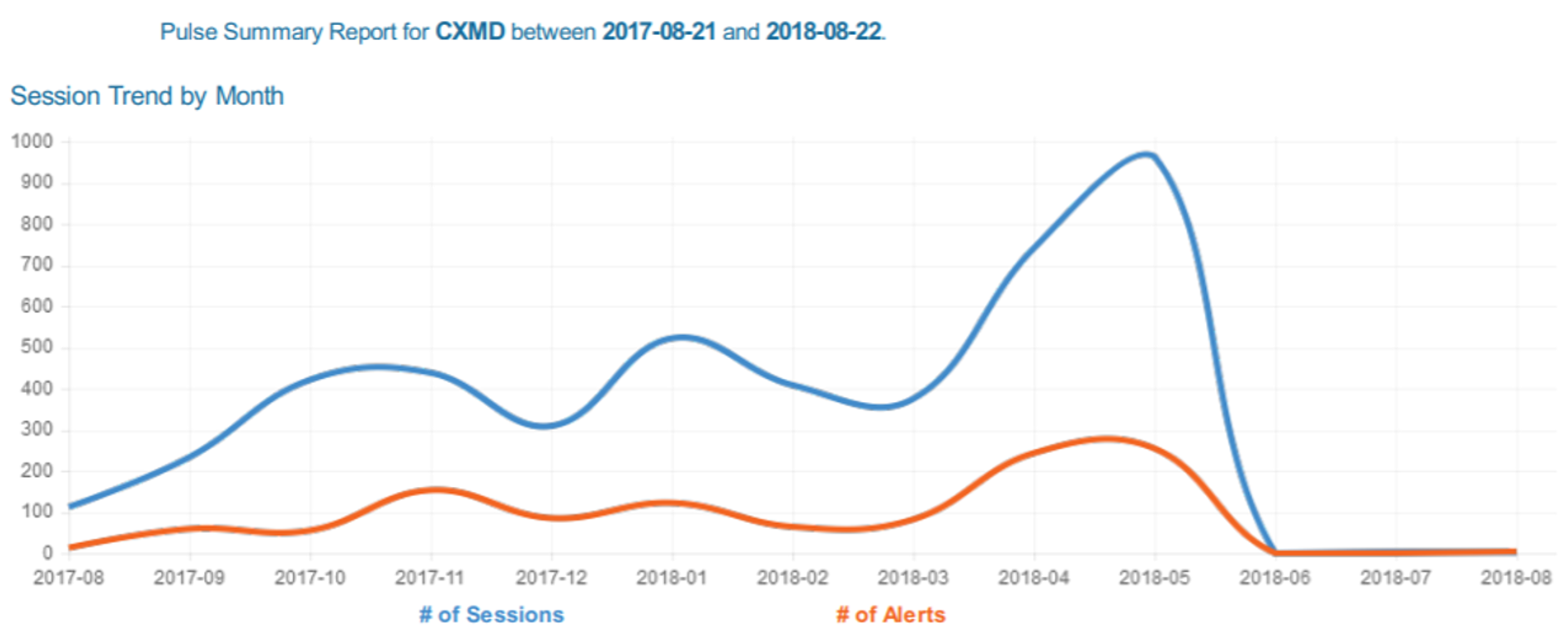
Executing the System Summary Report
Pulse v5.8 introduces a brand-new report, the System Summary report. This report will help TM1 administrators to monitor the health of their TM1 instances.
-
How to implement version control to your TM1 objects
IBM Planning Analytics (TM1)
-
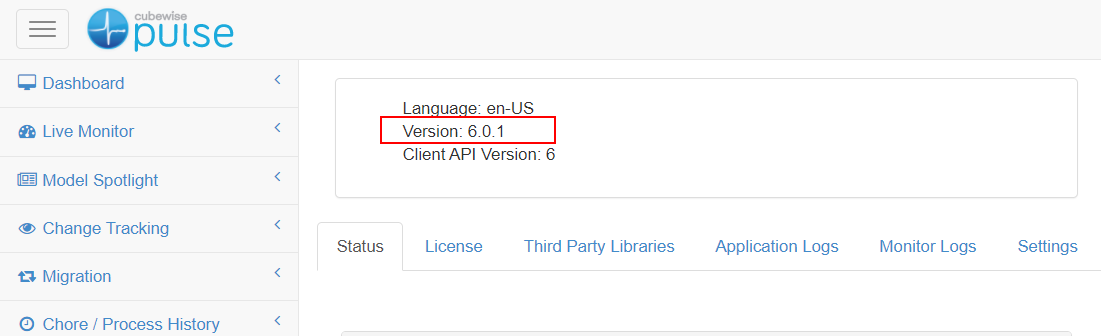
Pulse for TM1 health check
Most of the errors when using the Pulse migration features are coming from misconfiguration. If you haven’t used Pulse for a while, it is recommended to go through this checklist before using the Pulse migration feature:
-
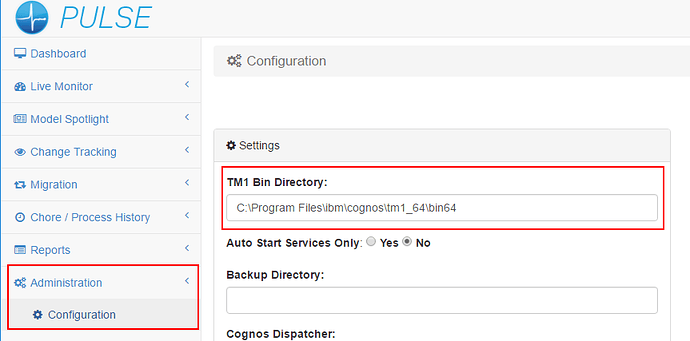
Reasons why you can’t see a TM1 instance in Pulse
Please find below the different reasons why you would not be able to see a IBM Planning Analytics (TM1) instance in Pulse: