Category: Pulse
-

Troubleshooting Pulse Excel logging
Pulse uses an Excel add-ins to monitor how Excel is used by TM1 users. Starting with Pulse v5.6, you can choose between two Excel add-ins. We recommend using the new Excel Logger instead of Extend. Excel Logger is a lighter version that will work better for Excel 2016 64 bits than Extend. If you just need the logging…
-
Silent / Unattended installation of Pulse for TM1
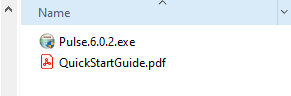
Starting with v6.0.2, Pulse can be installed from a script. This article explains the steps to do silent/unattended installation of Pulse:
-

Pulse v5 end of support June 2022
Pulse v5 will be supported until June, 30th 2022, which means we will be providing new releases and fixes until that date.
-
Upgrading the Pulse Monitor
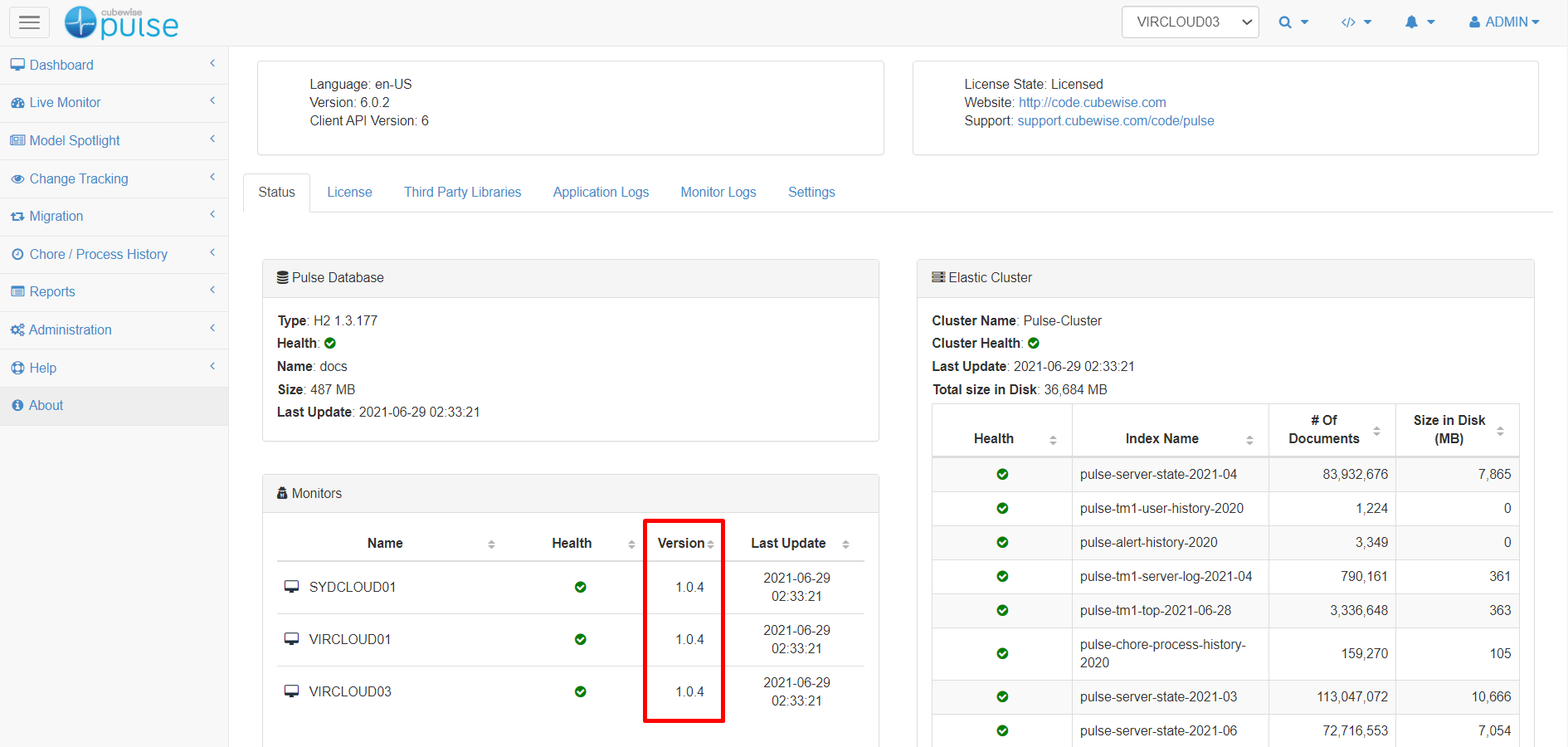
The Pulse Monitor version number can be found in the Status tab of the Pulse About page as below:
-
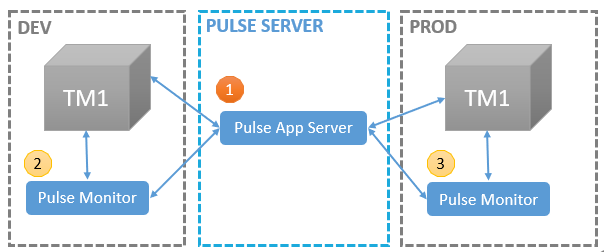
Upgrading Pulse
If your Pulse version is v5.x, you should read the article below:
-
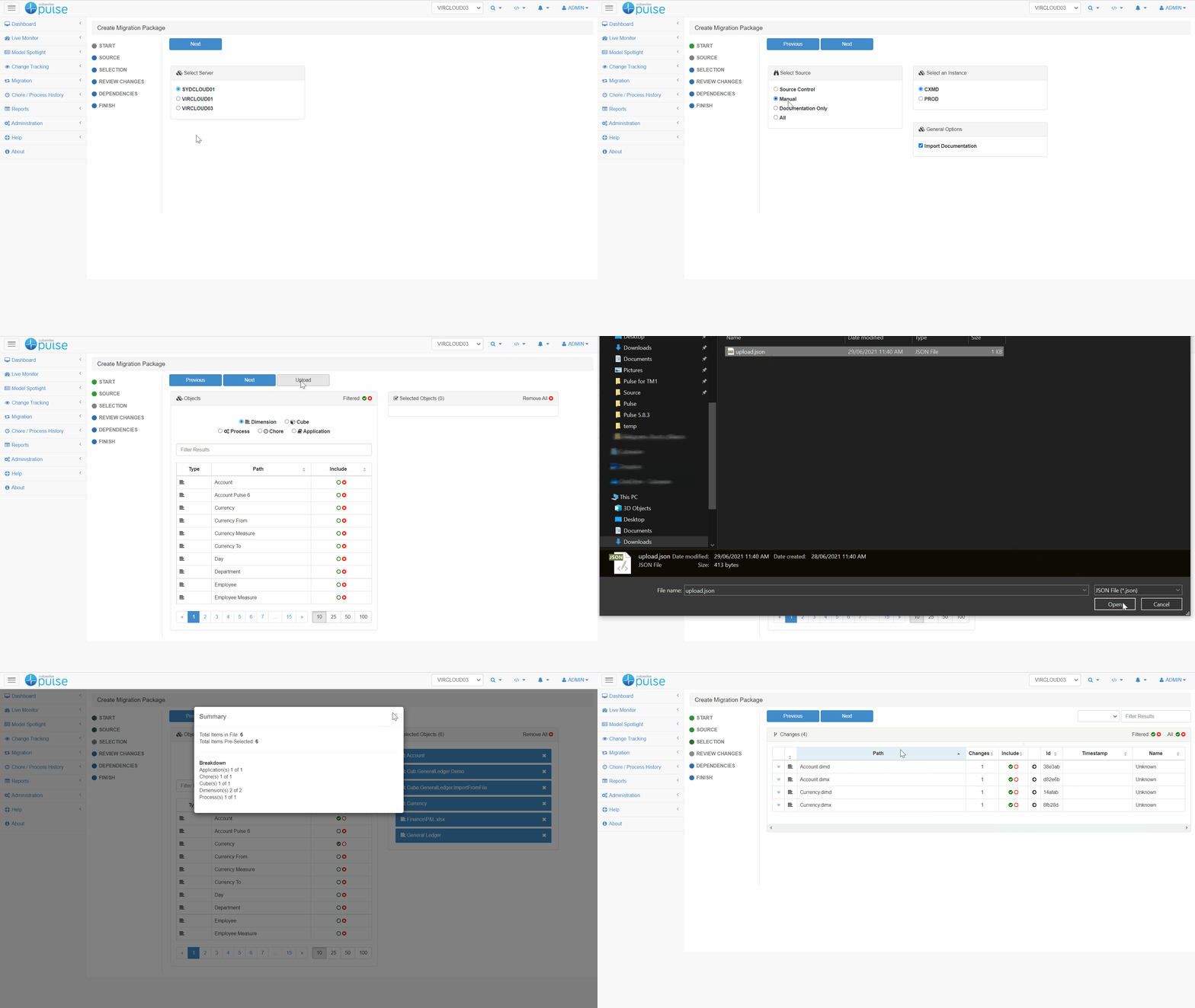
Creating a migration package from a preselected list in a file
If you are not familiar with the Pulse migration feature, you should read first the article below:
-
How to migrate IBM Planning Analytics objects in a cloud environment
Please join us in the first episode of the IBM Planning Analytics with Watson (TM1) and Python webinar series.
-
Troubleshooting Pulse
documentation
-
Troubleshooting Pulse documentation update
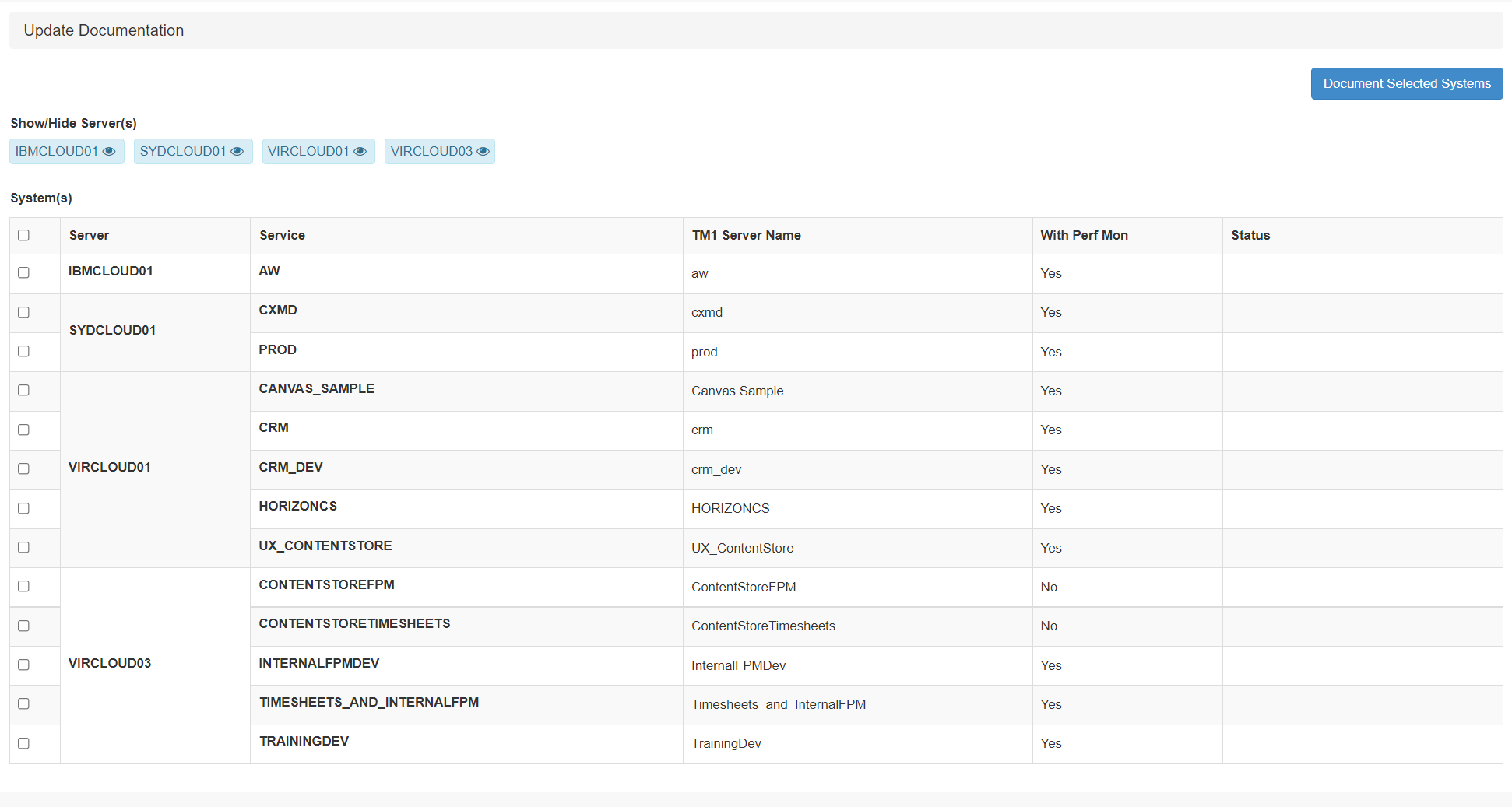
When setting up a new TM1 instance, it is important to execute the documentation. To execute the documentation, go to Administration > Update Documentation:
-
Getting started with Pulse on the Cubewise Cloud
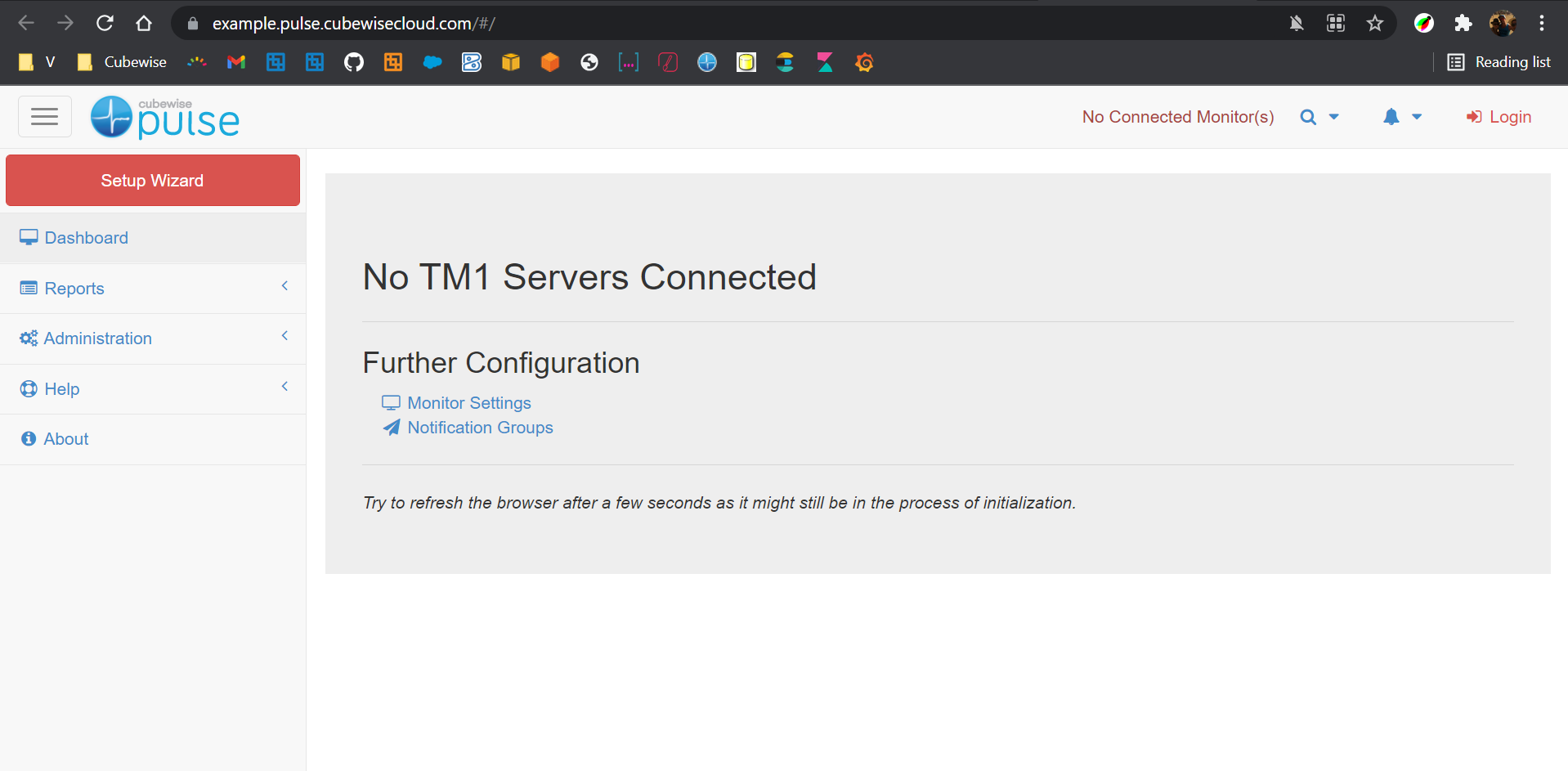
This article gathers the steps that need to be completed when using Pulse on the Cubewise cloud monitoring IBM Planning Analytics SaaS: