Category: Pulse
-
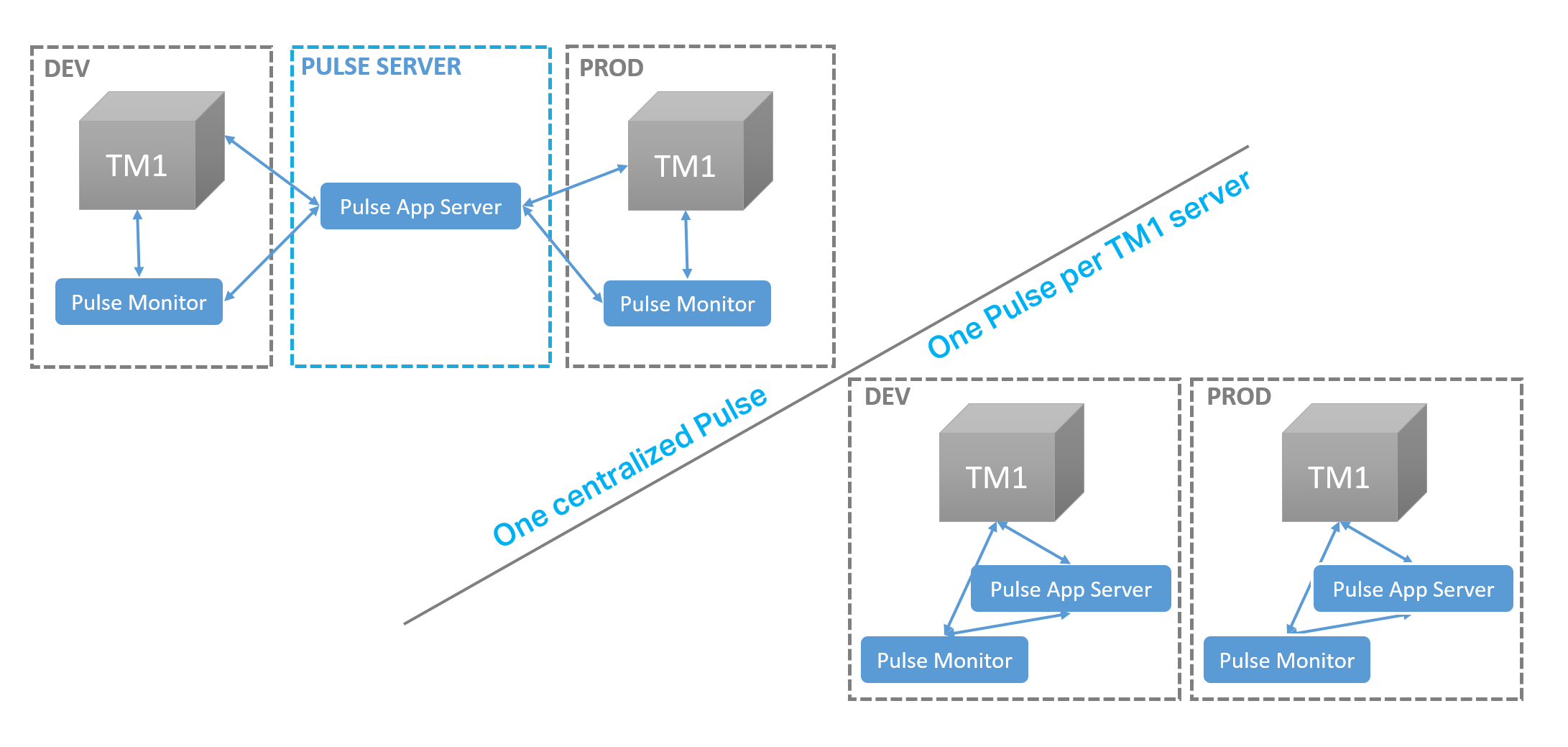
Pulse for TM1 – Architecture
Starting with v6, Pulse is using the REST API allowing a single Pulse application server to monitor many TM1 servers.
-
Pulse System Requirements
Pulse v6 can monitor IBM Planning Analytics v2.0.8 (TM1 v11.6) or later. If your TM1 servers are on an earlier version, you will have to install Pulse v5.
-
Updating Pulse Web Client Sessions Timeout
By default Pulse will disconnect users after 1200 seconds of inactivity. To update the timeout setting, you can open the confPulse.cfg file you will find the SessionTimeout parameter:
-
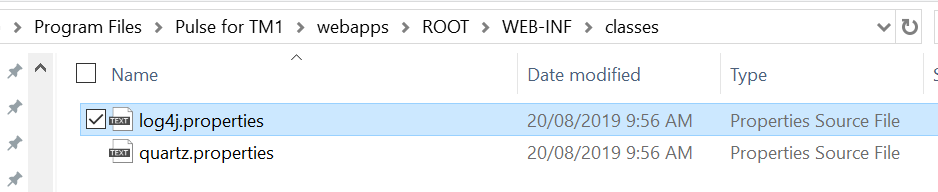
Setting up Pulse in DEBUG mode
This article explains the steps to to setup Pulse in DEBUG mode. The steps are slightly different either you are on Pulse v5 or Pulse v6.
-
Managing the database connection pool
By default Pulse will now maintain 1 connection to the database at a minimum and 10 maximum. If a connection hasn’t been used for 60 seconds it will be disconnected.
-
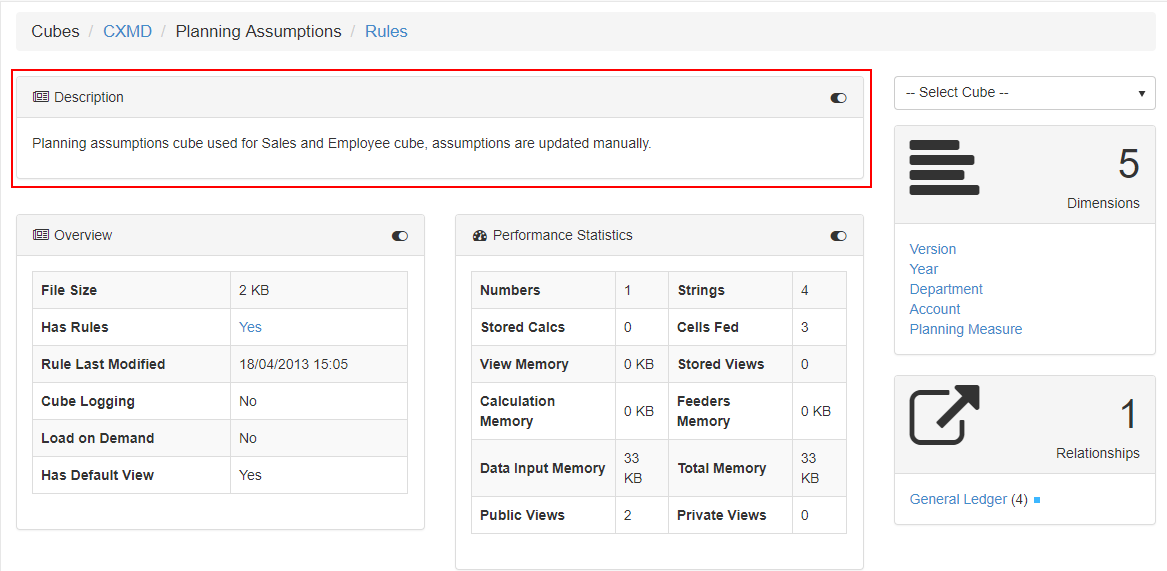
Generating the Technical Documentation
With the Pulse Technical Documentation, you will be able to see the relationships between your IBM TM1 and Planning Analytics objects, as well as information about views and subsets to give you a full picture of what the model contains.
-
5 hidden gems in Pulse that will change your life
If you’re using Pulse to monitor your IBM TM1 and Planning Analytics applications, this article is for you! Not using Pulse yet? Click here to learn more.
-
Migrating a dimension with Pulse
Dimension with less than 5,000 elements
-
Migrating dimensions with Pulse for TM1
Dimension with less than 5,000 elements Dimension with more than 5,000 elements Parent Article:
-
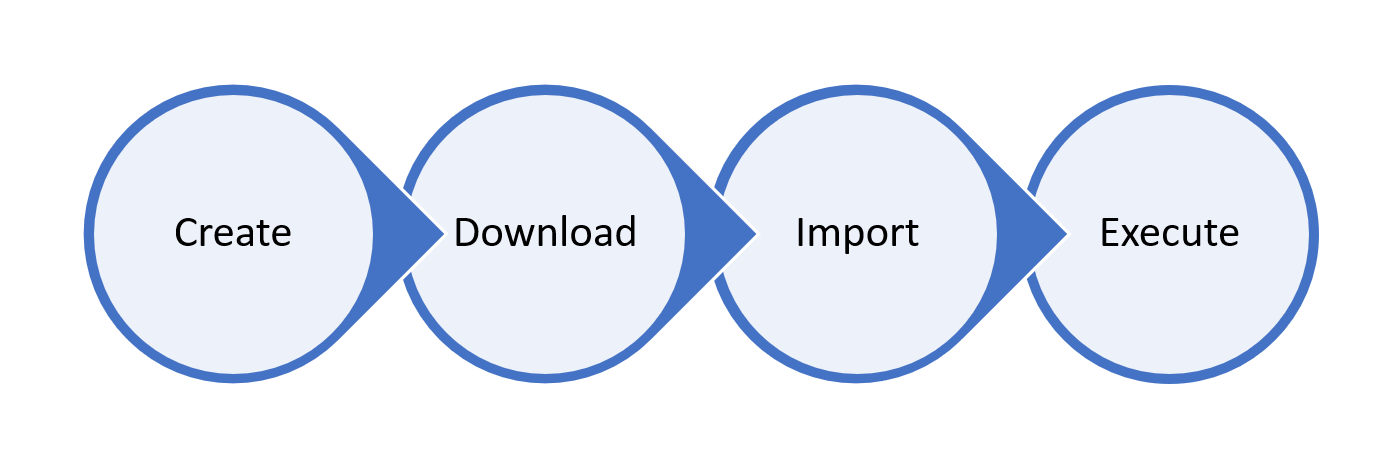
Everything you should know about the Pulse migration feature
The Pulse migration feature overcomes TM1’s file-based architectural limitations with a centralized model that reduces risk of mistakes. This article explains everything you should know about the Pulse migration feature.