Category: Pulse
-
Setting up Canvas logging to Pulse
Setting up Canvas logging to Pulse is quite straightforward. All the configuration happens on the Canvas side.
-
Configuring Pulse with CAM Security and SSO
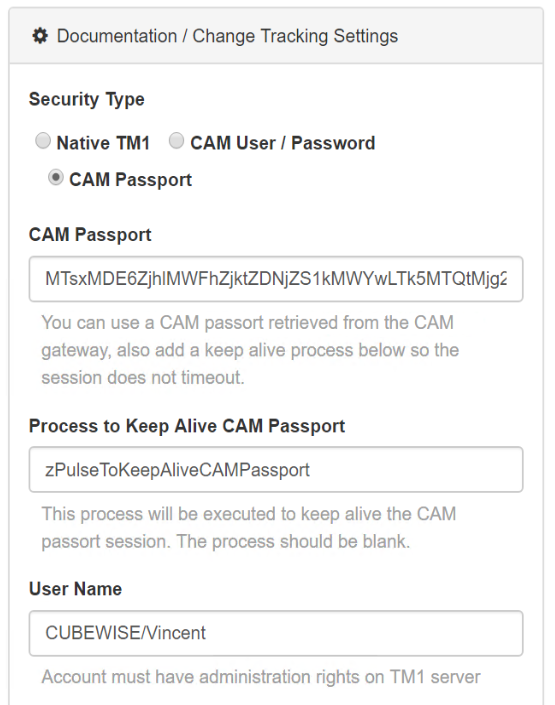
This article describes the steps to configure Pulse v5 to connect to an IBM Planning Analytics (TM1) instance using CAM authentication and SSO (Single Sign-on).
-
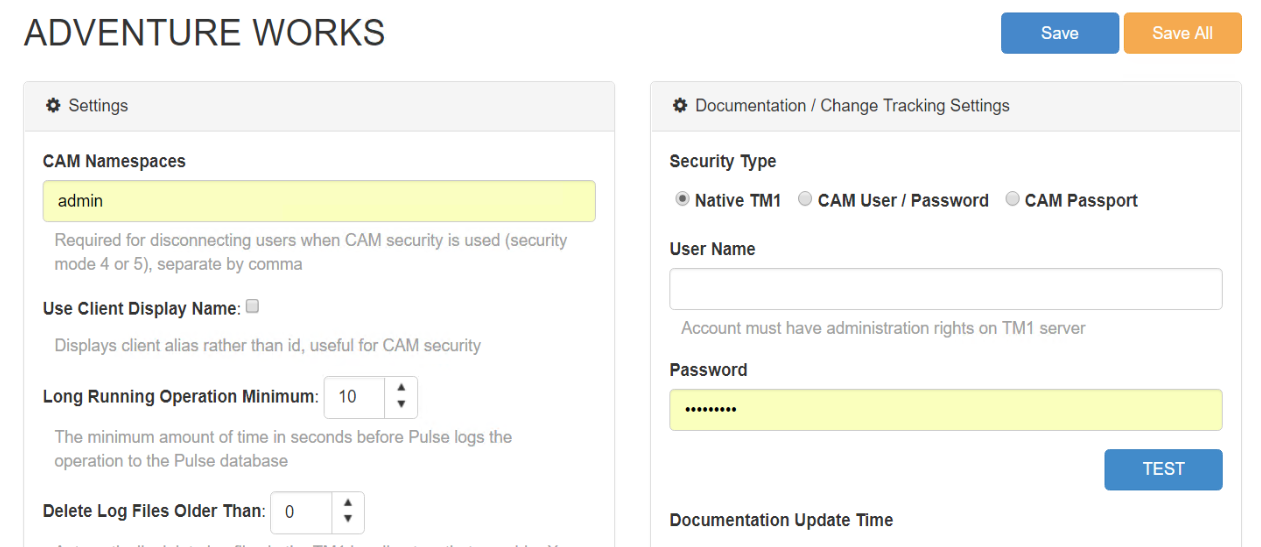
Setting Pulse with TM1 security mode 3
tm1s.cfg:
-

Getting Started
Prerequisites Pulse system requirements: Pulse system requirements Installation Guide
-

Why it’s Vital to Monitor the Health of your TM1 System
As the data volumes, computational complexity and user community of your TM1 applications grow over time, effectively monitoring the health of your system becomes vital to business continuity. And by “effective”, we don’t mean just in-the-moment, but over time.
-
Cleansing the Pulse data
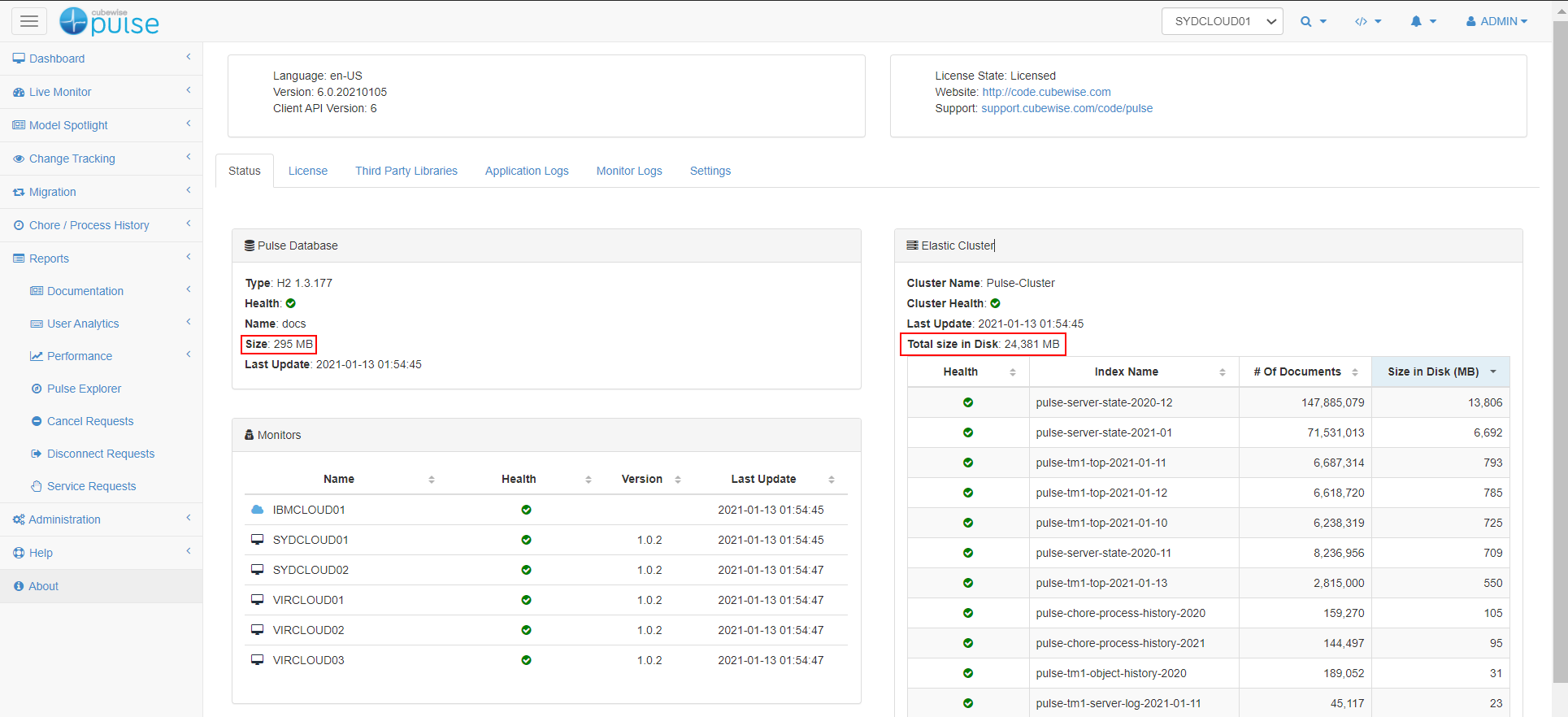
Pulse constantly monitors your TM1 instances and stores the information in a h2 database (or SQL Server if configured) and an Elastic cluster (Pulse v6 or later).
-

Creating a new validation rule
Pulse comes with a number of built-in rules that identify common pitfalls that may slow the system or make support difficult.
-
Monitor TM1 data folder on a network drive
Pulse v5.7.x and previous versions only track TM1 instances which are on the same machine where Pulse is installed.
-
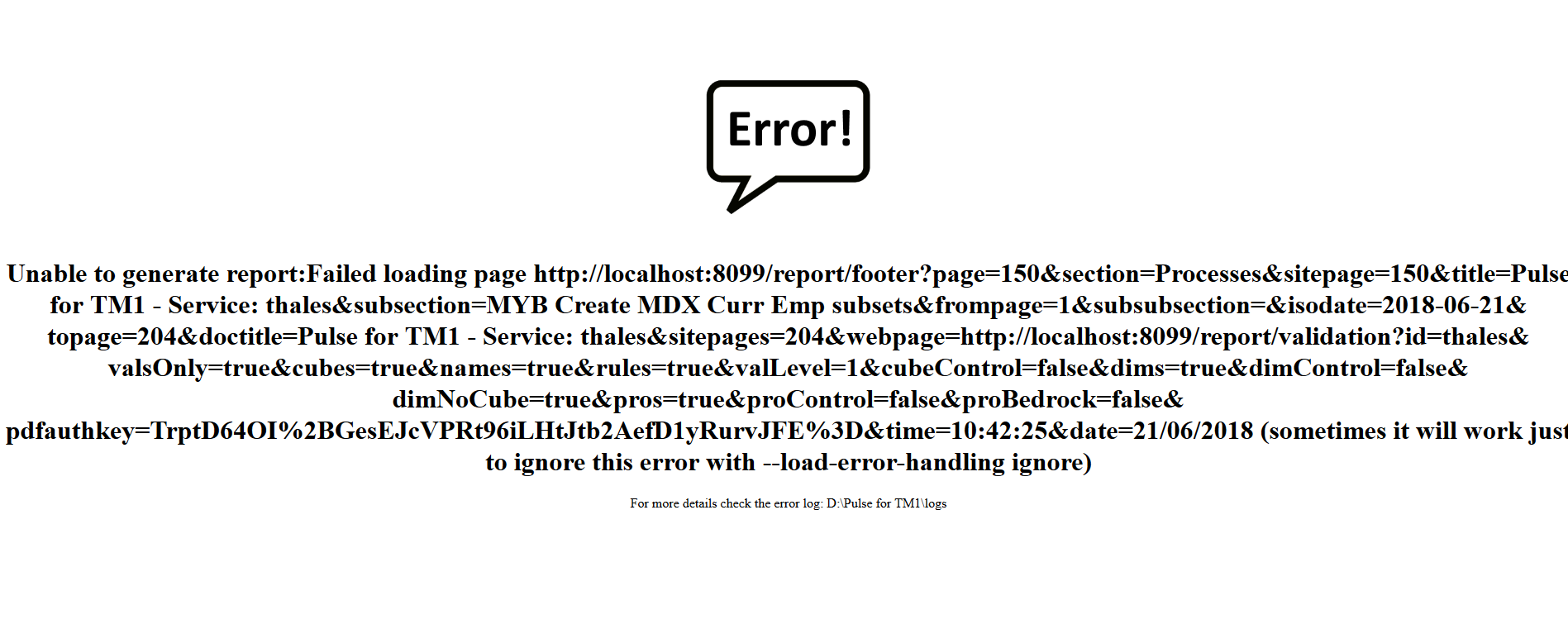
Unable to generate the Validation Report
For very large TM1 and Planning Analytics models the validation report can run into 1000’s of pages, this can cause issues with the rendering the report.
-
Customising the body of your Email Alerts
If you are using Pulse v5.5.1 or an earlier version, you should go to this article: