Category: Pulse
-
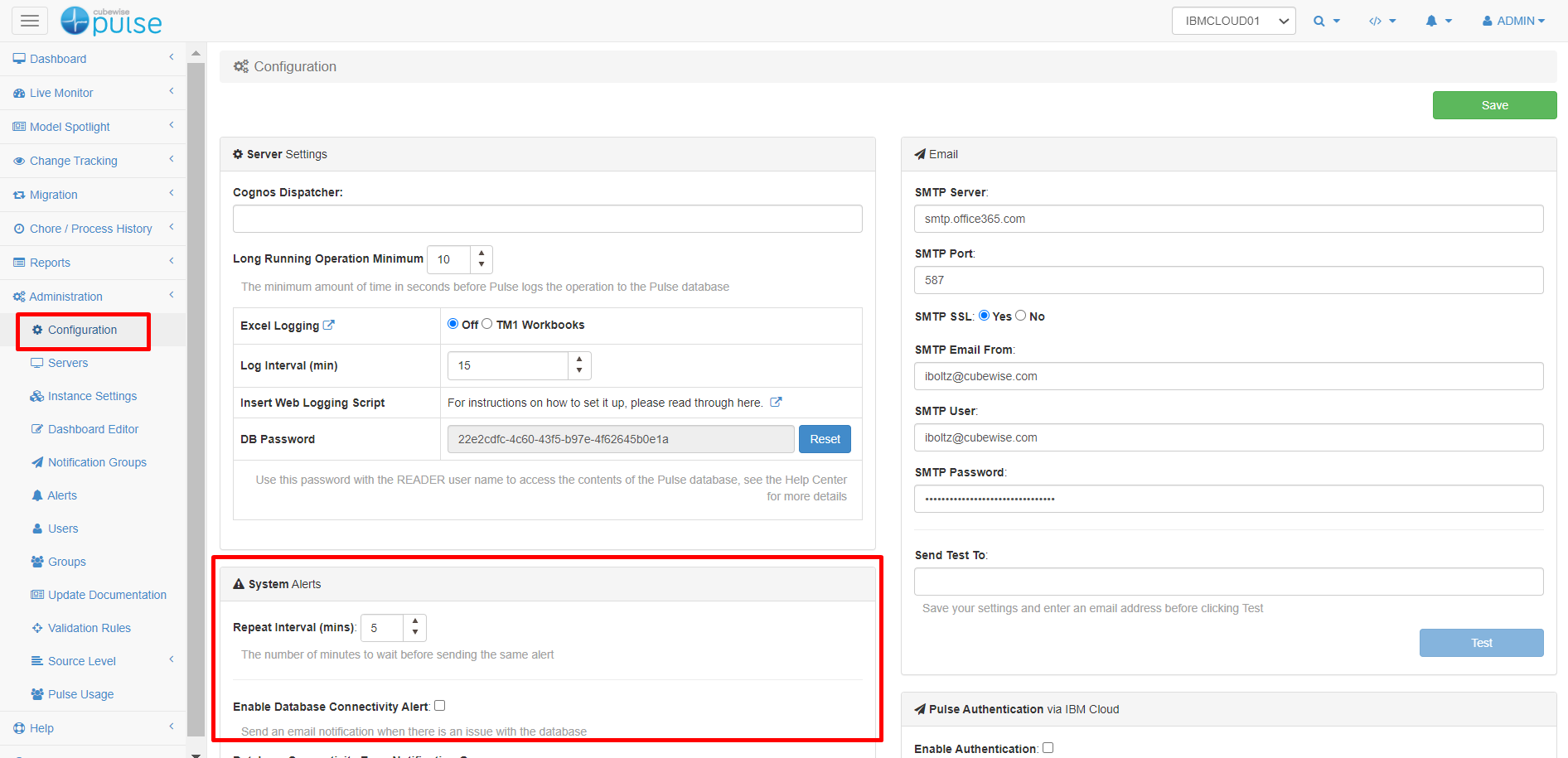
Enabling Pulse system alerts.
Pulse v6 introduced system alerts to get a notification when one component of Pulse is not working.
-
Creating a support ticket
How to create a support ticket
-
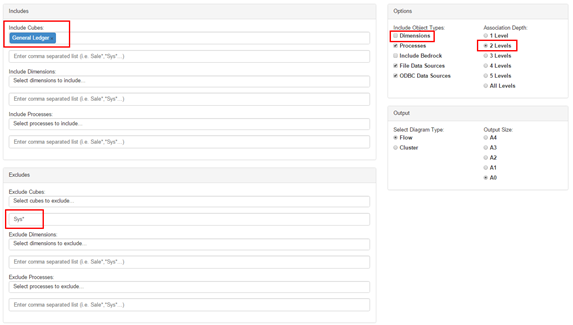
Executing the Pulse Flow Diagram
The flow diagram displays your model in a graphical way helping you to understand how data flows between objects. Pulse is able to automatically determine relationships in rules, feeders and Turbo Integrator processes. The flow diagrams from your models will help you to understand how the objects interact.
-
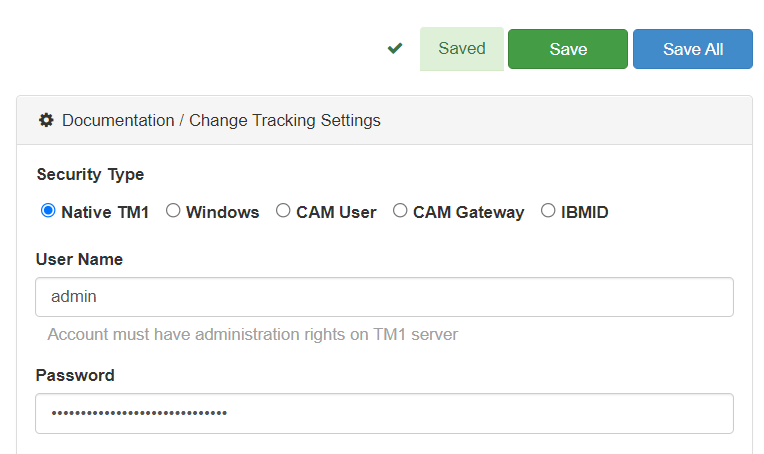
Connecting Pulse to a TM1 instance with native TM1 security (mode 1)
This article explains how to connect Pulse to an IBM Planning Analytics (TM1) instance using security mode 1 (Native TM1 security).
-
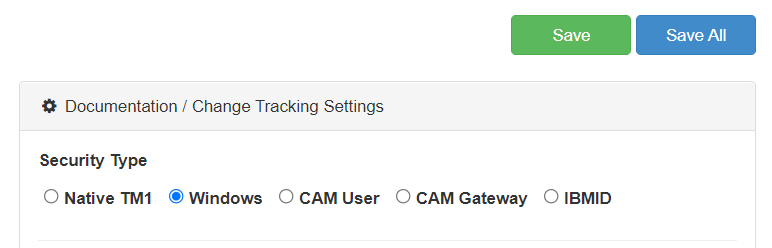
Connecting Pulse to a TM1 instance with Windows security (mode 2 and 3)
This article explains how to connect Pulse to an IBM Planning Analytics (TM1) instance using security mode 2 and 3 (Windows Authentication).
-
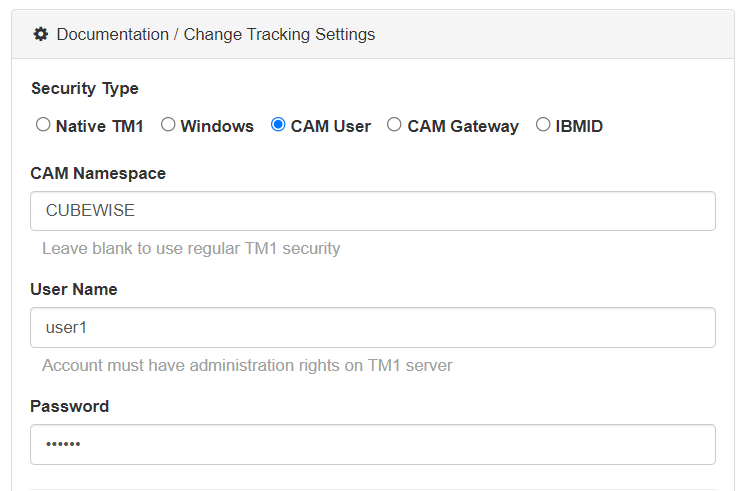
Connecting Pulse to a TM1 instance with CAM security (mode 4 and 5)
This article explains how to connect Pulse to an IBM Planning Analytics (TM1) instance using security mode 4 and 5 (CAM security).
-
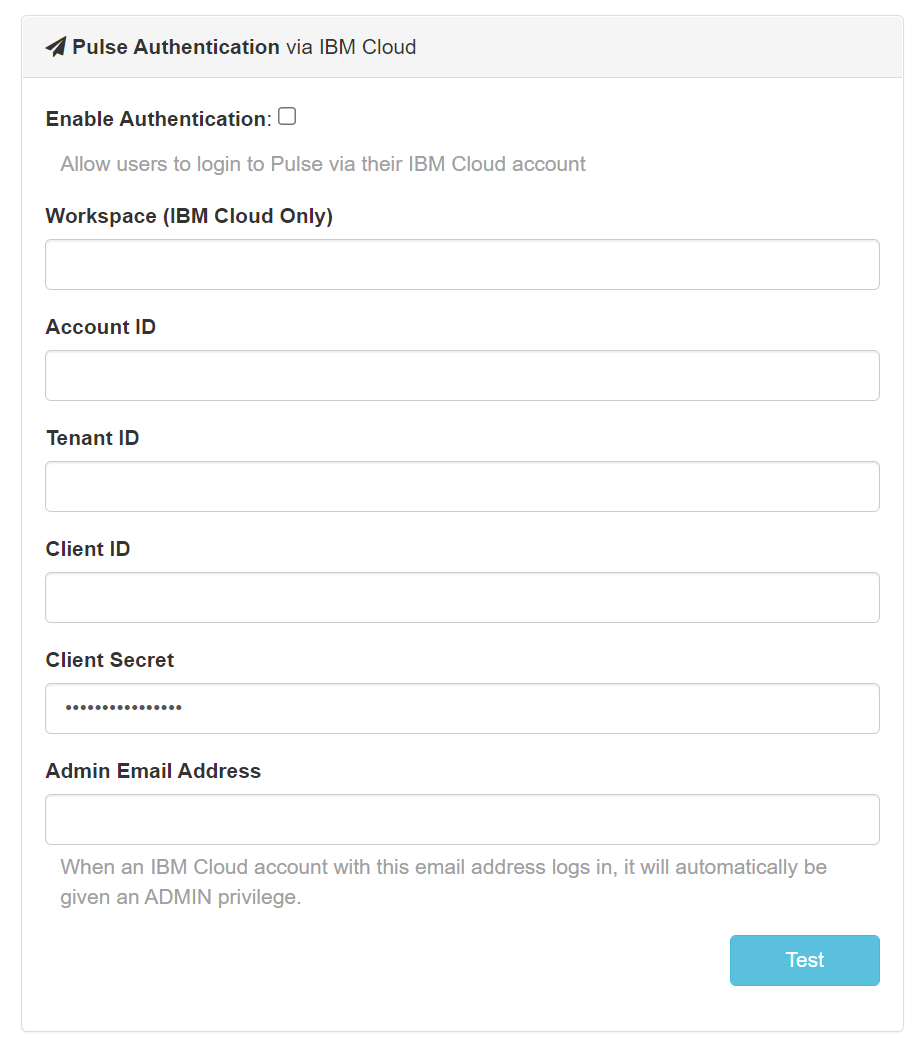
Using IBM ID to login to Pulse
When Pulse is monitoring IBM Planning Analytics (TM1) hosted on the IBM Cloud, starting with Pulse v6.0.3, you can now use your IBM ID to login to Pulse.
-

Troubleshooting Pulse Excel logging
Pulse uses an Excel add-ins to monitor how Excel is used by TM1 users. Starting with Pulse v5.6, you can choose between two Excel add-ins. We recommend using the new Excel Logger instead of Extend. Excel Logger is a lighter version that will work better for Excel 2016 64 bits than Extend. If you just need the logging…
-
Pulse v5 end of support June 2022
Pulse v5 will be supported until June, 30th 2022, which means we will be providing new releases and fixes until that date.
-
How to migrate IBM Planning Analytics objects in a cloud environment
Please join us in the first episode of the IBM Planning Analytics with Watson (TM1) and Python webinar series.