Category: Pulse
-
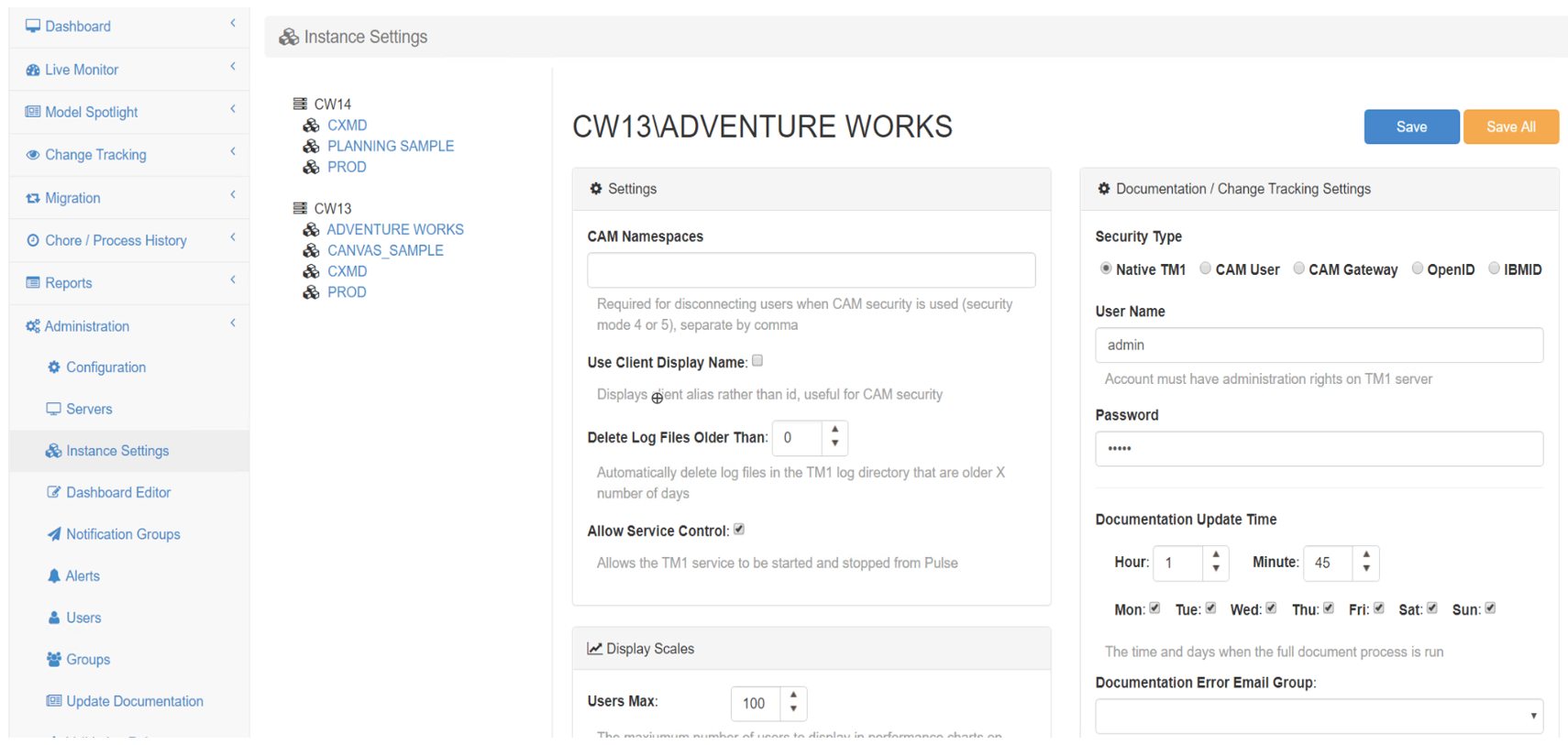
Connecting a TM1 instance
To connect to a TM1 instance with Pulse 6 or later, Pulse uses the TM1 REST API, you need to make sure first that the TM1 REST API is enabled for each instance and accessible from the Pulse server, more information here:
-
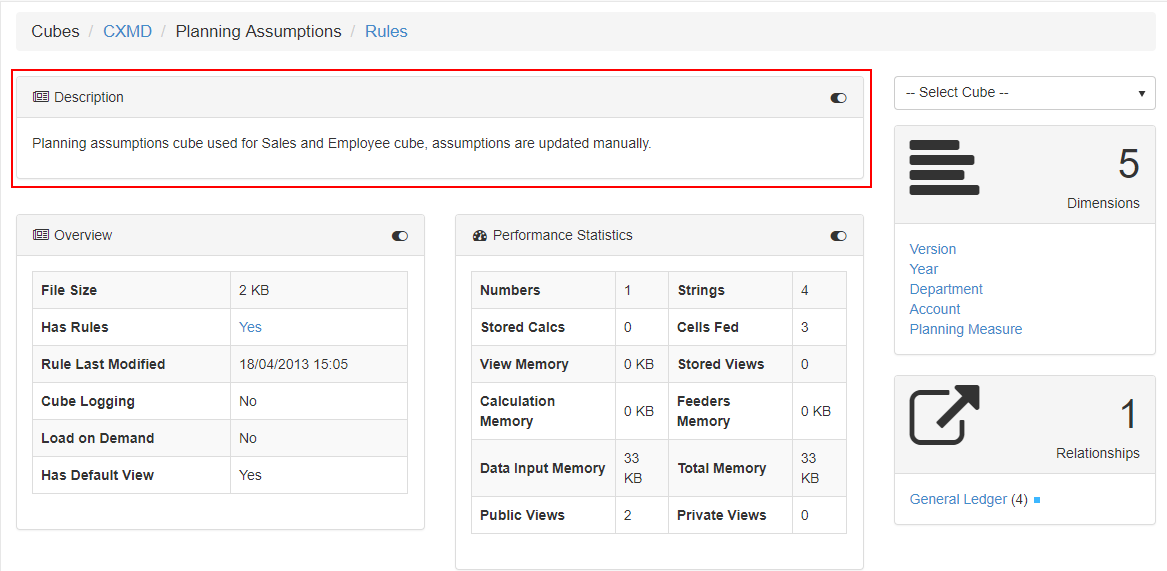
Generating the Technical Documentation
With the Pulse Technical Documentation, you will be able to see the relationships between your IBM TM1 and Planning Analytics objects, as well as information about views and subsets to give you a full picture of what the model contains.
-

Creating a new validation rule
Pulse comes with a number of built-in rules that identify common pitfalls that may slow the system or make support difficult.
-
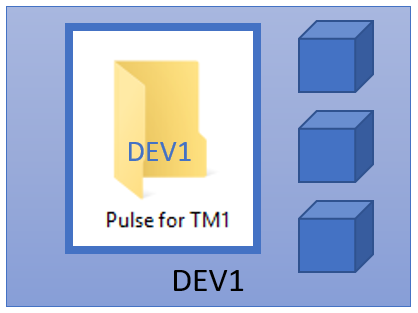
Keep Pulse history when migrating Pulse
In Pulse.cfg, a new parameter ServerNameOverride has been added with Pulse v5.7.5. This new parameter enables Pulse to be moved from one server to another and all of the history be kept.It can also be used in a scenario where the server name is regularly changed, i.e. in a virtual or cloud environment. The ServerNameOverride…
-

How Cubewise Code will shape the future of IBM TM1/Planning Analytics in 2018
A lot happened in the TM1/Planning Analytics world in 2017. Canvas has been endorsed by many customers as their new way to build modern web planning and reporting applications. TM1py brought together for the first time, the TM1 and Python communities in order to find new ways to integrate external systems with your TM1 application.
-
How Cubewise CODE has revolutionized TM1 Planning Analytics in 2017
A lot happened in 2017 in the IBM Planning Analytics (TM1) world. Here is a quick recap from Cubewise CODE.
-
Setting Up Excel Logging to Pulse with Excel Logger
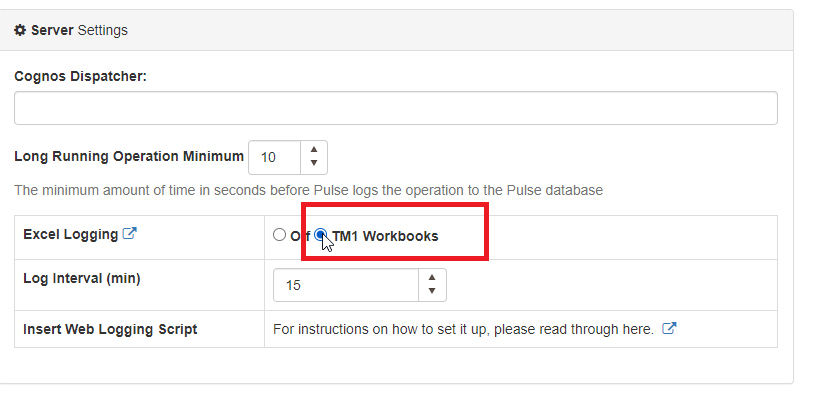
To enable Excel logging in Pulse, you first need to go to Administration > Configuration and then tick “TM1 Workbook” as below:
-

Pulse v5.6 Released
The best TM1 management system just got better thanks to the great feedback we have received from our 150+ customers worldwide.
-

Update the Pulse Application Server JVM maximum memory
The Java application server (pulseas.exe) which runs in the background has a default memory of 1024 MB.
-
Optimize your TM1 License with Pulse for TM1
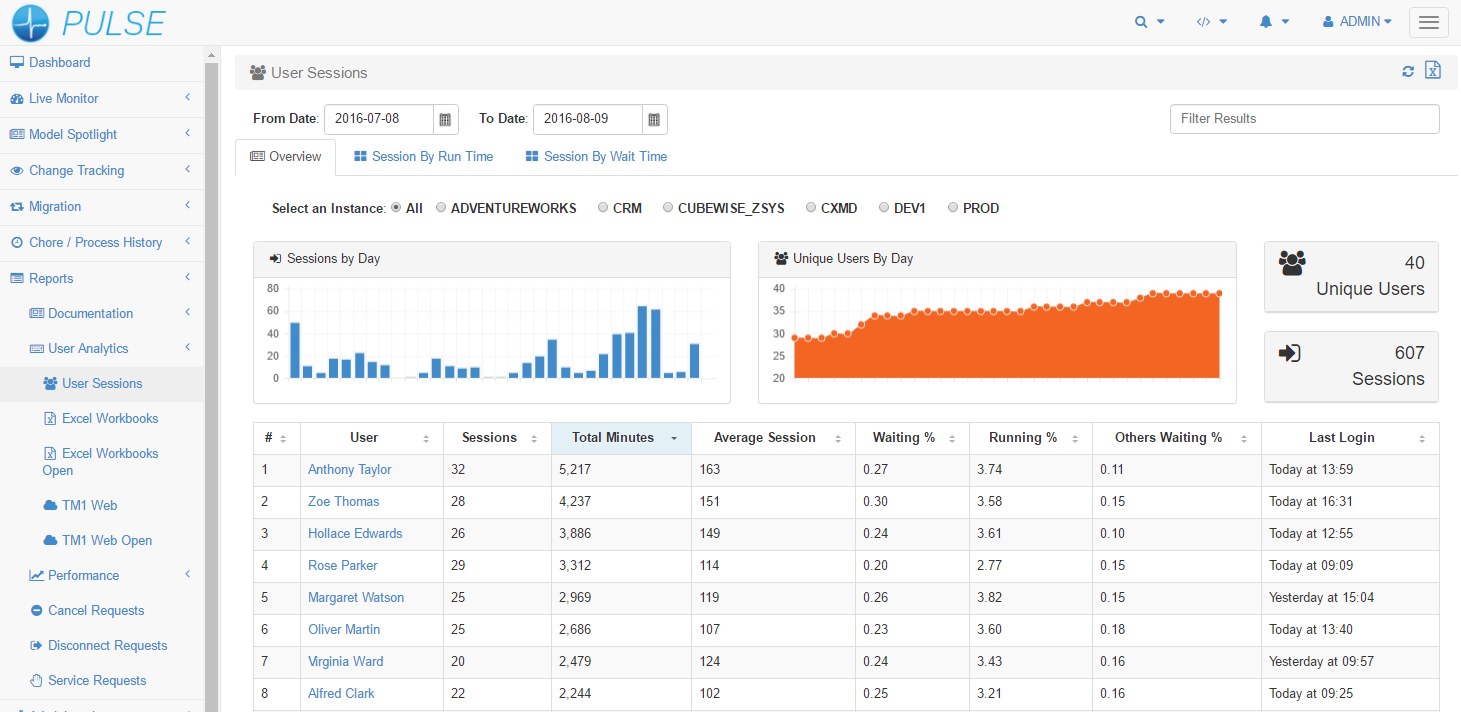
For any company with TM1… a sizable investment is required to purchase licenses. If the company you work for is expanding its TM1 footprint (or wanting to), moving from one license metric to another or concerned about over-subscription of entitlements (i.e compliance). Pulse can deliver the information you need in a timely manner. You can make informed decisions…