Category: Pulse
-
What’s behind the execution of a migration package
Pulse helps you to migrate TM1 objects from one TM1 instance to another. If you want to know how to create a migration package in Pulse, you should check the following How to.
-
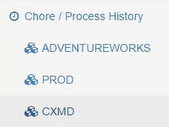
Chore history detail displayed when GANTT chart clicked
Pulse gives you a visual representation of when your chores run on the Chore / Process History Gantt chart. Under Chore / Process History, click on your TM1 instance:
-
Let’s talk about complexity in TM1
-

Building a TM1 COE, Part 1: Application Definition
In an earlier post, I listed the five areas of responsibility typically assigned to a TM1 Center of Excellence. The first of these responsibilities, and the starting point for everything that comes after, is application definition.
-
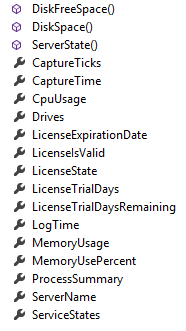
Customising Your Email Alerts (Pulse v5.5.1 or earlier version)
Pulse now enables you to customise the email that is generated based on alert criteria. This is useful if you want to integrate the Pulse alerts into an existing help desk/ticketing system that accepts email as a ticket input source.
-

How to Improve TM1 Developer Collaboration
-
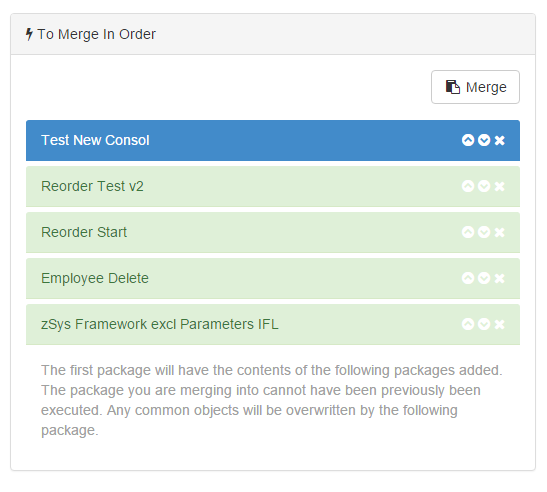
Merging Migration Packages
Pulse allows you to merge existing packages if they haven’t already been executed. This allows you to aggregate multiple changes into one large package that can be provided to your operations or run team to upgrade your test and/or production system.
-
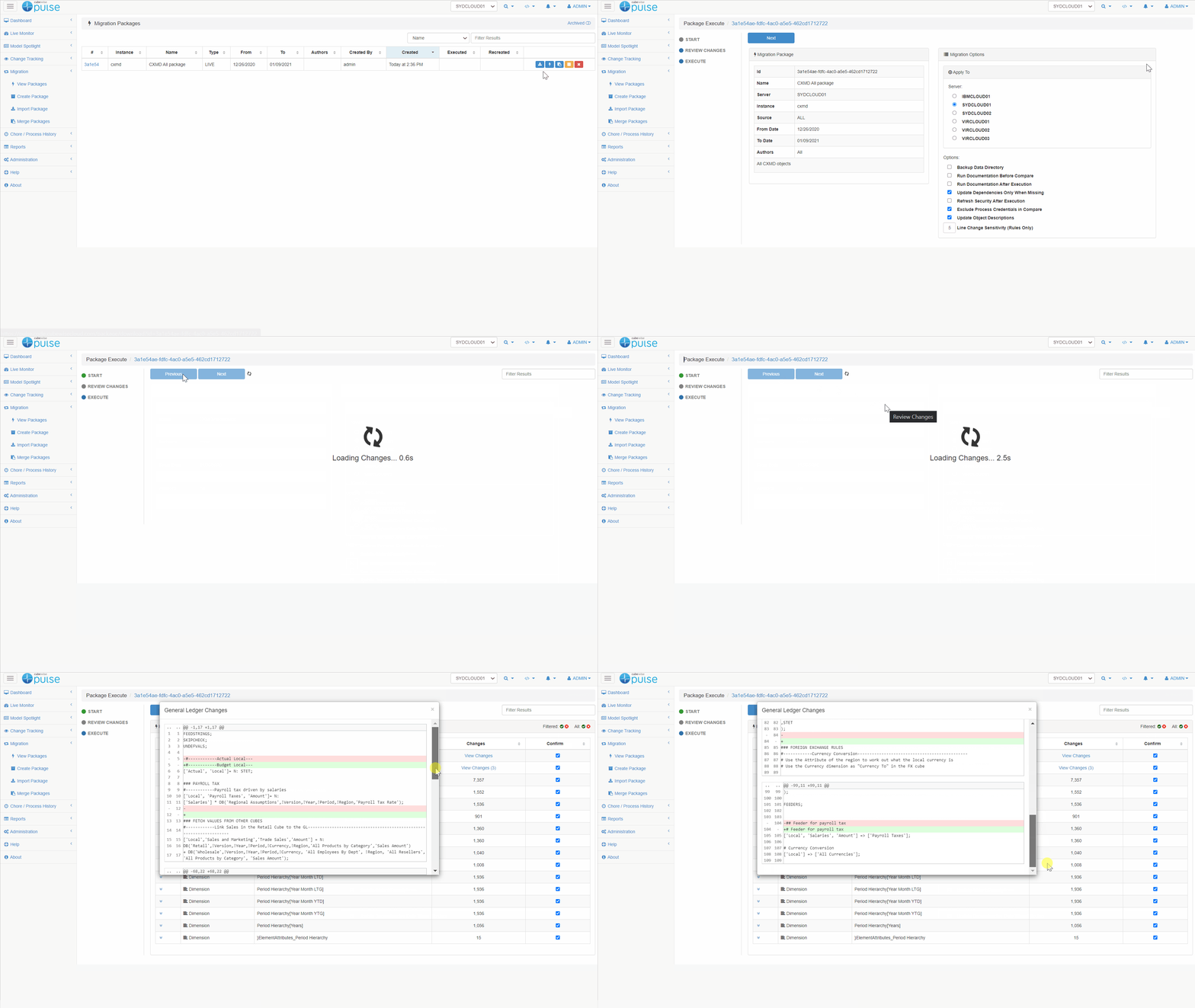
Compare Two TM1 Servers Using Pulse
Pulse makes it easy to compare two TM1 instances with the migration features:
-
Dimension Element Maximum
By default Pulse when documenting dimensions will only export the elements and attributes for dimensions with less than 5000 elements. This is to reduce the size of the source control system and to allow Pulse to efficiently document the whole TM1 Model.
-
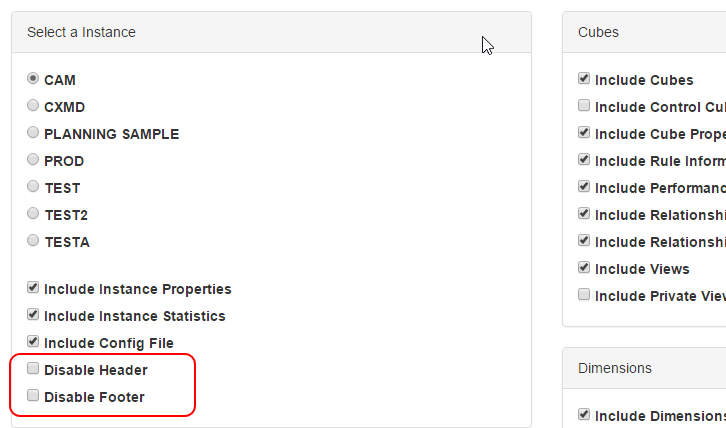
Technical Documentation Returning a Blank Page
For very large TM1 models the technical documentation can run into 1000’s of pages, this can cause issues with the rendering the report.