Category: How To
-
Mastering MTQ with TM1 and Planning Analytics
Multi-Threaded Queries (MTQ) allow IBM TM1 and Planning Analytics to automatically load balance a single query across multiple CPU cores. In other words, TM1 is fast, MTQ makes it even faster. It has been around for a number of years but there still some frequently asked questions which need a clear answer.
-
Timeseries Forecasting with Facebook Prophet and TM1/Planning Analytics
Welcome to the last part of the articles series about Data Science with TM1/Planning Analytics and Python. In Part 1 we loaded weather data from the NOOA web service into our TM1 cubes. In Part 2, by analyzing the data with Pandas and Ploty, we’ve learned that
-
Explore your TM1/Planning Analytics data with Pandas and Ploty
Welcome to the second part of the Data Science with TM1/Planning Analytics article. In the Part 1 article, we uploaded in our TM1 cubes the weather data from a web service. Now that we have all the data we need in TM1, we can start to analyse it. The Python community provides lots of tools…
-
Upload weather data from web services into TM1/Planning Analytics
Python is a widely-used general-purpose programming language that lets you work quickly and integrate systems more effectively. TM1py enables you for the first time to get easily data from a multitude of systems and web services such as Trello, Salesforce, financial web services and many more… into your TM1/Planning Analytics application.
-
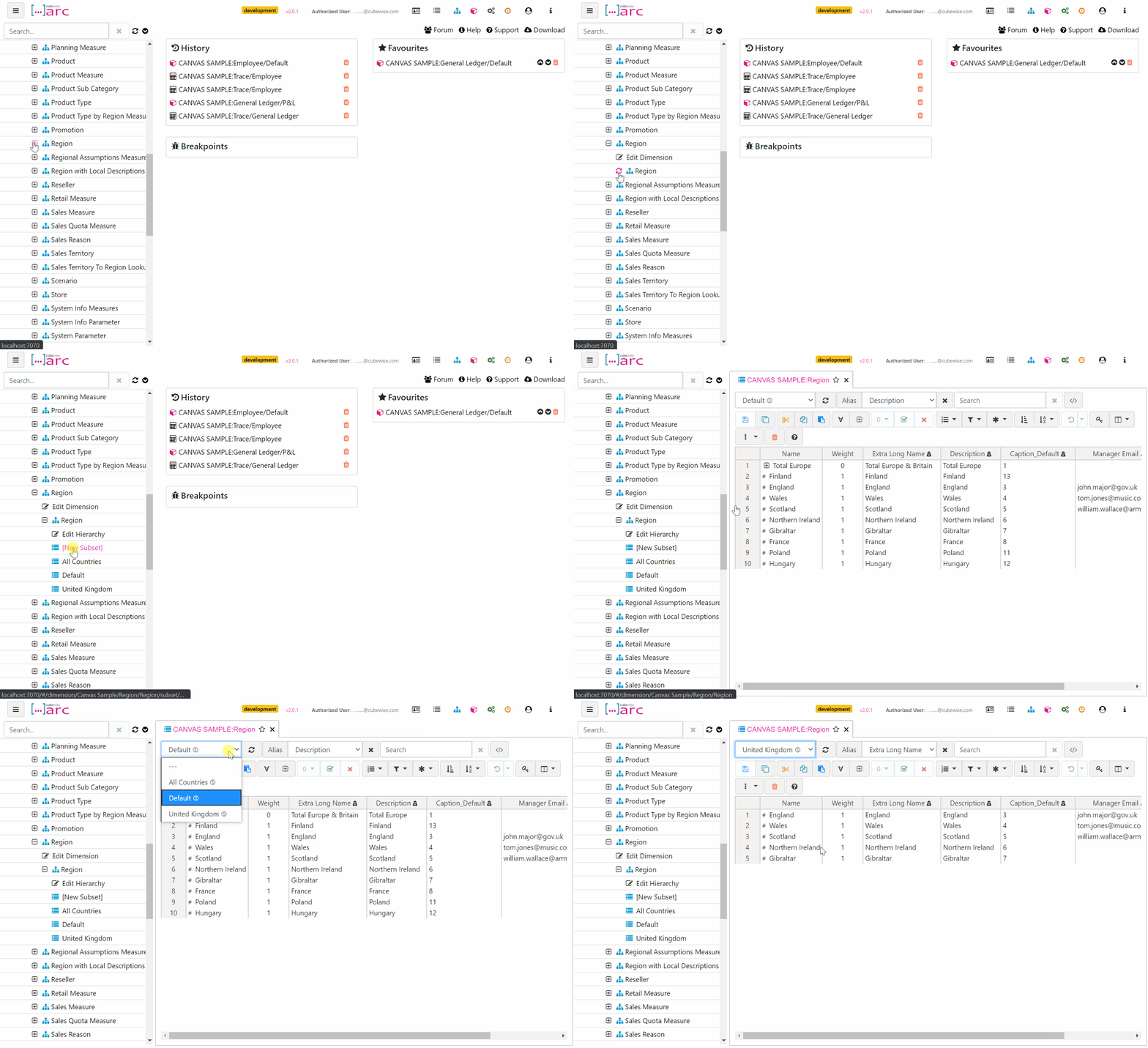
Using the Arc subset editor
Like the cube viewer, the Arc subset editor is built to generate MDX set expressions. Most of the functionality should be familiar to what you have experienced in Architect or Perspectives: all elements, filtering, ordering, etc.
-
Remove Undo and Redo button on TM1Web
In TM1 Web or in a Cube view from Architect/Perspectives, after inputing a value, a user can undo or redo his/her input.
-
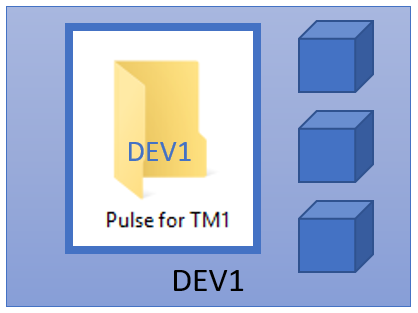
Keep Pulse history when migrating Pulse
In Pulse.cfg, a new parameter ServerNameOverride has been added with Pulse v5.7.5. This new parameter enables Pulse to be moved from one server to another and all of the history be kept.It can also be used in a scenario where the server name is regularly changed, i.e. in a virtual or cloud environment. The ServerNameOverride…
-

Transform your cell set into a structured format
Canvas comes with lots of directives which are ready to use. For example with tm1-ui-dbr you can quickly request a data from TM1 and display it in your page. With these directives you can already achieve a lot but in certain case where you want to do more customization, you can use Canvas services such…
-
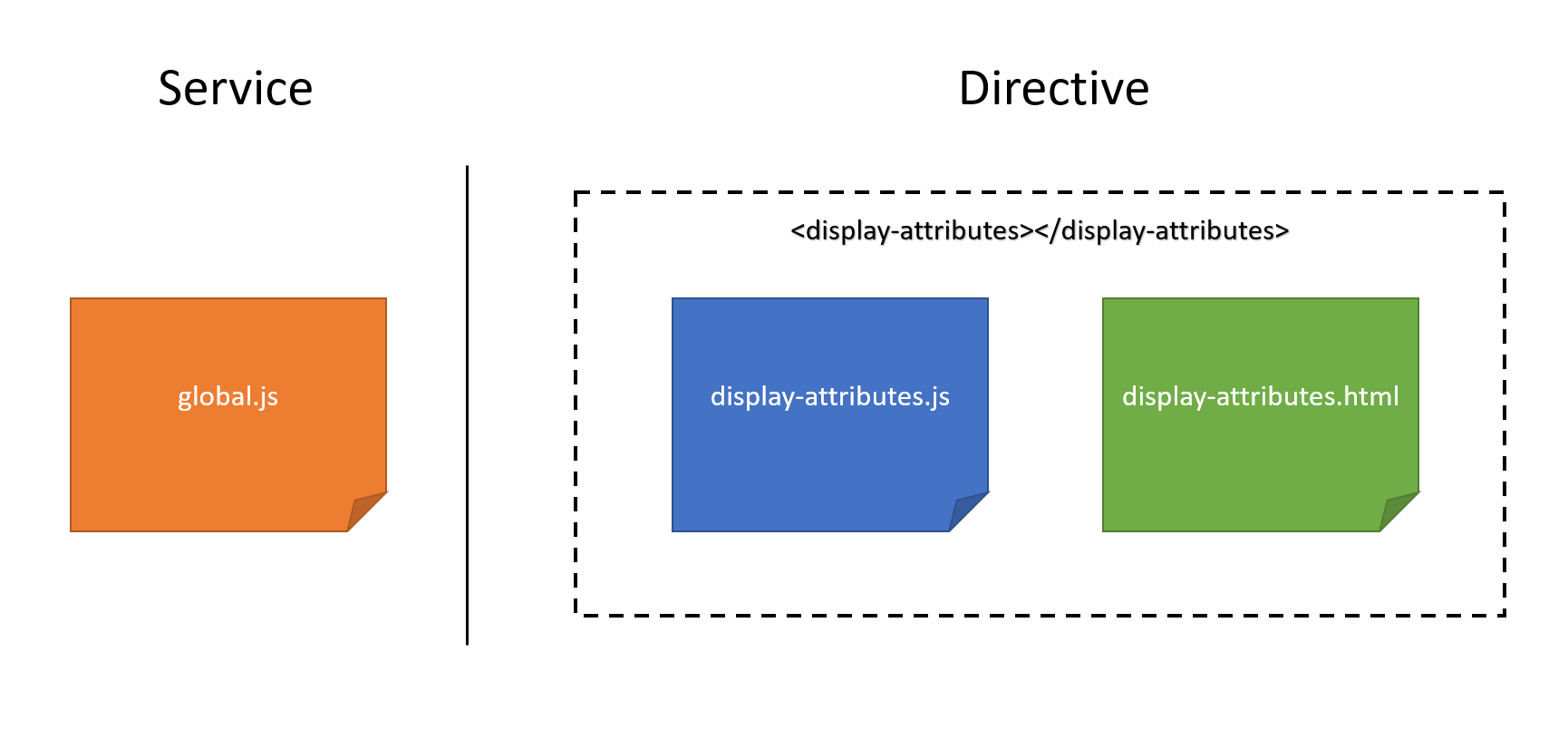
How to build your own service
In AngularJS, a service is a function, or an object, that is available for, and limited to, your application. AngularJS has about 30 built-in services. If you are updating the URL in your application, it is likely that you have already used the $location service.
-
How to build your own directive
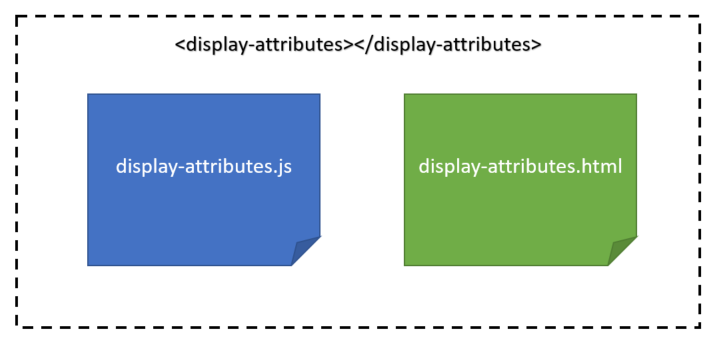
Canvas for TM1 comes with 30 directives (tm1-ui-dbr, tm1-ui-subnm…) which will help you to build quickly a page. If you combine these Canvas directives with the AngularJS Directives such as ng-repeat and ng-if, you can already achieve a lot. By combining these existing directives, you can build more sophisticated components. When you start replicating the same…