Category: How To
-
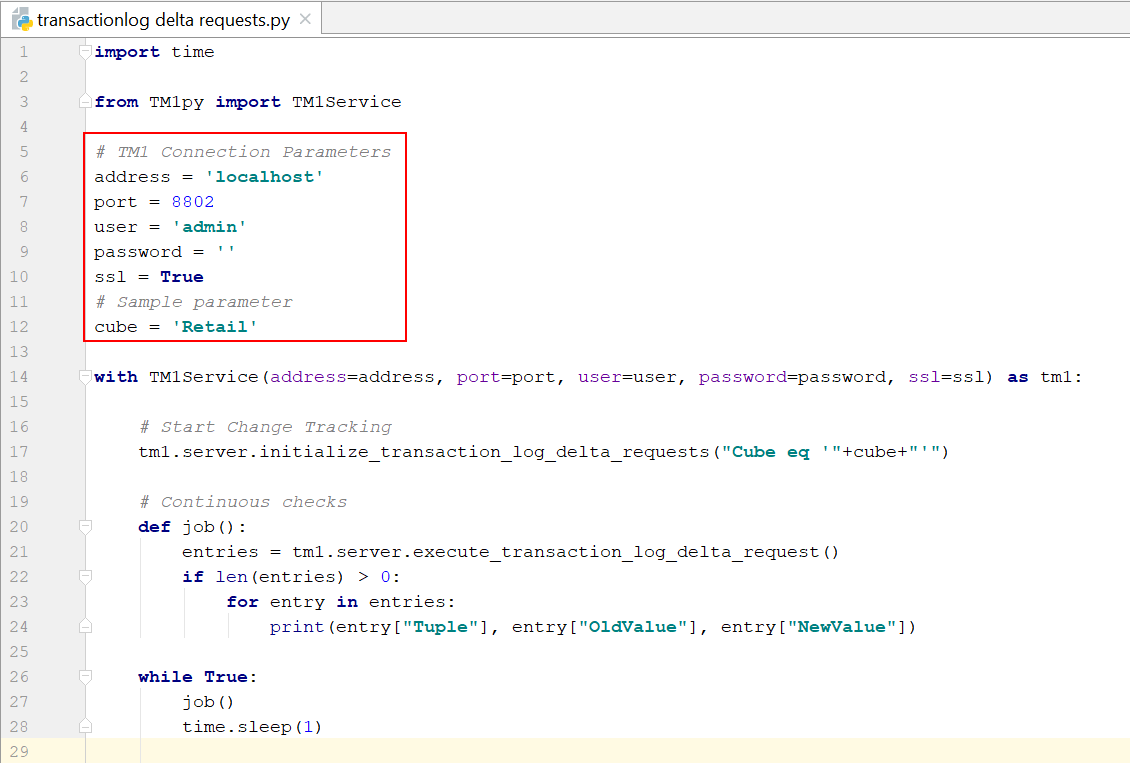
Trigger an action when a value is updated in a TM1 cube
TM1py v1.0 introduces a new exciting feature: Delta request for transaction log. It means that each time a value is updated in a TM1 cube, TM1py is able to trigger an action such as running a TM1 process or sending this new value to an other cube…
-
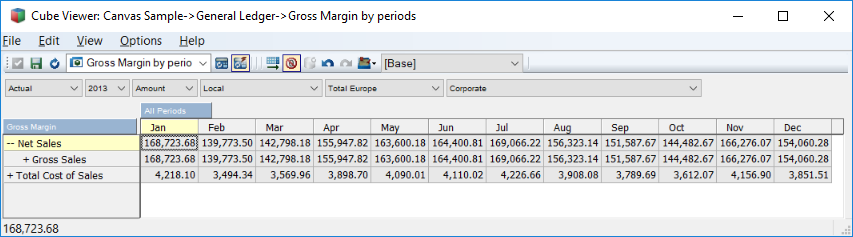
Generate MDX Queries from Cubeview
MDX is a fast and powerful way to query data from TM1 Cubes. It can play a key role when you combine your TM1 models with other technologies (e.g. Canvas, R, Python).
-
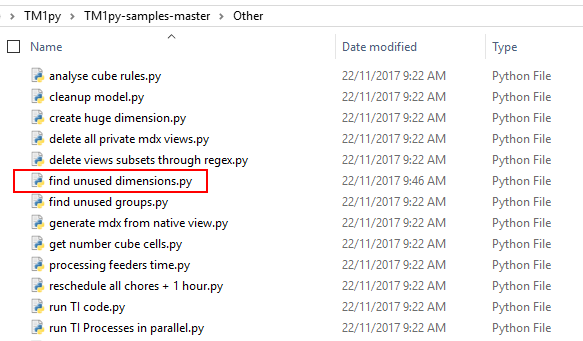
Find unused dimensions
Ever wondered which of the dimensions in your TM1 Model are not used in cubes?
-

Cleanup your TM1 application
Sometimes our TM1 models (especially non-production environments) become messed up with temporary and unwanted objects, like
-
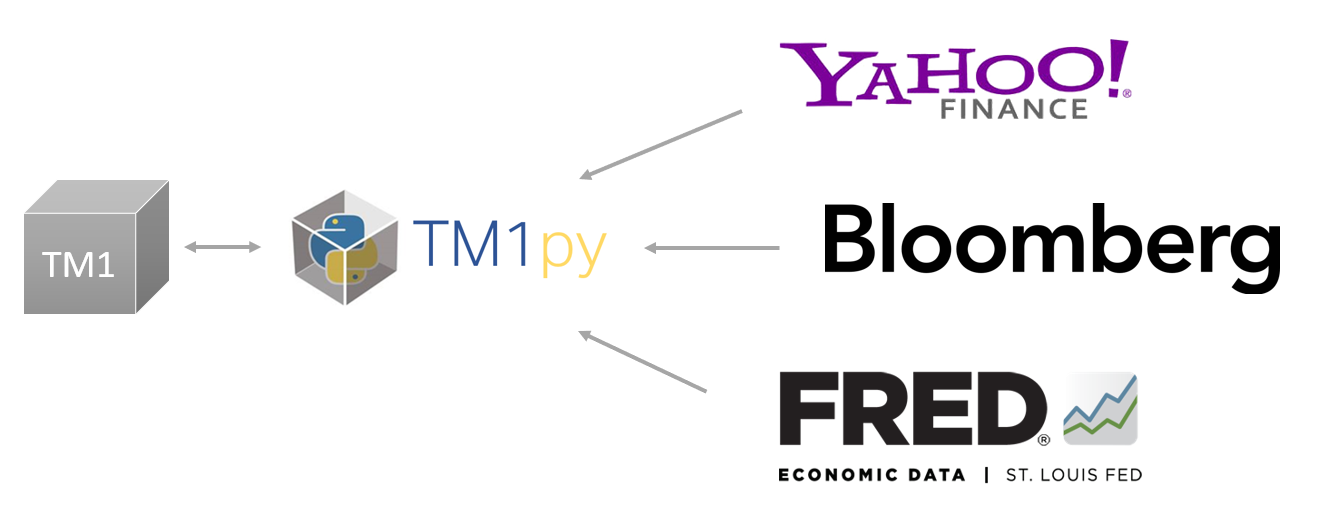
Upload Exchange rate from a Webservice
Your TM1 models can get great benefits from external information, e.g., FX rates, weather forecast, data on commodity prices or consumer confidence. Webservices like Yahoo Finance, Bloomberg or FRED, offer a range of financial and non-financial information. Many of them are Free to use.
-
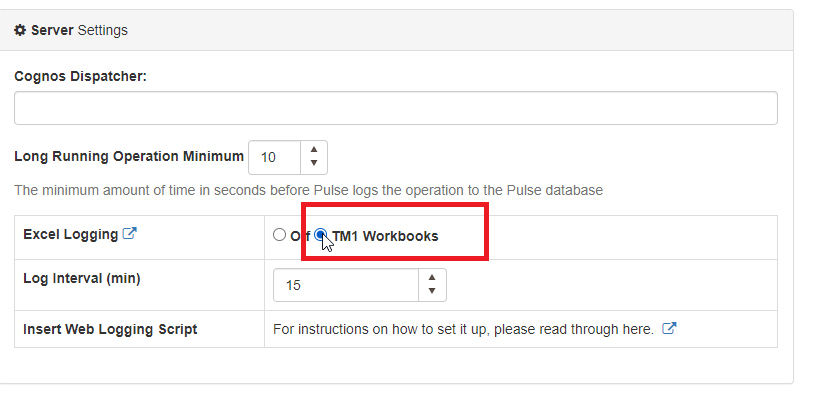
Setting Up Excel Logging to Pulse with Excel Logger
To enable Excel logging in Pulse, you first need to go to Administration > Configuration and then tick “TM1 Workbook” as below:
-
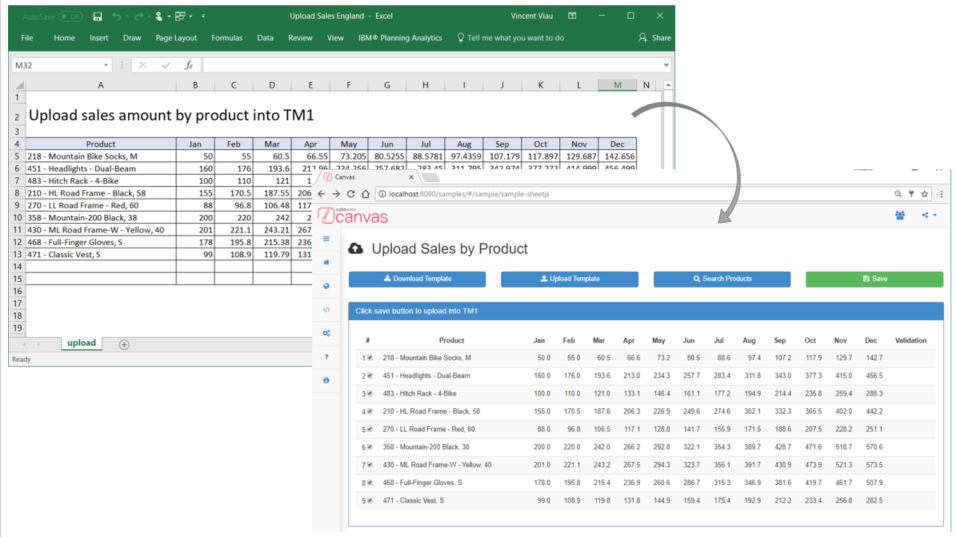
Display data from an Excel file and then send it to TM1 via REST API
With Canvas, you can upload an Excel file into your browser, validate the data and then send the data into TM1 using the REST API. A sample showcasing has been introduced in Canvas 2.0:
-
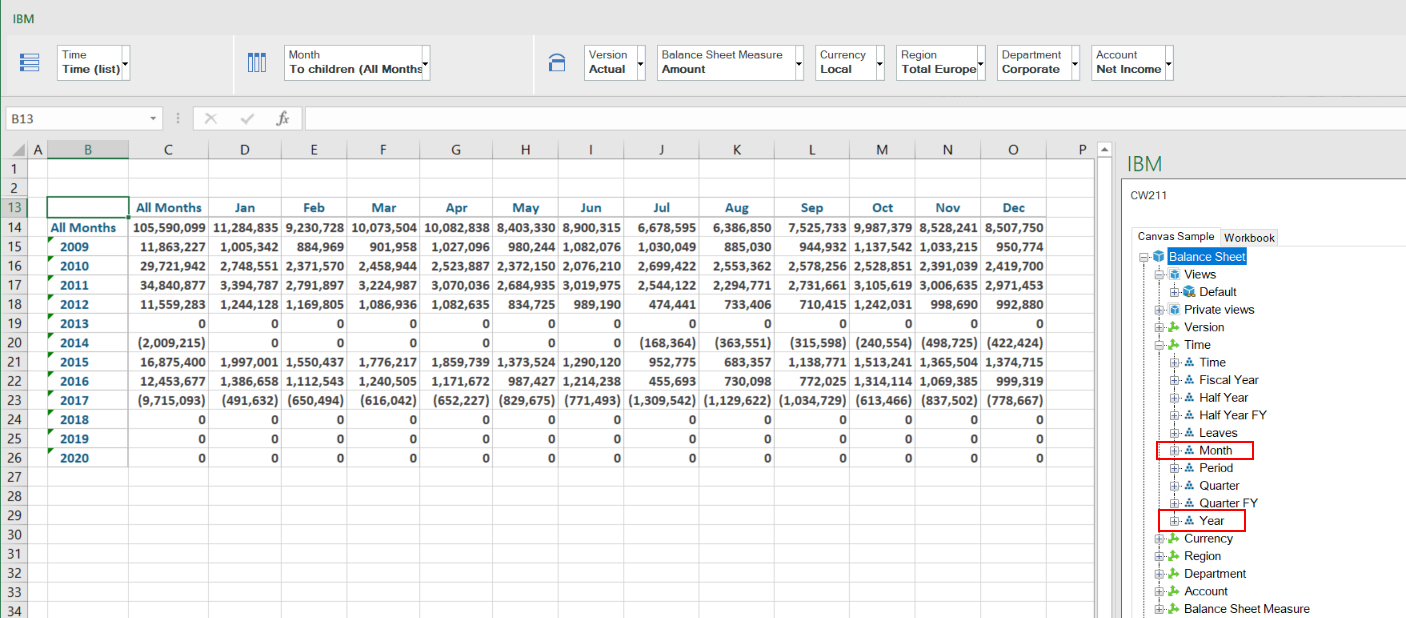
Alternate Hierarchies in Canvas
Probably the most exiting feature in IBM Planning Analytics is alternate hierarchies. Using alternate hierarchies will enable you to potentially reduce the number of dimensions in your cube and therefore improve cube size and performance.
-
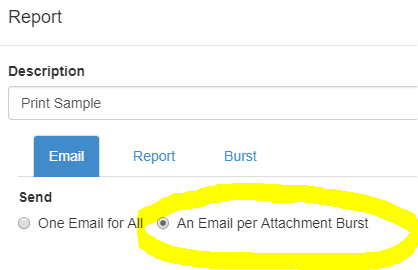
Different Sources for Bursting Reports
This article details the different bursting methodology you can use to send and to generate different PDFs and/or Emails.
-
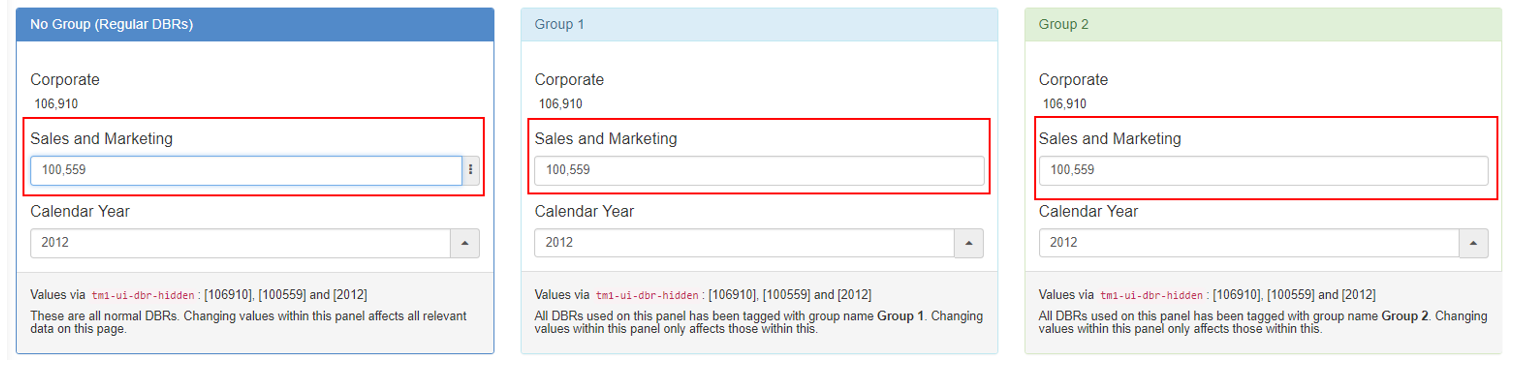
Refresh DBRs by Groups
By default when you input a value in a cell containing DBRs in Canvas, all the DBRs will refresh. From Canvas 2.0 and up, you can now group the DBRs so that when you input a value, only the DBRs of the same group as that input will be refreshed. This could greatly improve the…