Category: How To
-
Burst TM1 Web Reports with Atmosphere
Experience the ease of bursting TM1Web reports into XLSX or PDF files effortlessly, courtesy of Atmosphere. With Report Distro Lite, sharing static TM1 Reports with non-TM1 users becomes a breeze.
-
Cube to Cube Cloud Sync with Atmosphere
Experience the future of TM1 cube synchronization with Cube to Cube Cloud sync in Atmosphere. Say goodbye to cumbersome file exchanges between servers. Now, effortlessly synchronize TM1 cubes across various instances through Atmosphere, eliminating the complexity of data transfers.
-
Burst PDF reports with the Task Scheduler
From Canvas 2.0 and up, there is now a Task Scheduler which you can use to schedule tasks. These tasks can contain TM1 processes, TM1 chores or Canvas pages. This article describes the steps to follow to set up a new task which is going to send by email one dashboard per region.
-

Slice Hands On – Part 1
The objective of this user manual is to walk you through the main features of Slice. This manual is split in 7 main topics:
-
Enabling the Arc Assistant in Arc
The Arc Assistant is now powered by Watson X or any OpenAI compatible service. This new feature allows you to use any OpenAI compatible service to power the Arc Assistant. This feature is great to use the Arc Assistant with your own AI service or with any other OpenAI compatible service. How to activate the…
-

PowerConnect – Connector Installation and Configuration Guide
This installation guide describes how to install and configure the PowerConnect connector to load data from IBM Planning Analytics to Microsoft Power BI. Prerequisites Installation Upgrade Configuration Testing To ensure a successful installation, open the “Get Data” dialog in Microsoft Power BI Desktop and search for “cubewise”. The following data source will appear: The PowerConnect…
-
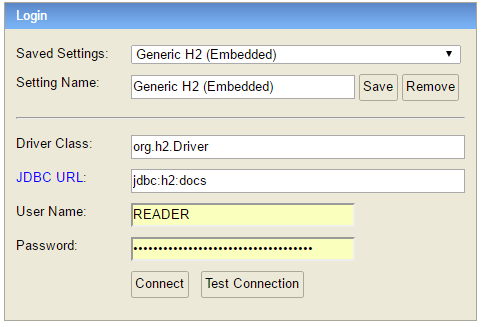
Connecting to the Pulse Database
Since Pulse v5.6, Pulse uses only one h2 database by default, to access the data you just need to connect to the docs.h2.db. Instead of the h2 database, since v5.6 you can migrate your Pulse data to a MS SQL Server.
-

Arc for TM1 Hands-on Part 2
Before going through this training, it is recommended to go through the Arc hands-on Part 1.
-
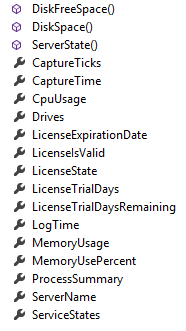
Customising Content of Your Email Alerts (Pulse 6+ versions)
Pulse now enables you to customise the email that is generated based on alert criteria. This is useful if you want to integrate the Pulse alerts into an existing help desk/ticketing system that accepts email as a ticket input source.
-
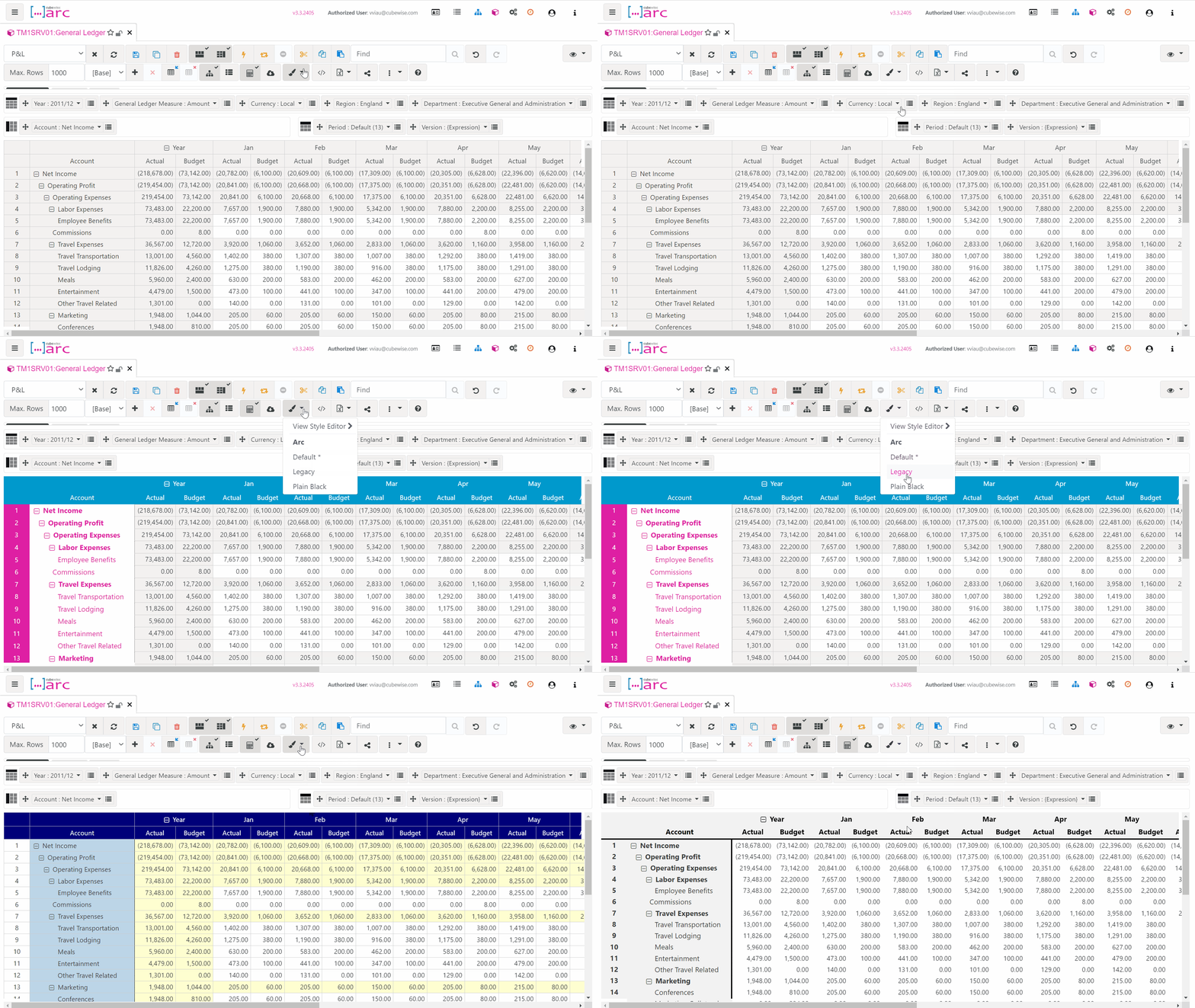
Using the View Style Editor in Arc
Starting with Arc v3.3, the cube viewer comes with styles! From a cube view, you can select the style you want to use and access the View Style Editor to create your own styles.