Category: How To
-
Including control objects and bedrock processes to source control and relationship diagrams
Control objects and Bedrock processes are not included by default in the source control and the relationship diagrams features.
-
Mastering conditional feeders in TM1
This article gathers everything you should know about conditional feeders in IBM Planning Analytics powered by TM1.
-
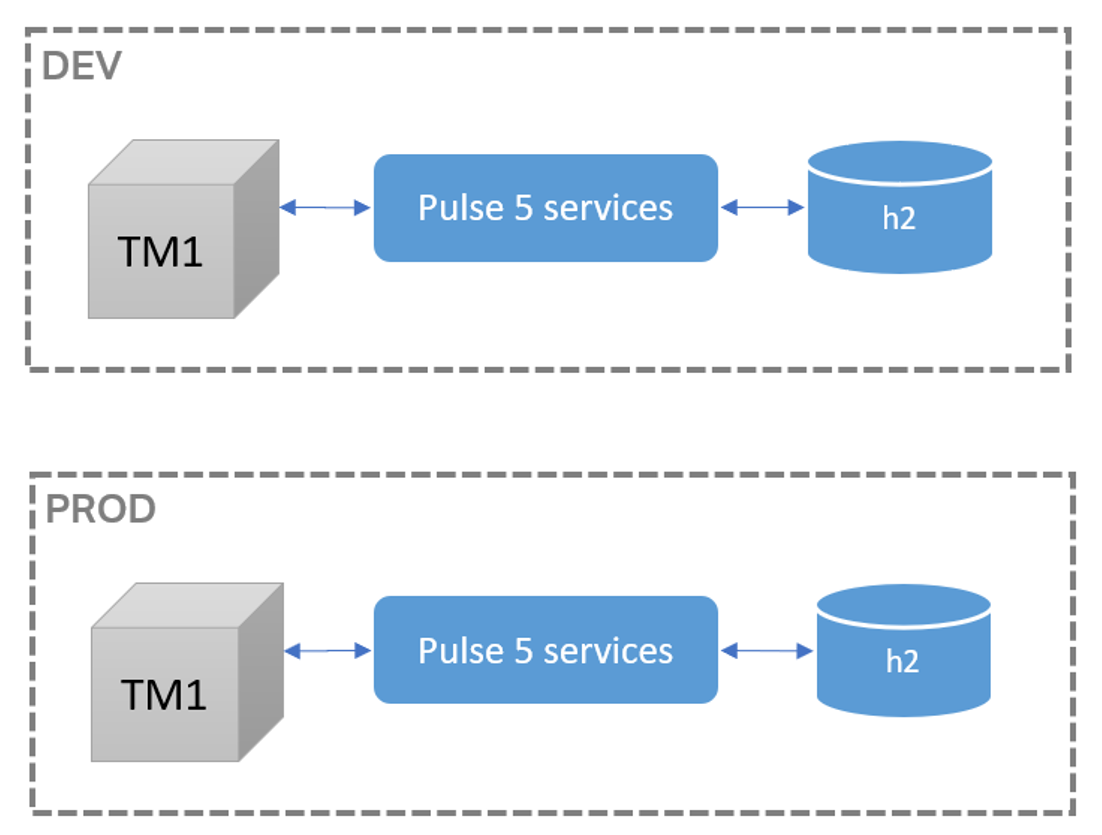
Migrating Pulse v5.x history into Pulse v6.x
This article explains the steps to migrate Pulse 5 data from one server to a new server where Pulse 6 is installed.
-
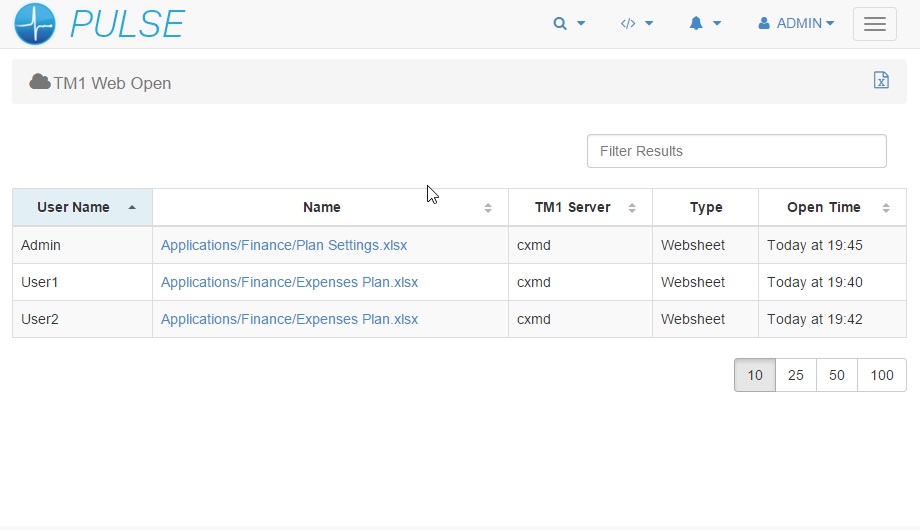
Enable TM1 Web Logging to Pulse v6.x
Pulse for TM1 allows you to track how TM1 Web is being used, each time a user moves between web sheets and cube views it is logged to the Pulse database. Quickly see the current open web sheets so you can determine what is causing long running queries or slowing the system.
-
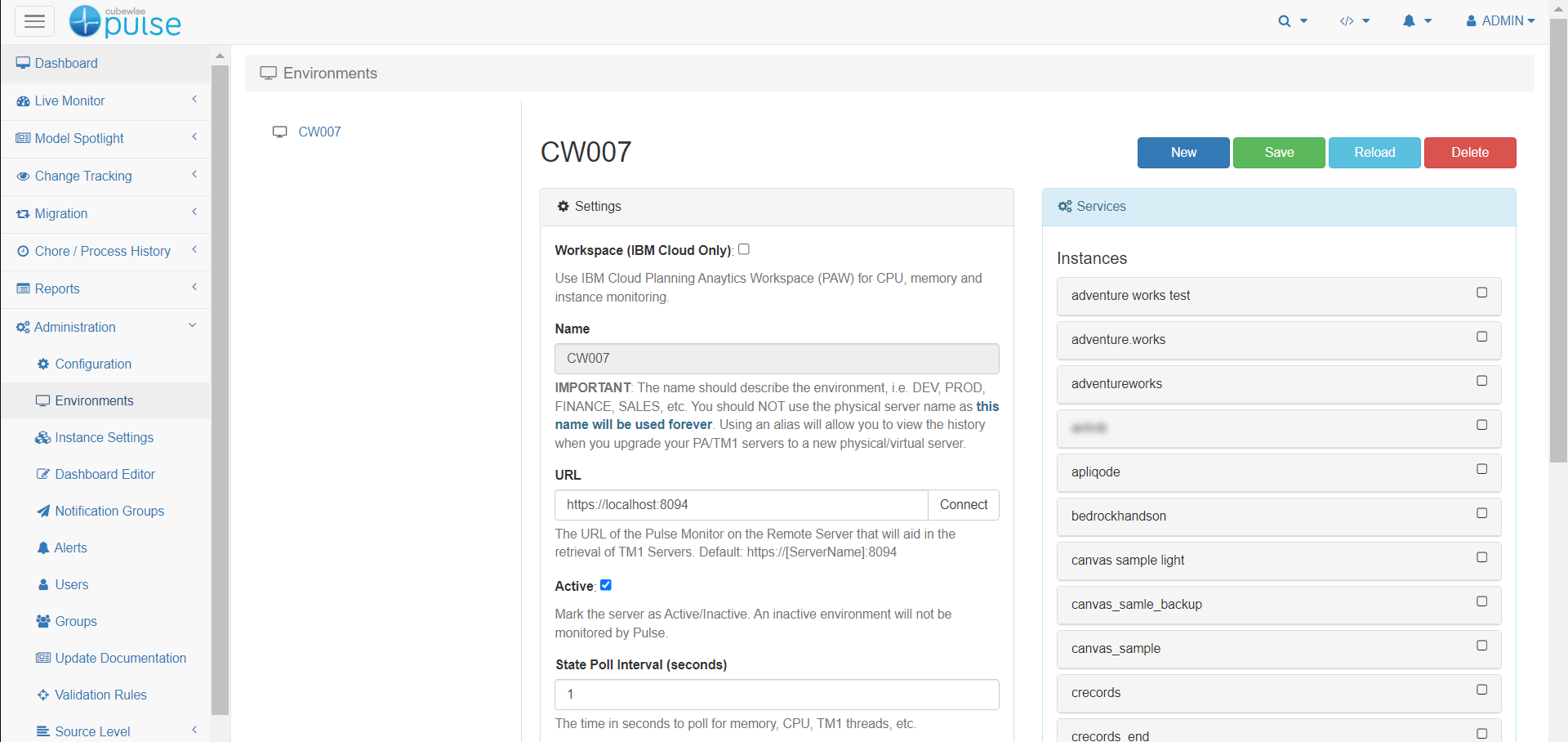
Connecting a Pulse Monitor
Once the Pulse Monitor has been installed on a separate server, the next step is to connect it to the main Pulse Application Server.
-
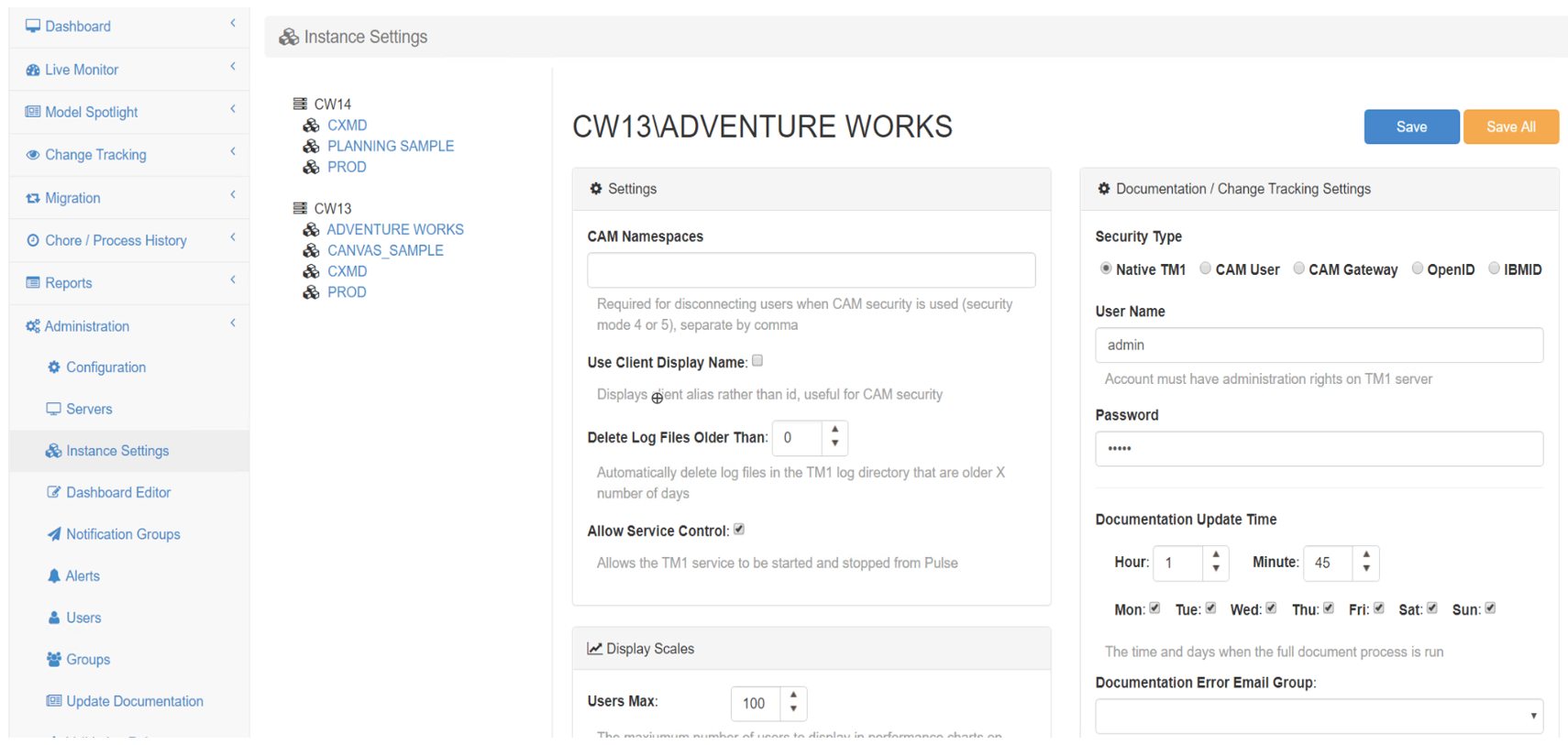
Connecting a TM1 instance
To connect to a TM1 instance with Pulse 6 or later, Pulse uses the TM1 REST API, you need to make sure first that the TM1 REST API is enabled for each instance and accessible from the Pulse server, more information here:
-
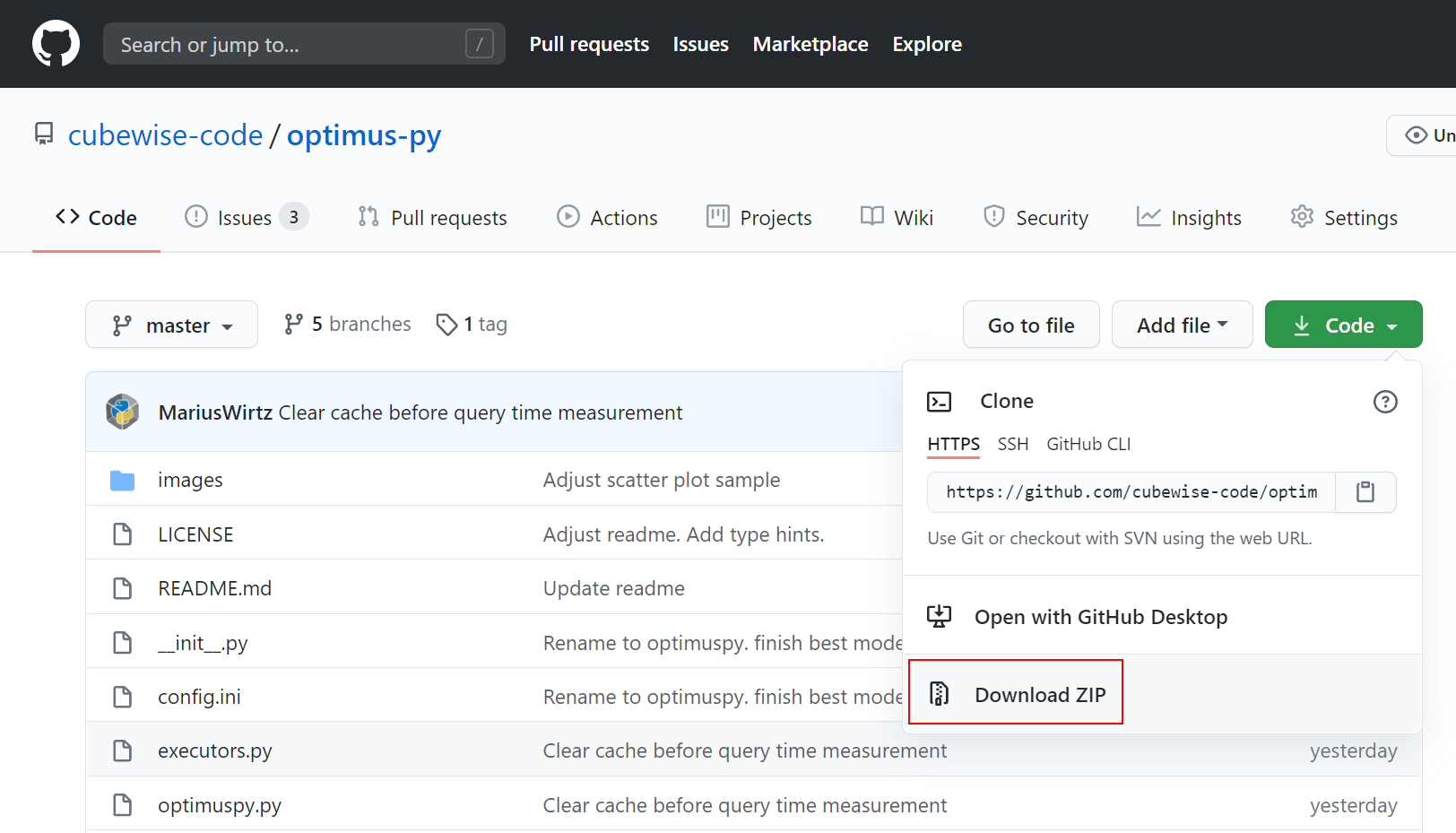
Finding ideal dimensions order with OptimusPy
This article explains how to leverage OptimusPy to optimize your cubes for performance and memory.
-
RushTI optimized mode
RushTI now has an alternative execution mode: OPTIt allows for an optimized execution schedule.
-
Loading data into a TM1 cube with TM1py
This article explains three methods of loading data into a TM1 cube with TM1py.
-
Updating dimensions with TM1py
This article explains two different ways to update dimensions with TM1py.