Category: How To
-
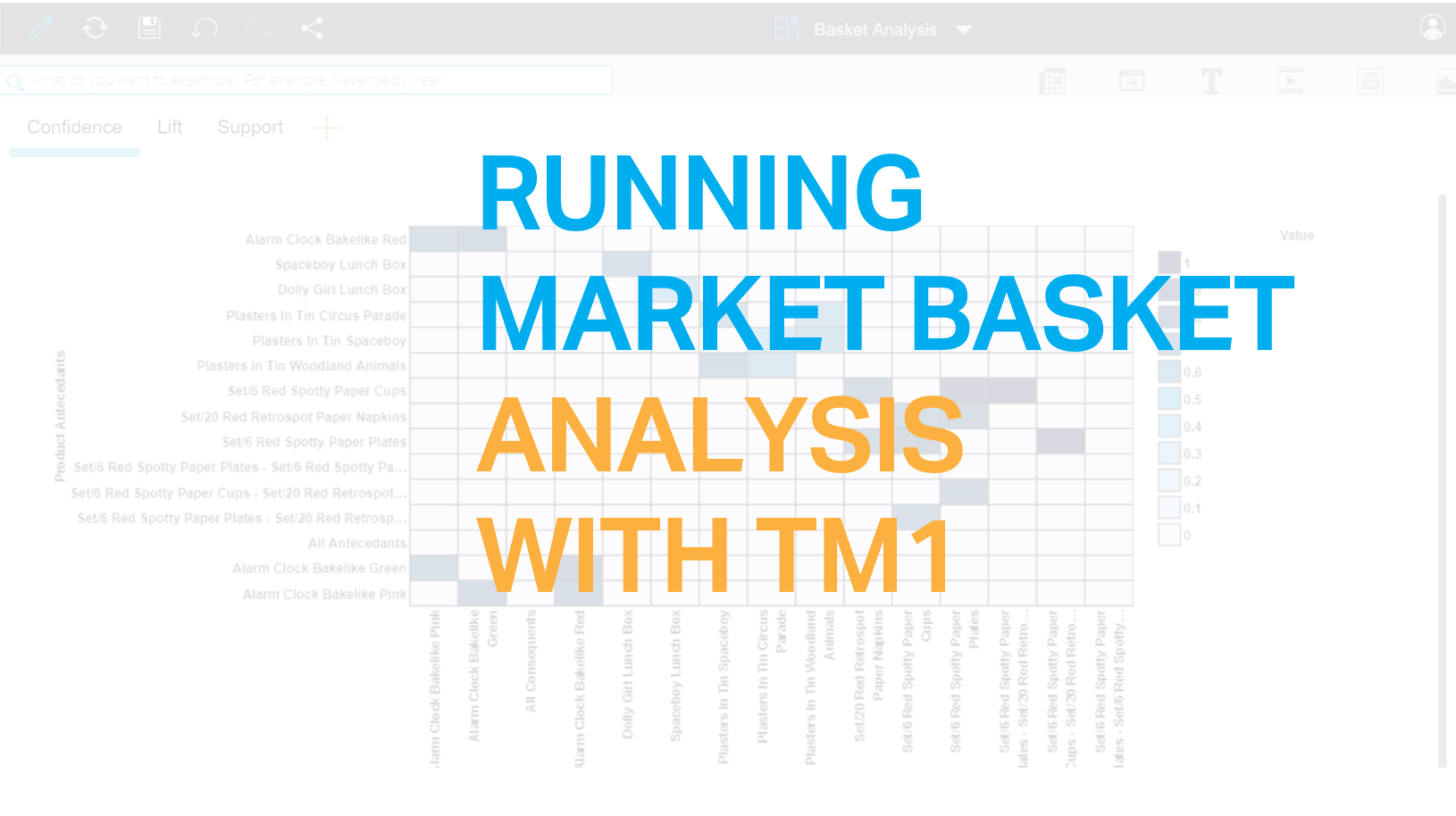
How to run a Market Basket Analysis with TM1py and PAW
You’re walking through your local grocer. You rummage through your basket and manage to find your shopping list.
-
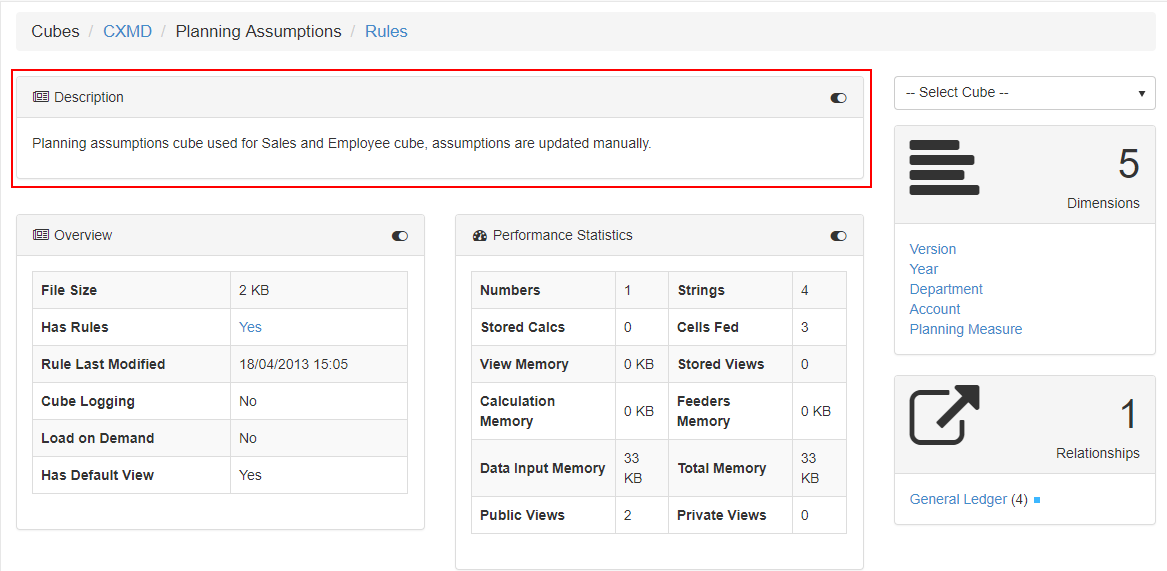
Generating the Technical Documentation
With the Pulse Technical Documentation, you will be able to see the relationships between your IBM TM1 and Planning Analytics objects, as well as information about views and subsets to give you a full picture of what the model contains.
-
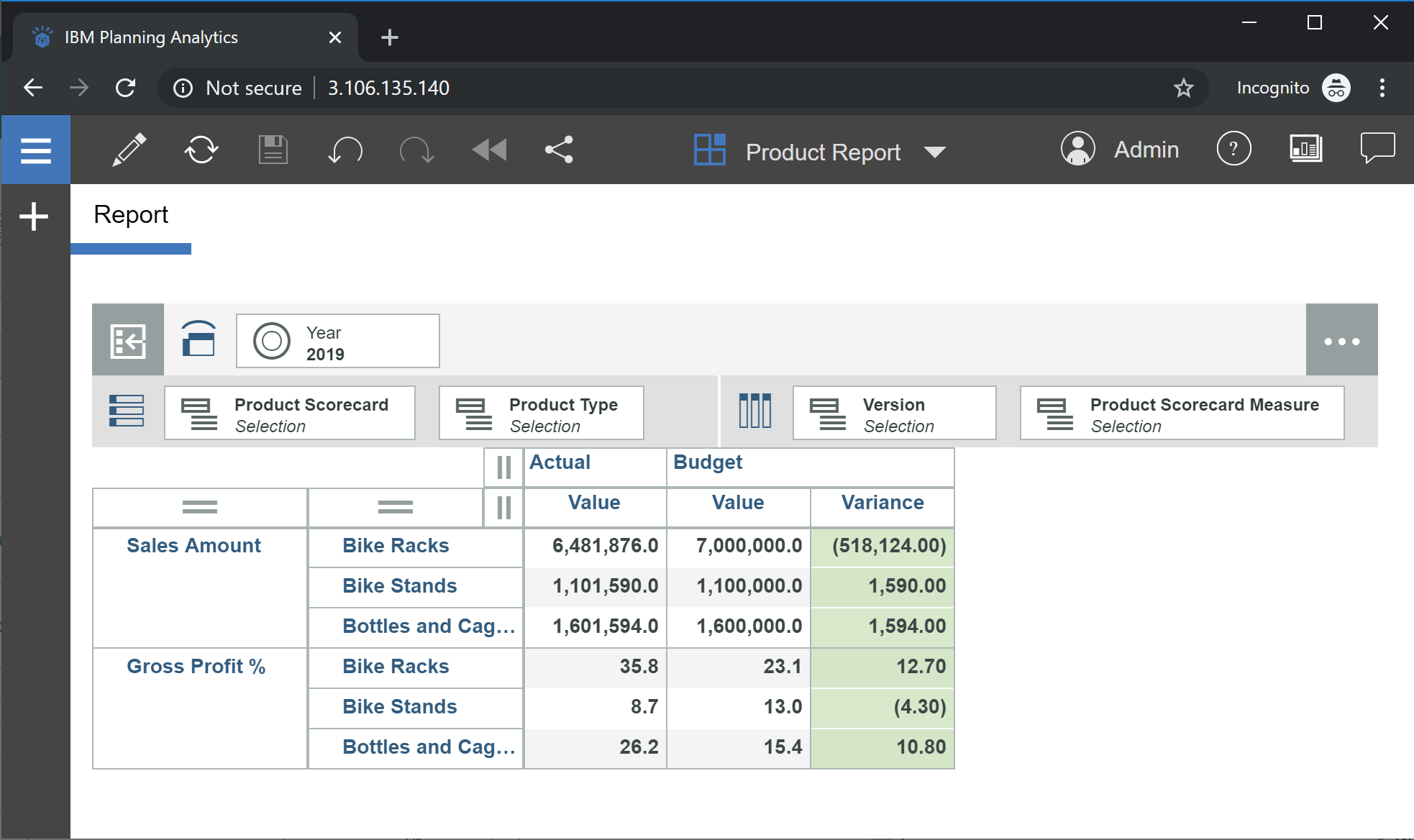
Tips – Enhance your report using emoticons in IBM Planning Analytics
Here, I’m going to show how to do this in IBM Planning Analytics, by updating this report to include business logic to display emoticons. Steps: Screenshots are based on these resources: 1. How to set up the Cube Emoticons are basically text. To store text in a TM1 cube, a string element must be created…
-
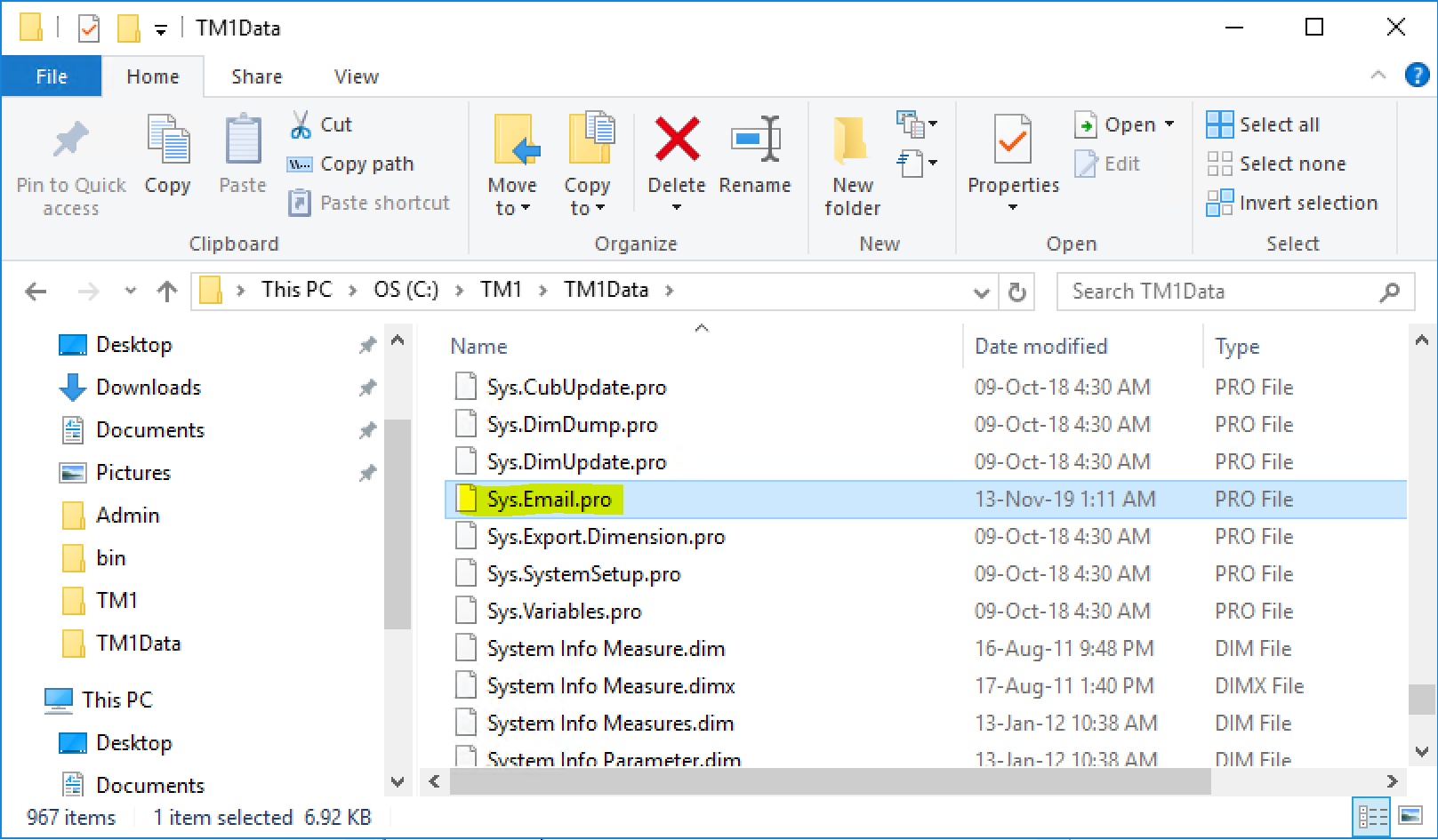
Tips – How to email a report using TM1
Take the first step to automate Excel report distribution to your users.
-
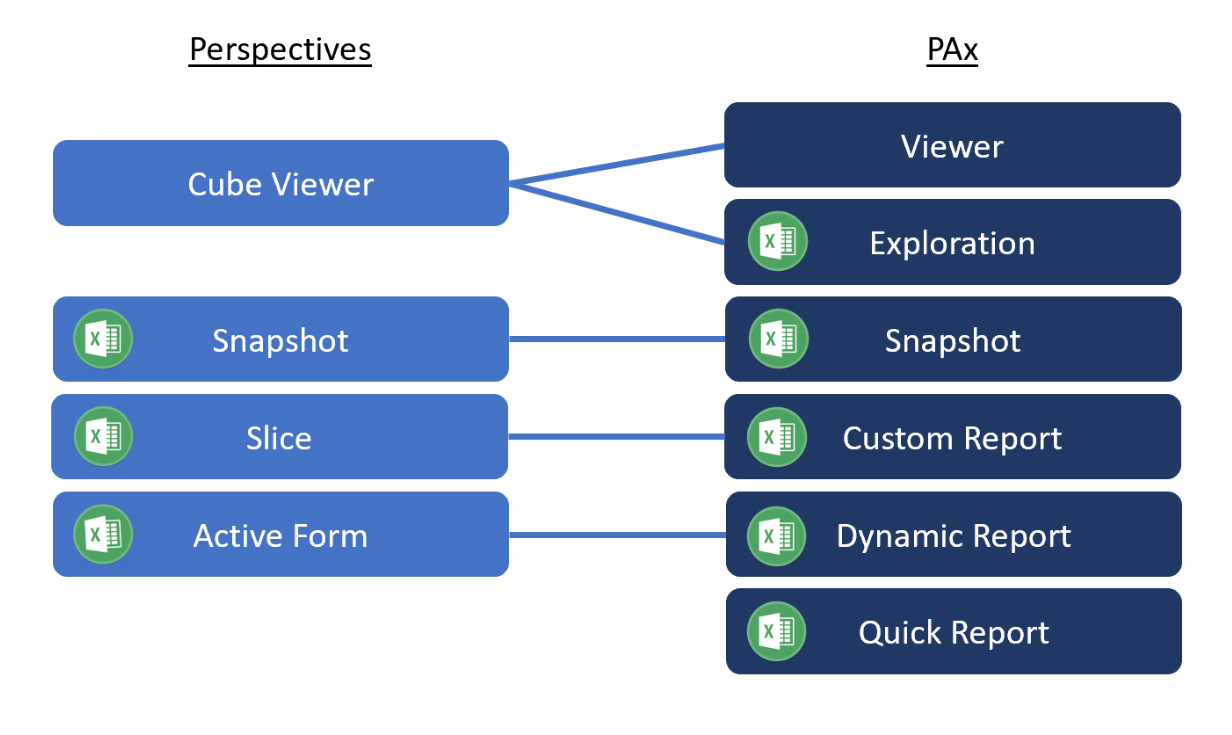
Transitioning from Perspectives to IBM Planning Analytics for Excel
PAx contains the same reports provided in Perspectives, as shown in the mapping table below. Not only has the name changed, the interface have changed too.
-

Arc for TM1 Hands-on – Part 1
The objective of this user manual is to walk you through the main features of Arc. This manual is split in 11 topics:
-
Tips – TM1 Dashboarding done right with Apliqo UX
In this exclusive interview with DB Netz AG’s Dirk Reitinger, we hear how the usual challenge of taking data from TM1 into a BI tool was completely eliminated by integrating Apliqo UX with DB Netz AG’s immense TM1 model – half a terabyte in RAM and dimensions with 4 million elements.
-

Working with Pandas dataframes with IBM TM1 and Planning Analytics
Pandas is probably the most important Python library that you should be aware of if you want to write Python scripts on top of your IBM TM1 and Planning Analytics data.
-

Working with Python lists and dictionaries in a TM1 context
Lists and dictionaries are probably the most important data structures that you should be aware off when writing Python scripts for your IBM TM1 and Planning Analytics application.
-
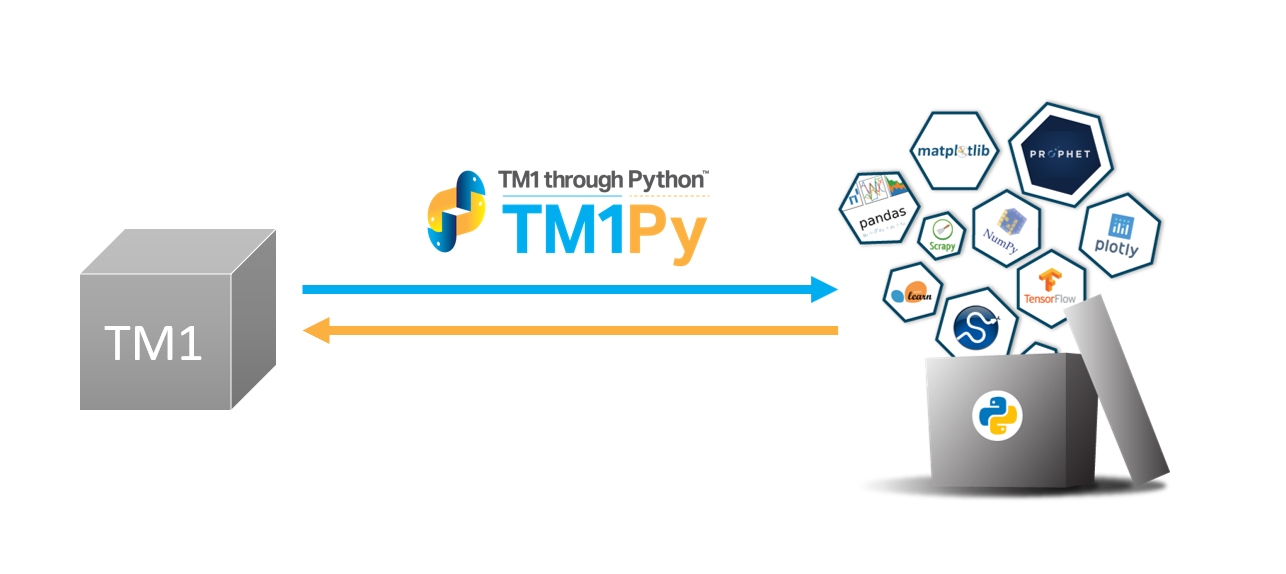
Getting Data from TM1 with Python
TM1py makes all the goodness of the Python ecosystem available to your IBM TM1 and Planning analytics cubes data. Python is very popular for Data Science and for a lot of other stuff. To use a Python library with your cubes data, you will need to get your data out of your cubes, do the…