Category: How To
-
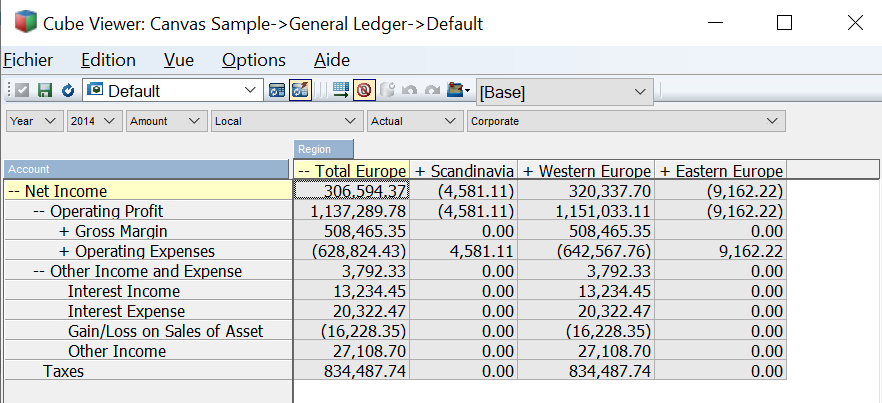
Using Architect and Perspectives with an HD screen
Recent Windows versions have fixed it but if you are using an old Windows version
-
Allowing login to multiple instances
When using multiple IBM Planning Analytics instances with the same credentials in your Canvas application, you will now be able to authenticate to all your instances by entering the credentials only once.
-
Sending TM1 REST API calls directly into TM1
A new API has been added that will allow a consultant or developer to send REST API calls directly into TM1 while leveraging on Canvas session handling. These REST API calls can be called through /api/rest
-
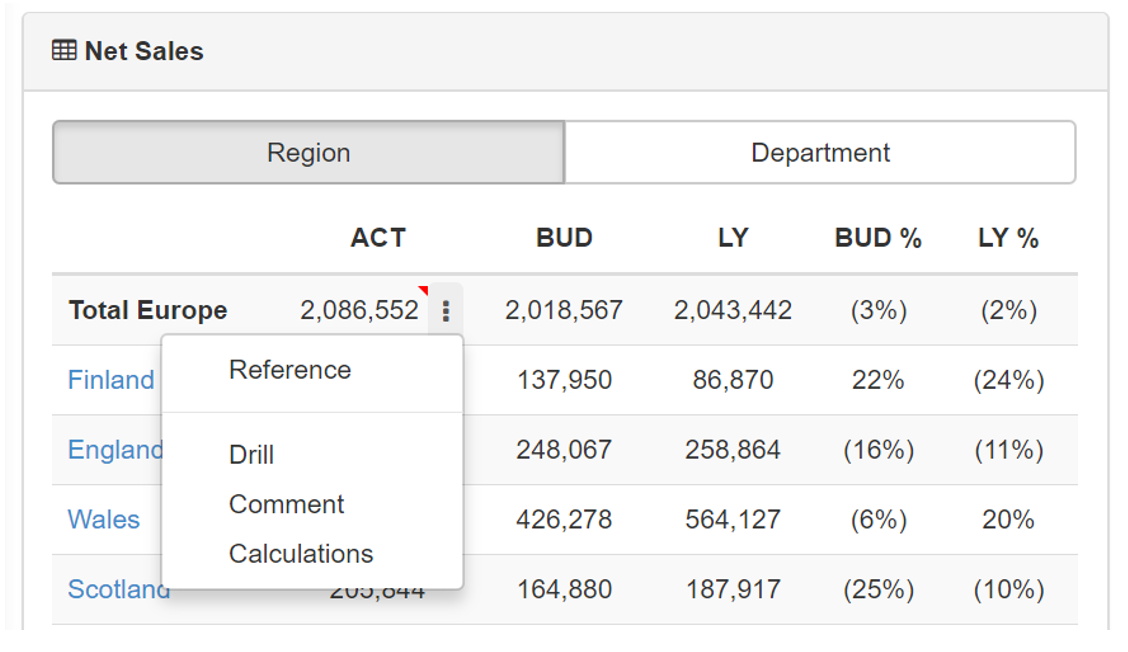
Using the Trace Calculation
Being able to trace calculation from any cell is a very popular IBM TM1 and Planning Analytics feature. This is now available in Canvas v3.2.0.
-
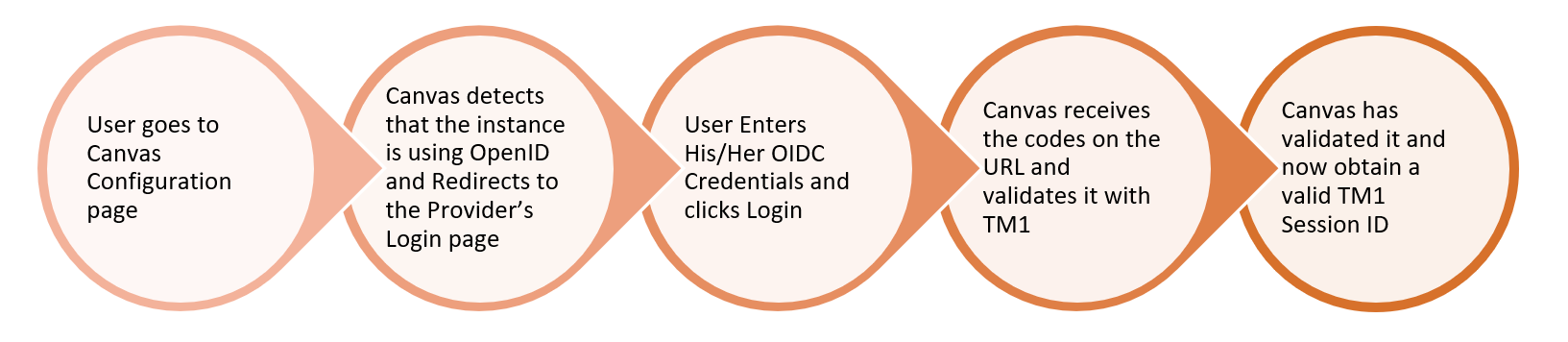
Setting up Open ID with Canvas
Canvas v3.2.0 can now connect to IBM Planning Analytics instances configured with Open ID authentication.
-

CubeCalc functions
To calculate all these functions, CubeCalc leverages the Python libraries Numpy, functools and scipy. This article lists all functions available in CubeCalc:
-
Getting Started with CubeCalc
This article will explain you how to set up CubeCalc, a super calculator for IBM TM1 and Planning Analytics
-
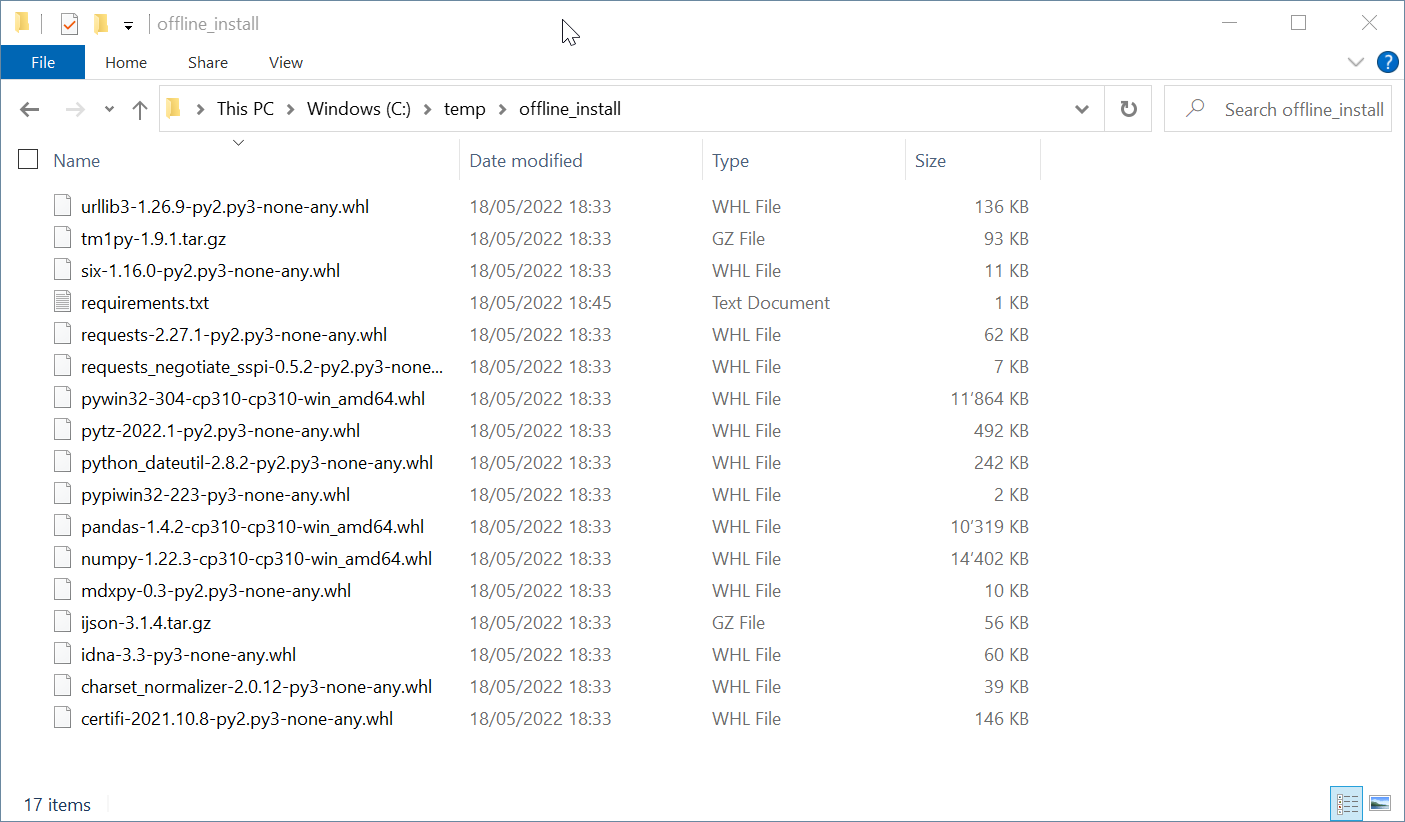
7 simple steps to install Python & TM1py without internet
It will return the path where Python is installed.
-
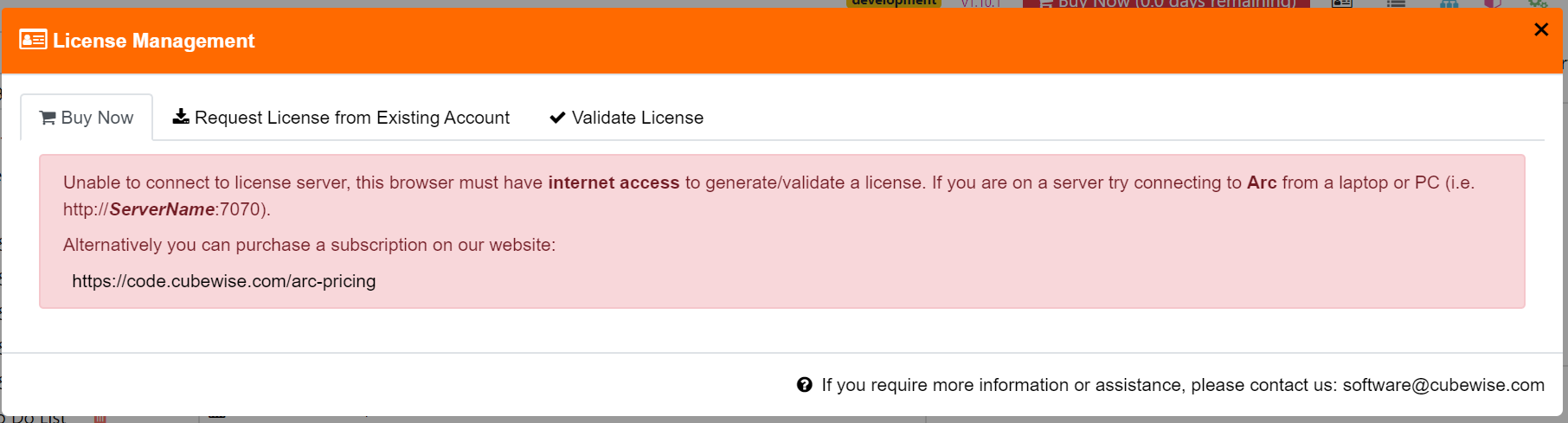
Generating an Arc license without internet connection
Arc cannot generate the license if the browser you are using does not have internet connection.
-

Creating a new validation rule
Pulse comes with a number of built-in rules that identify common pitfalls that may slow the system or make support difficult.